HI, I have been reading your manual about using the sms function but there are some points that I would like to clarify.
My setup is I have a PLC acting as my Modbus TCP Server(192.168.1.100). I have created an alarm with a Boolean variable(ID:48) which by default is zero and will turn into 1 once its triggered.
I have a RUT200 loaded with Modbus TCP client package. So I have set my TCP client with the server ID.
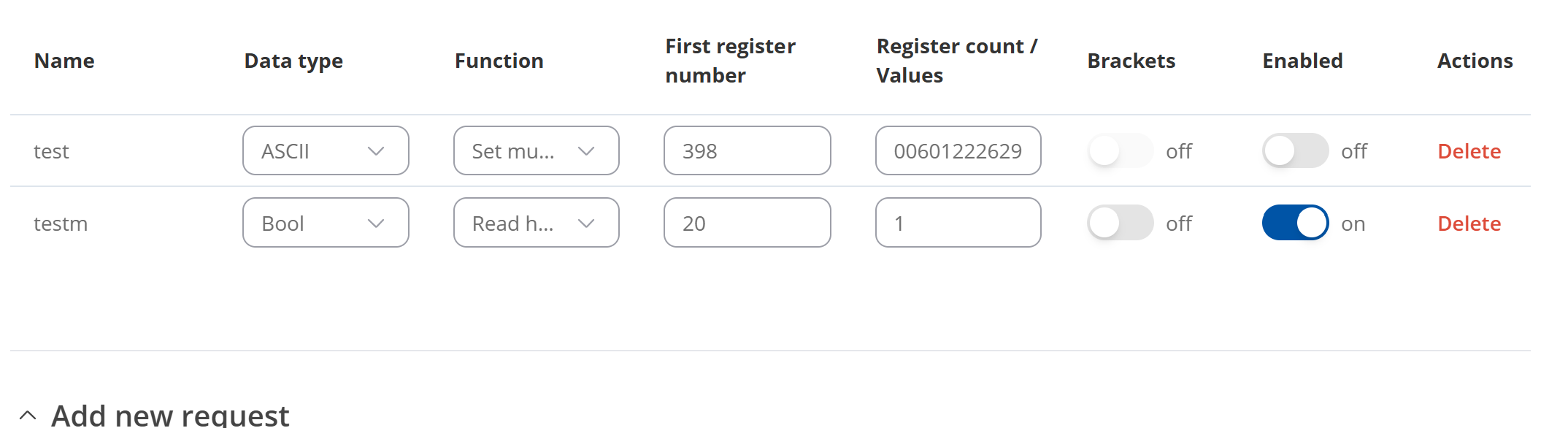
But I am not sure what to put in my request section to trigger the SMS to happen. (My Boolean register number is 20 in my modbus TCP server). Do I set it as below?
Have you indeed read this article you mentioned? It shows example where phone number is not listed in hex.
I would suggest reading through it, and replicating ALL of the steps mentioned there 1 to 1, i.e. to send message from the router itself.
Once then you have this setup working as described on the article, on then try to modify it to your solution.
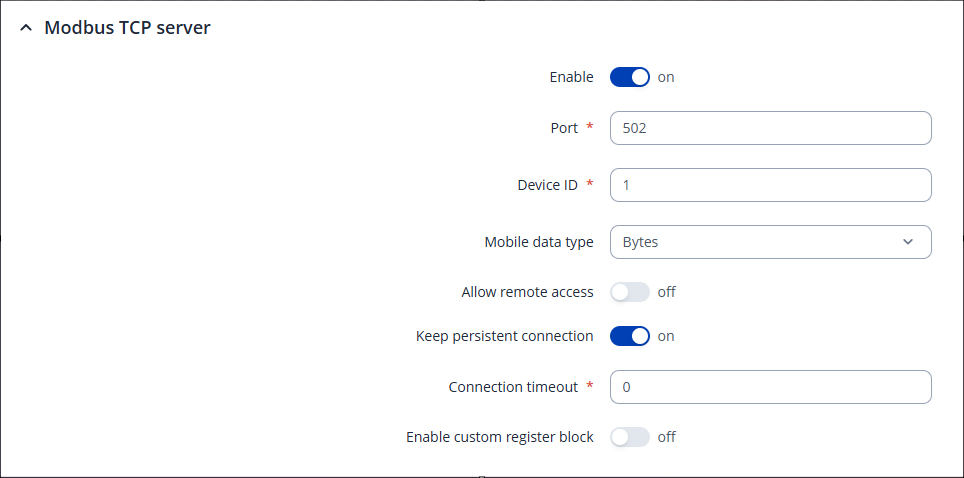
Note: To initiate message FROM your PLC, your PLC needs to act as Modbus TCP Client, and your RUT200 as Modbus TCP Server. In essence you have made everything in reverse.
Then, on your PLC, configure the Modbus TCP Client (it might also be called Modbus TCP Master) application. Try to send the following value to register 398 of your Teltonika equipment: