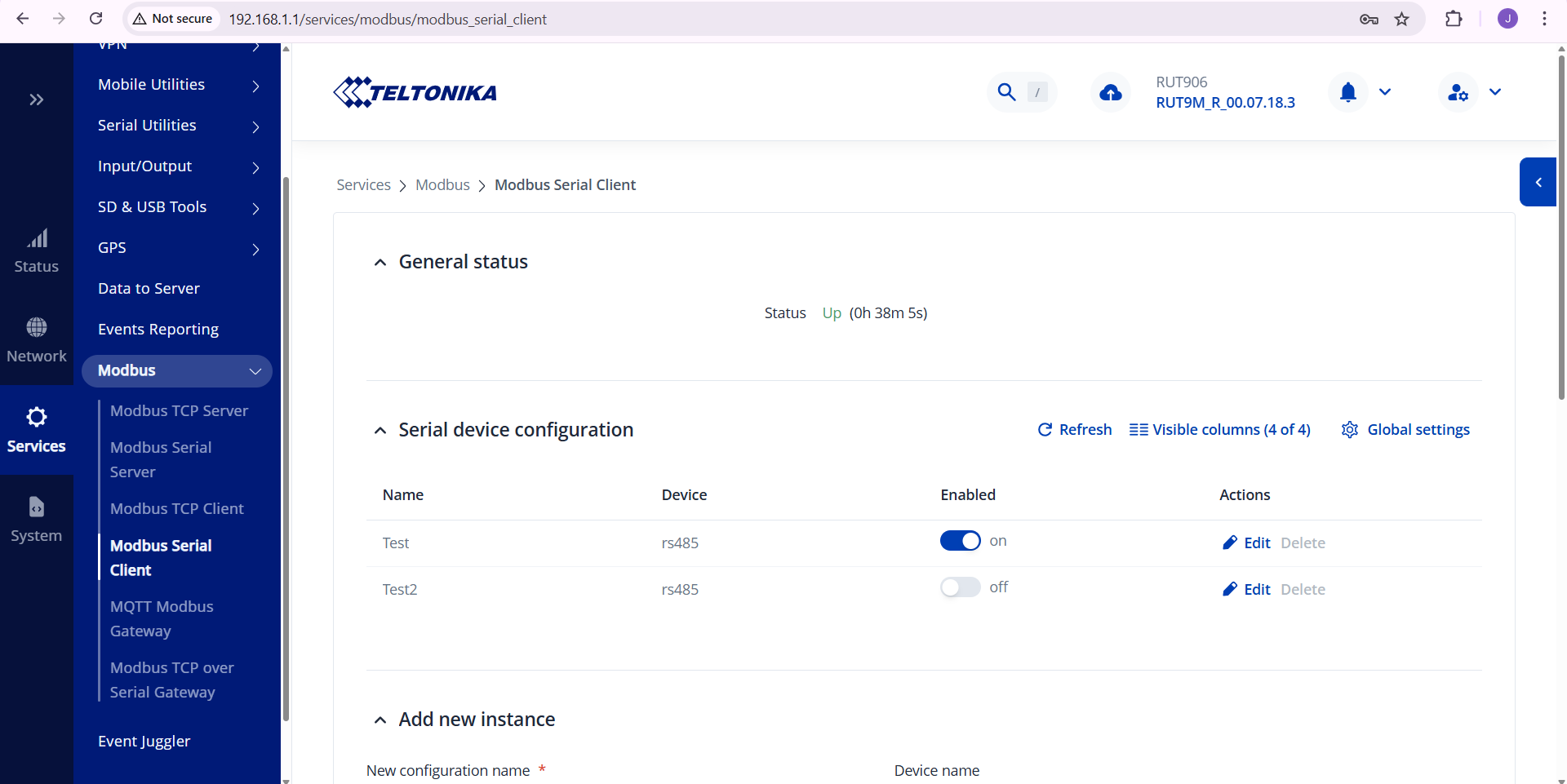
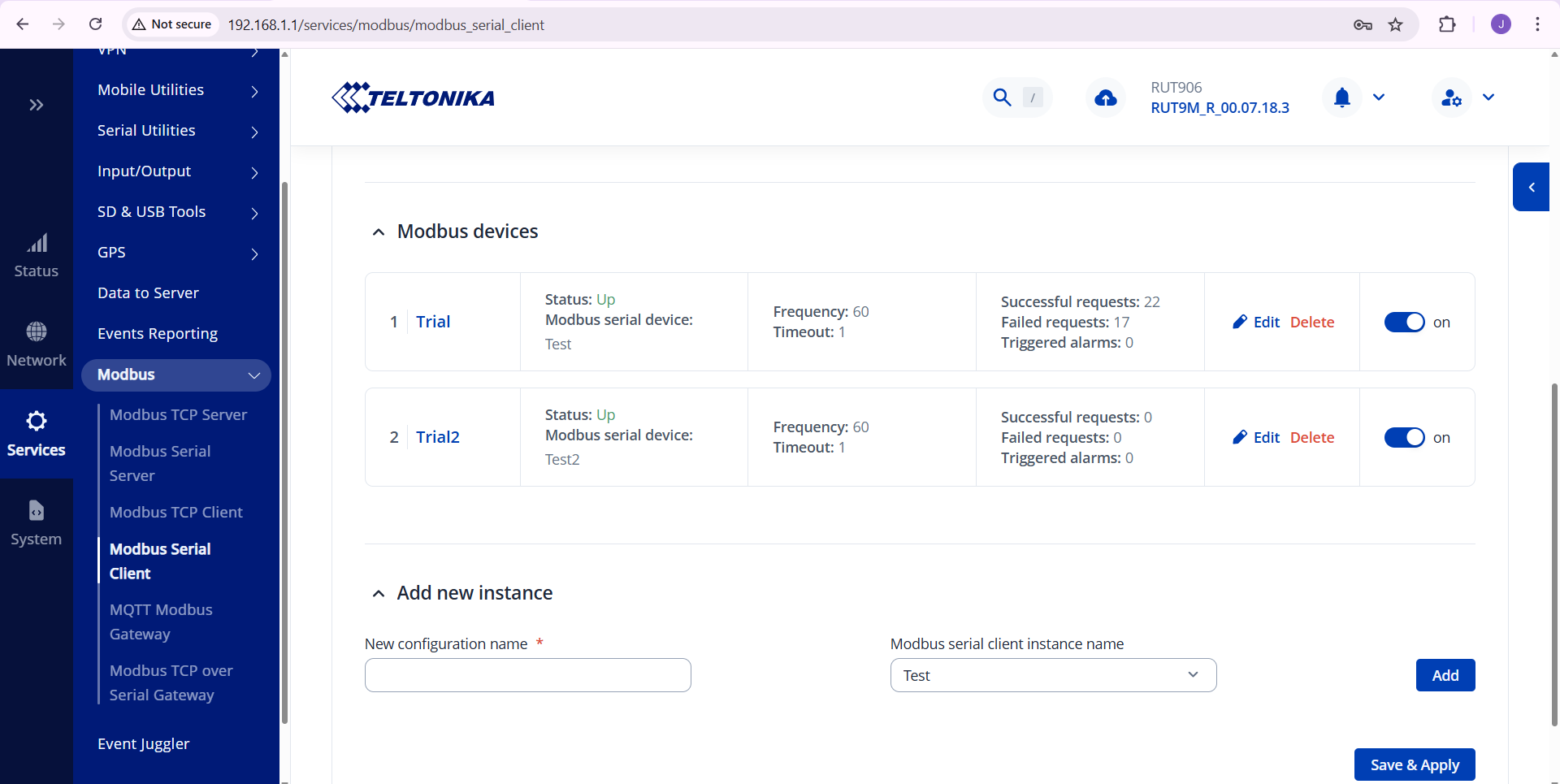
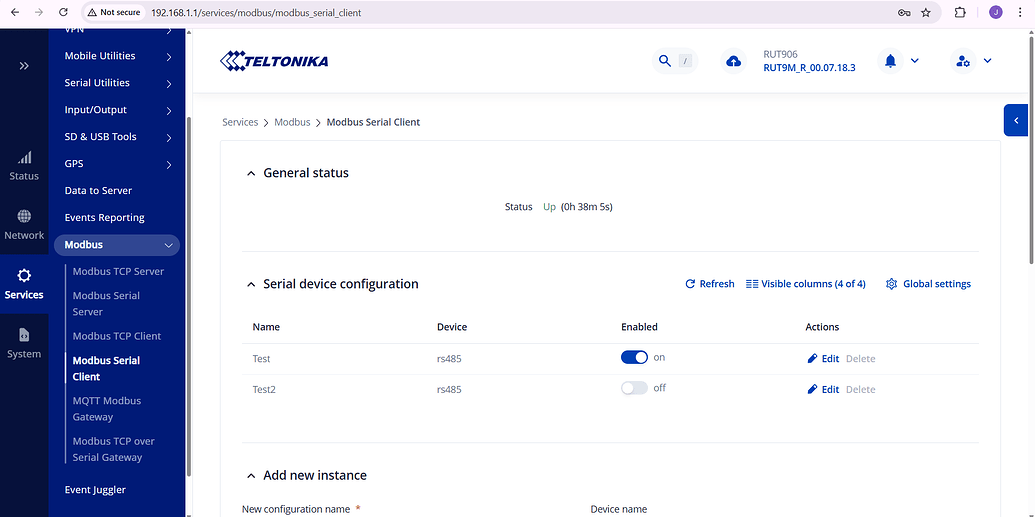
I want to communicate with my modbus RTU device via the RS485 using the RUT906. I have implemented the modbus functionality as shown in the pictures below and was successfull at reading the data coming from the slave device.
I now want to transmit that data to my web application (Datacake).
Thank you for the prompt response. I’m trying to implement the functionality but I’m a bit unsure about how to proceed at the time being (Could you, please, shed some light?).
Furthermore, is it possible to see the data being read from the Modbus slave in real time directly on the RUT906 webUI without having to use “test” functionality? (That is, it shows me the data being read dynamically).
To explain basically - your current Modbus serial client setup is now reading data, and in order to send/forward it, you’ll have to set up data to server.
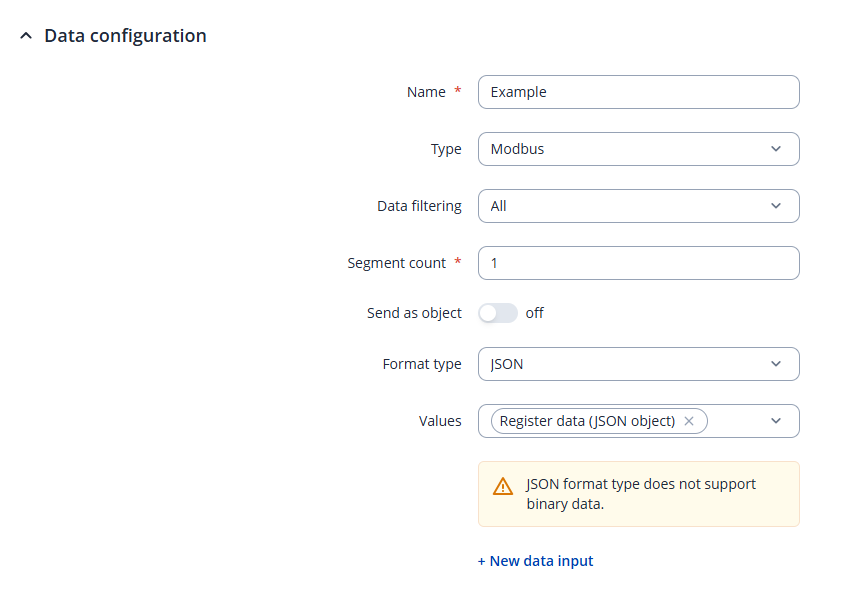
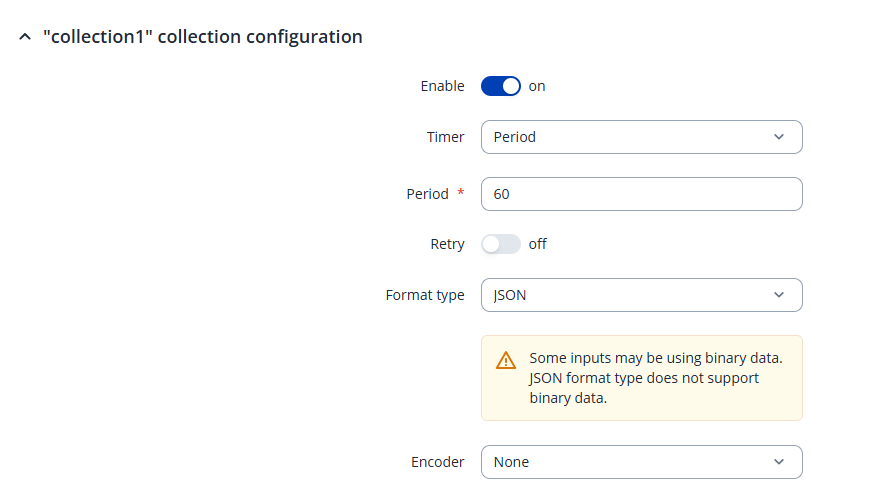
Your configuration will have to look something like the following:
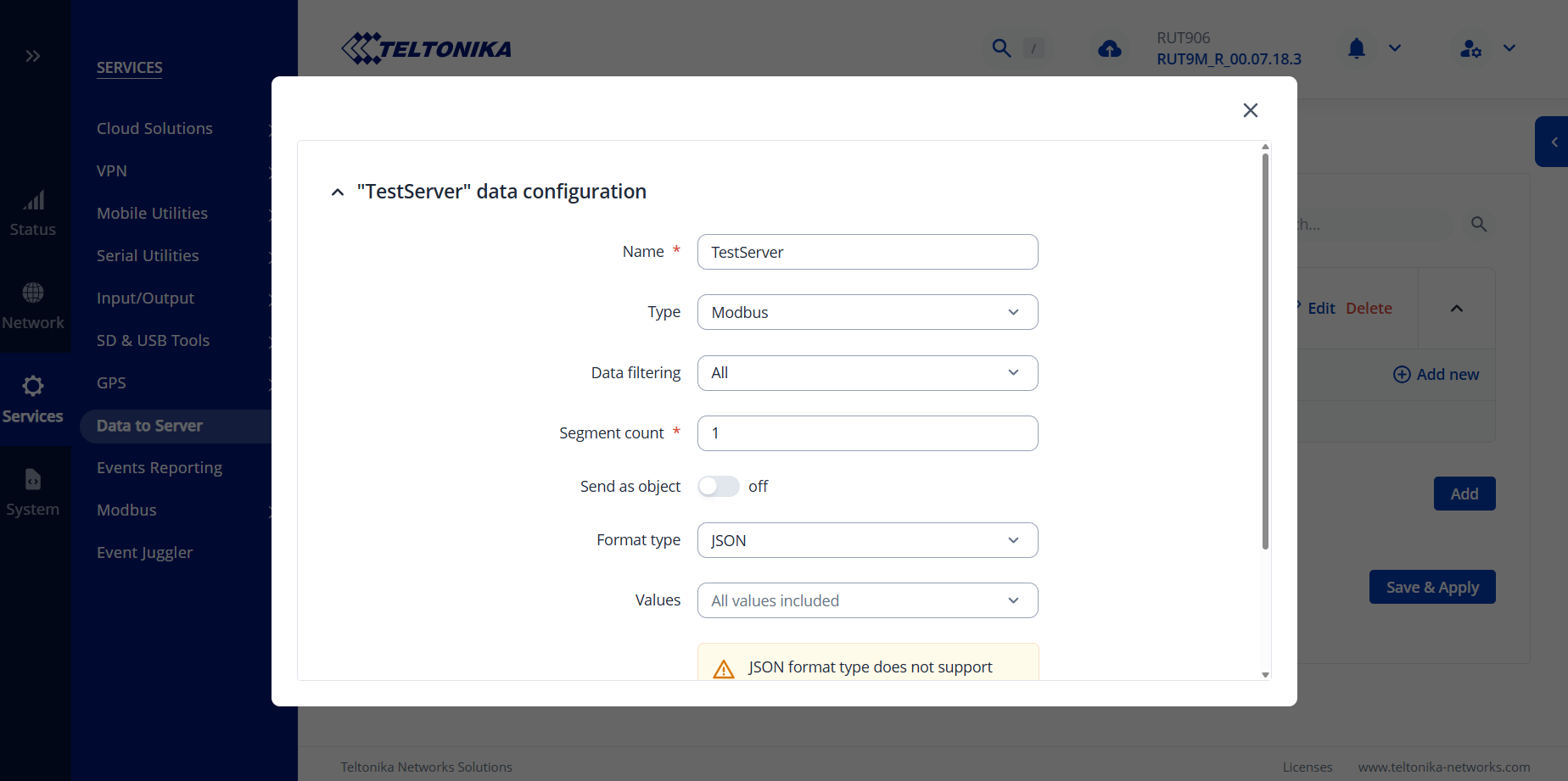
The first section is setting up the data that is being read, basically, we’re selecting Modbus as the data type that we’re reading & which we want to send to the server. Regarding the value type, this will depend on what you want.
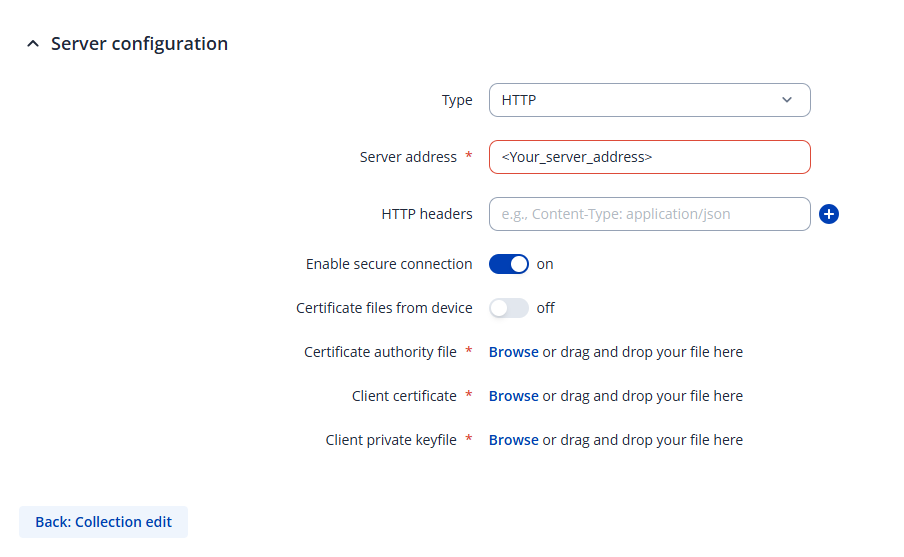
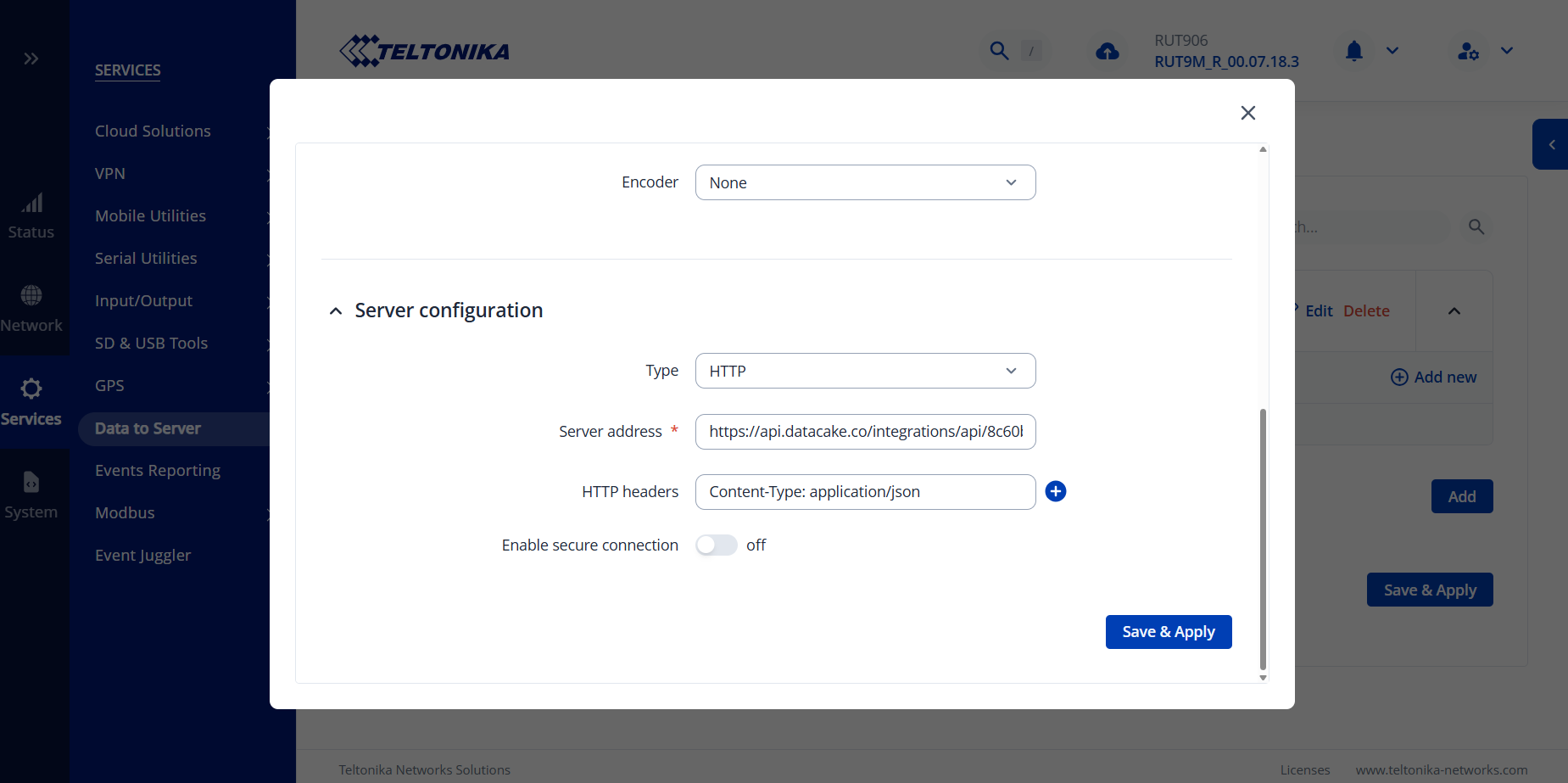
The last section is selecting what type of server you’re forwarding the data to, and adding things such as credentials, addresses, certificates, etc.
In theory, setting up data to the server & receiving the data to said server is basically this. I don’t believe there’s any other user-friendly way of achieving this. You may be able to view the logs of our device, but this won’t produce clean-looking data logs.
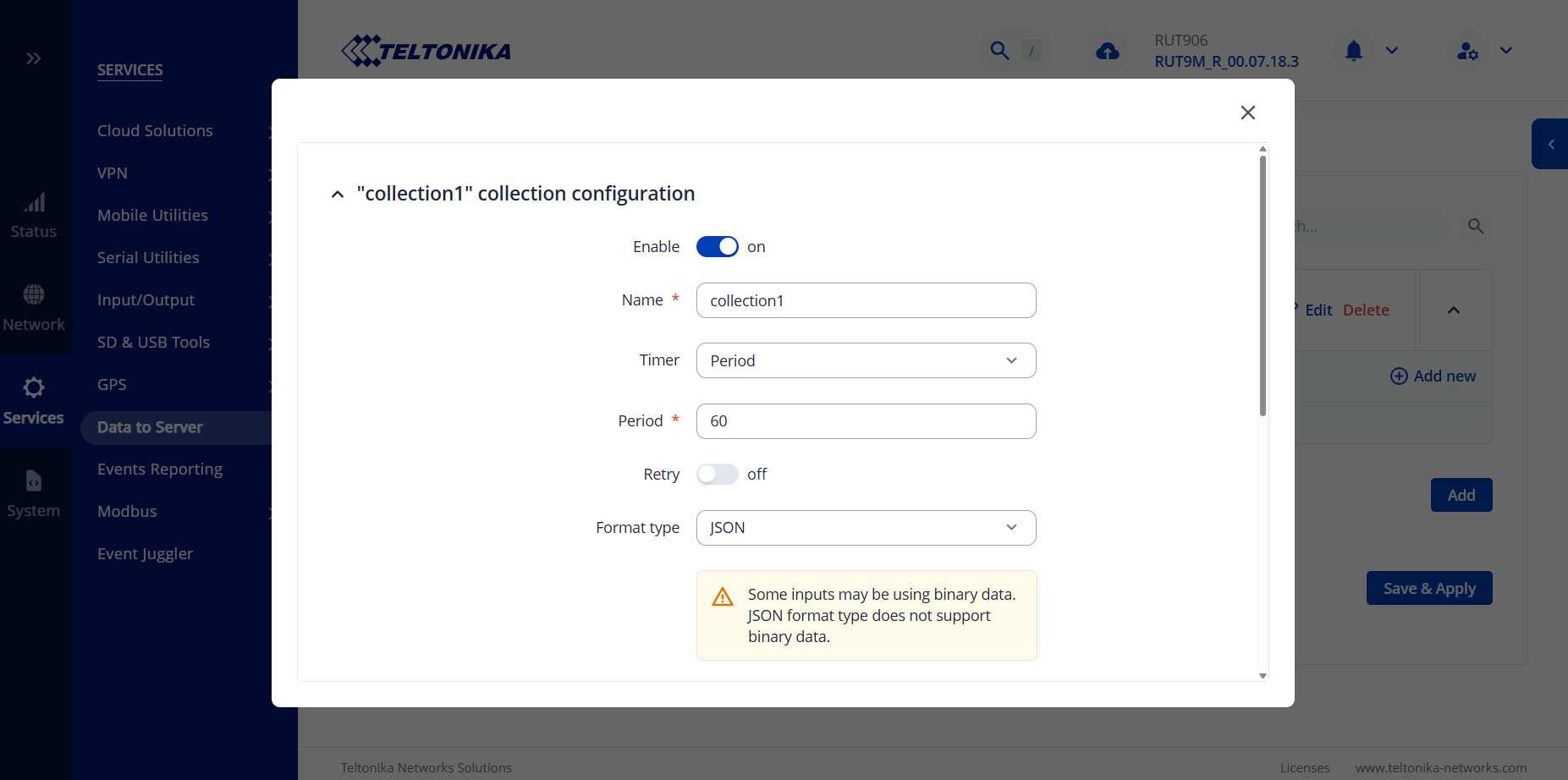
1st screenshot - enable retry, in case we’ll have to debug what’s happening.
2nd screenshot - Since we’re using an HTTPS link, I believe the Secure Connection option will have to be enabled
3rd screenshot - Probably optional, but try enabling Send as object too.
Apologies for not noticing sooner, but the link of the server address you’ve input is an API endpoint, which will not work. Unfortunately, there isn’t an option in data to server to write directly to API endpoints. Are you positive that there isn’t a specific server address on the other end that you could copy?
Regarding the secure connection option, I believe it won’t be required if you use the correct link. If you do, and it still doesn’t work, then perhaps the server (datacake) has an option to generate certificates which can then be uploaded here.
You are very close I believe, just need to find the correct address.
The link contains the word api in it, giving us the idea that it is an api endpoint that you’re trying to make a request to, which will not work. I’ve never used Datacake in my case, so we don’t really know how it functions, but perhaps there would be a way to contact their support to find out whether generating a proper server address is 100% not possible?
I’m a little confused here - the RUT956 has 1x RS485 & 1x RS232 port - how do you have 2 separate devices connected to the same RS485 port? Are you using some type of splitter?
When you press “Edit” on both of the devices, can you ensure that the Server ID values on both of these are different? For example, one of them should be ID 1, other ID 2, if configuration is required on the end-devices themselves, you have to change the IDs as well.
We also have to ensure that these two devices are seen as different servers, not as 1 single server.