I have checked this topic MODBUS TCP Server - Data Sources documentation missing and this Wiki section RUT956 Modbus - Teltonika Networks Wiki but I can’t make it work.
Could you provide a complete working example?
Thanks in advance.
I had it operational up till the latest version on my RUTx50. Since the upgrade to 7.24.6 it seems that the addressing of the data has changed. The documentation still says what I had configured but all the tests fail. So something goes wrong with the registers or addresses of the data sources.
The last version is RUT9M_R_00.07.24.3_WEBUI.bin. Could you please specify the last working version ?
Greetings,
Thank you for reaching out and apologies for the delayed response.
To help narrow this down, could you please provide the following information:
Once we have this information, we’ll be happy to look into it further.
Best regards,
Martyna
RUT9M_R_00.07.24.3, model RUT956
The easiest setup, the router reads itself to obtain just one variable: uptime
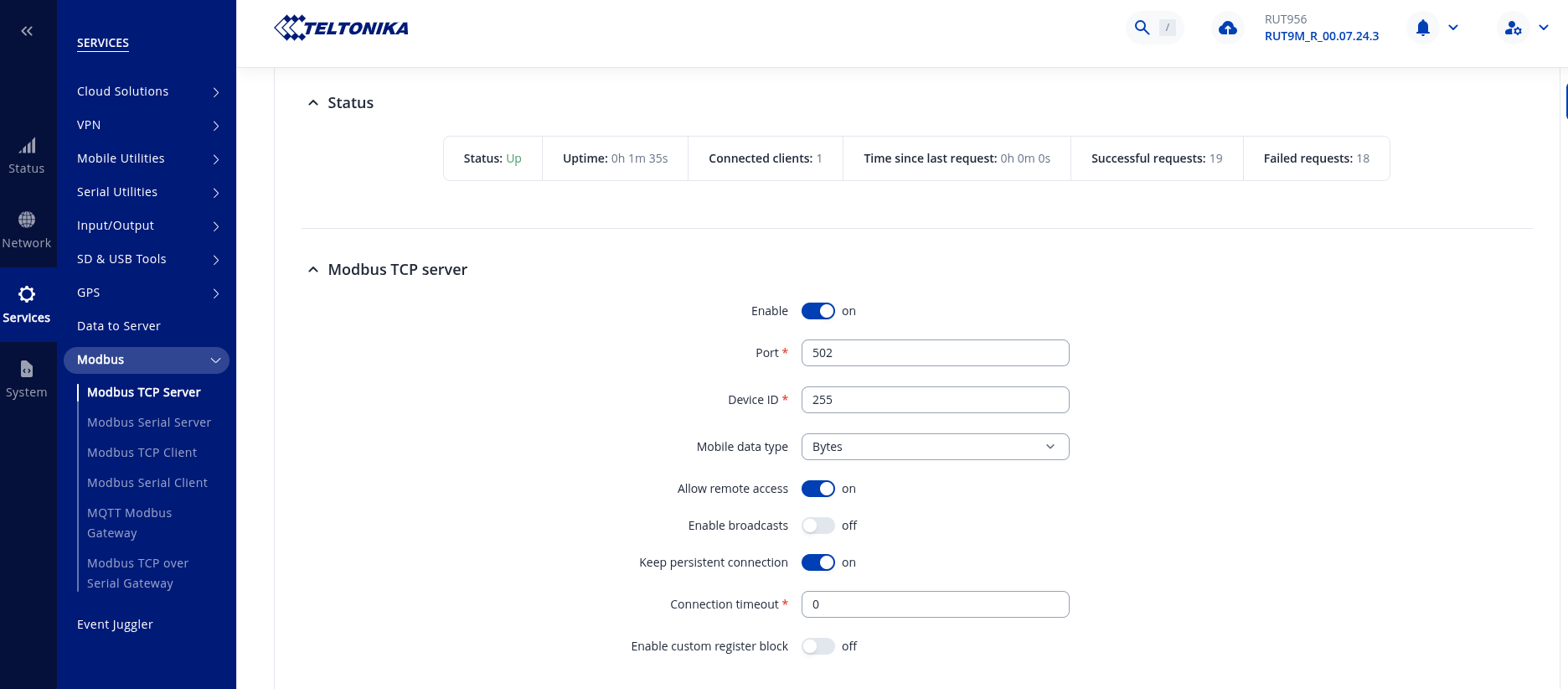
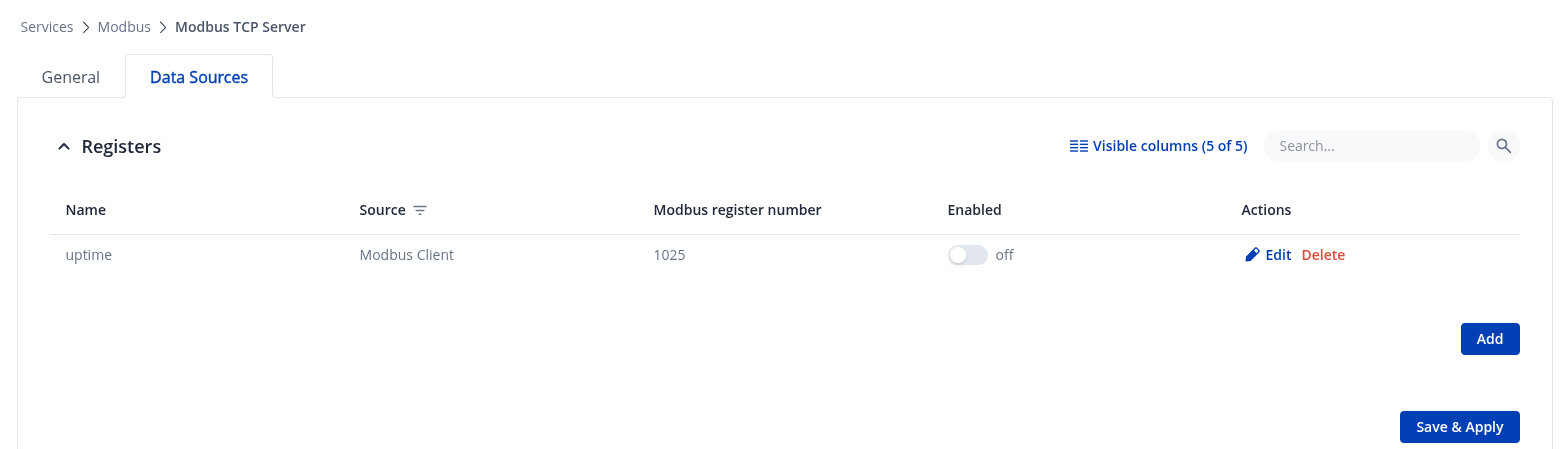
MODBUS TCP server:
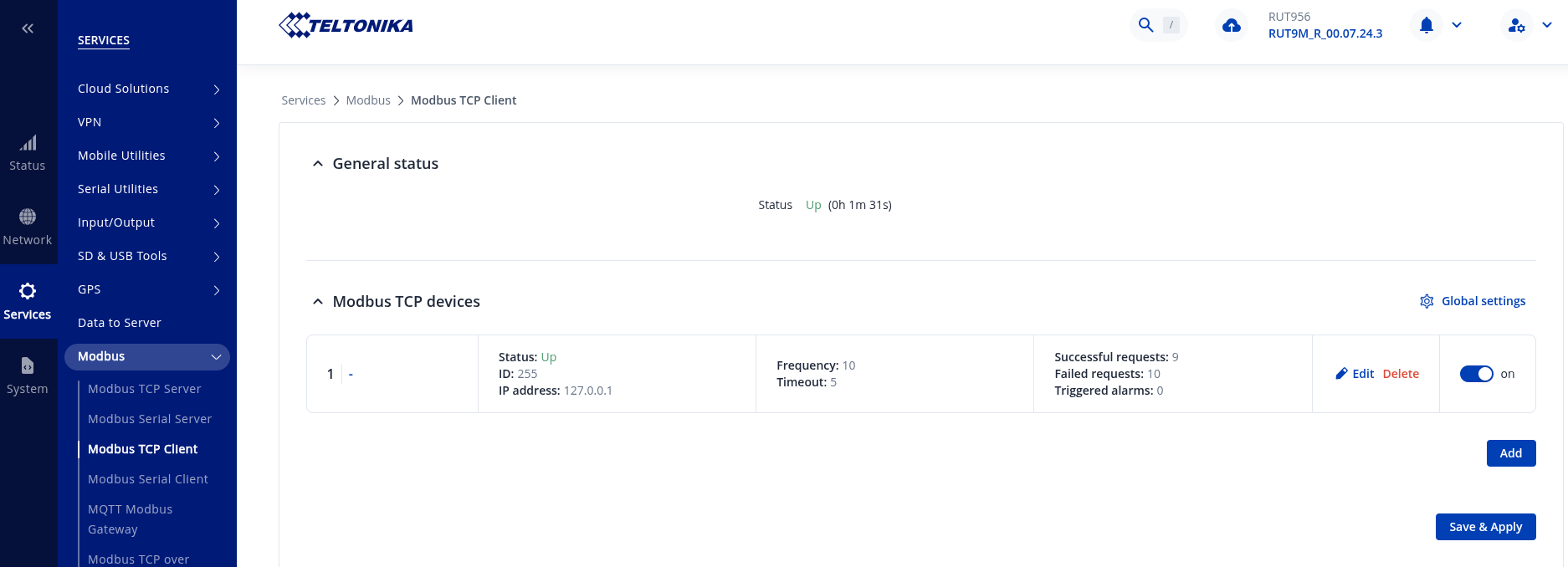
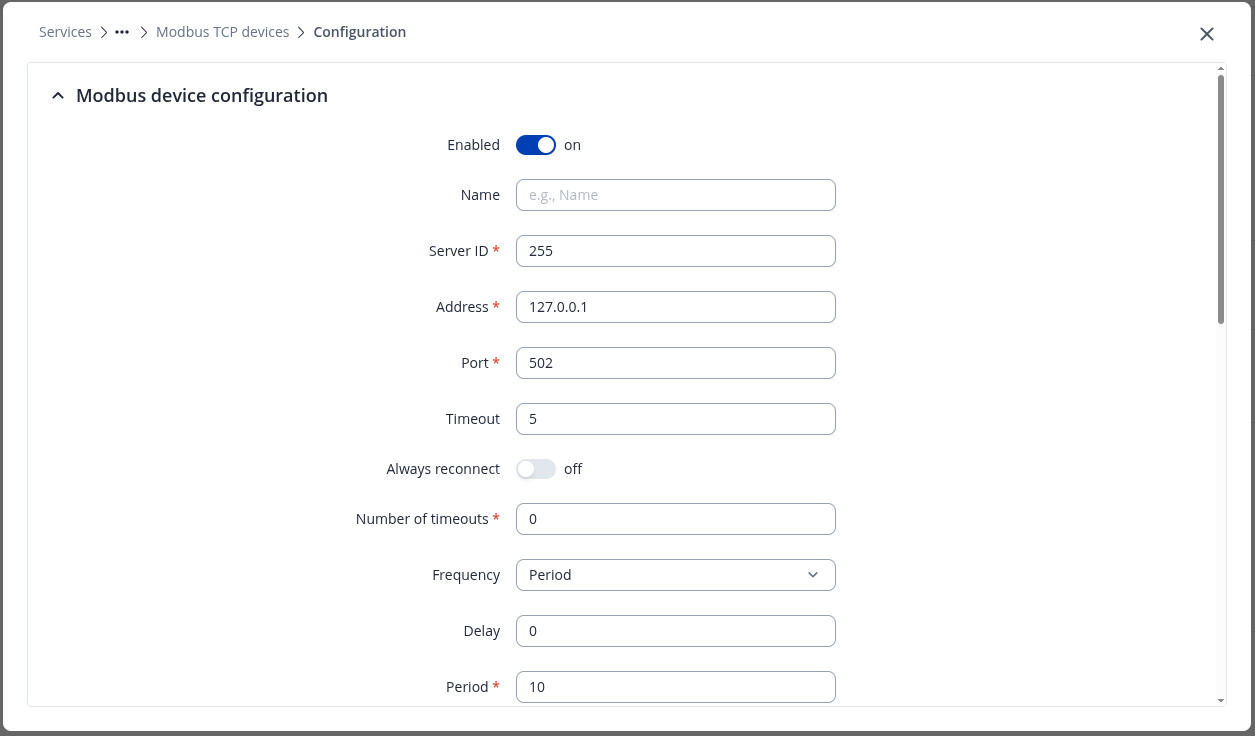
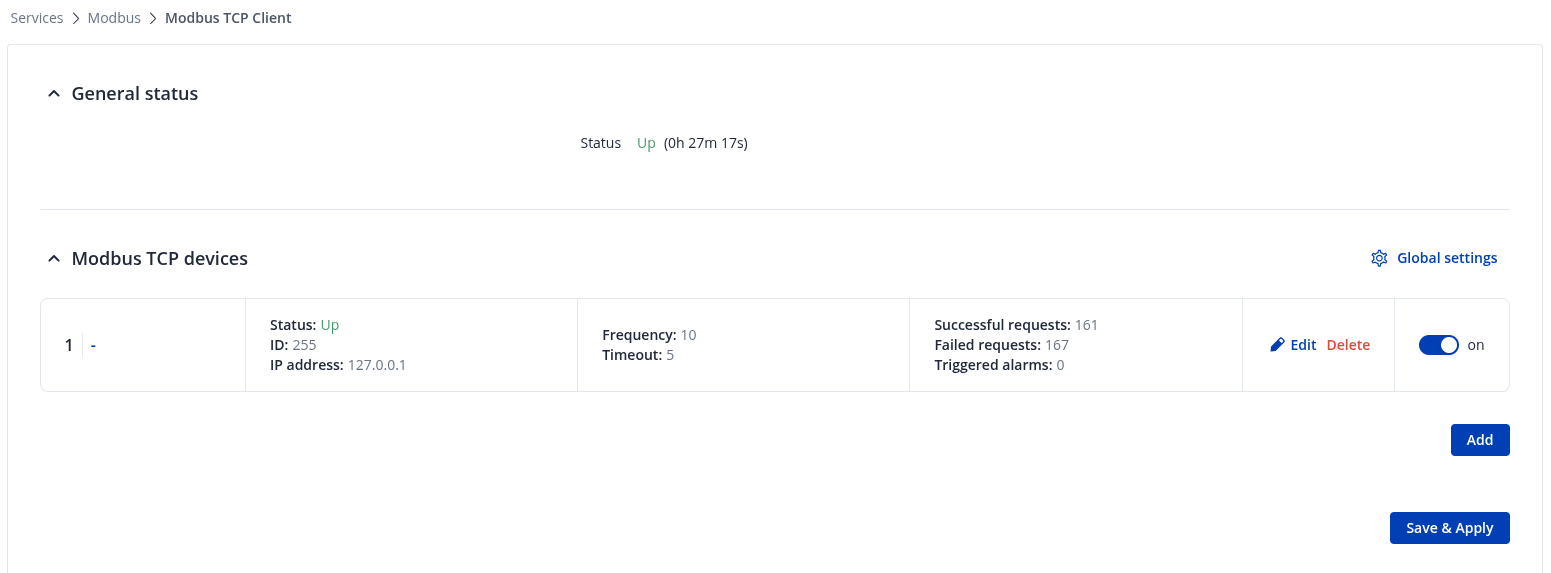
MODBUS TCP client:
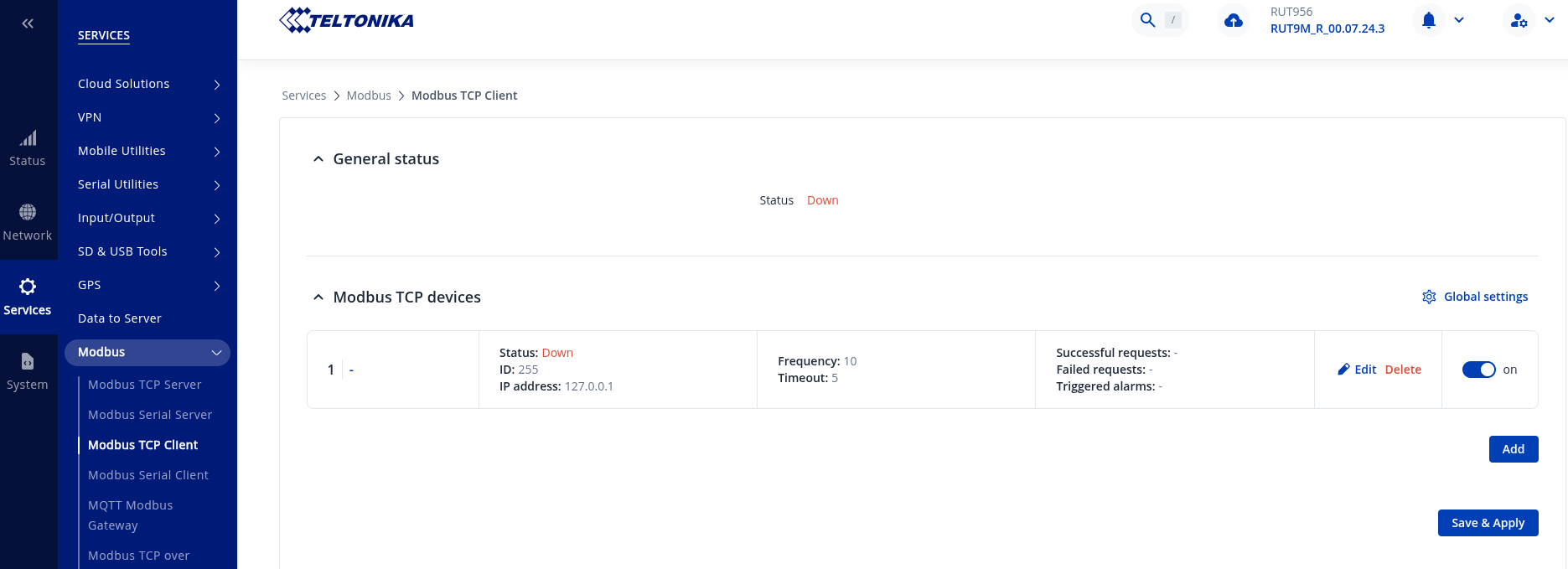
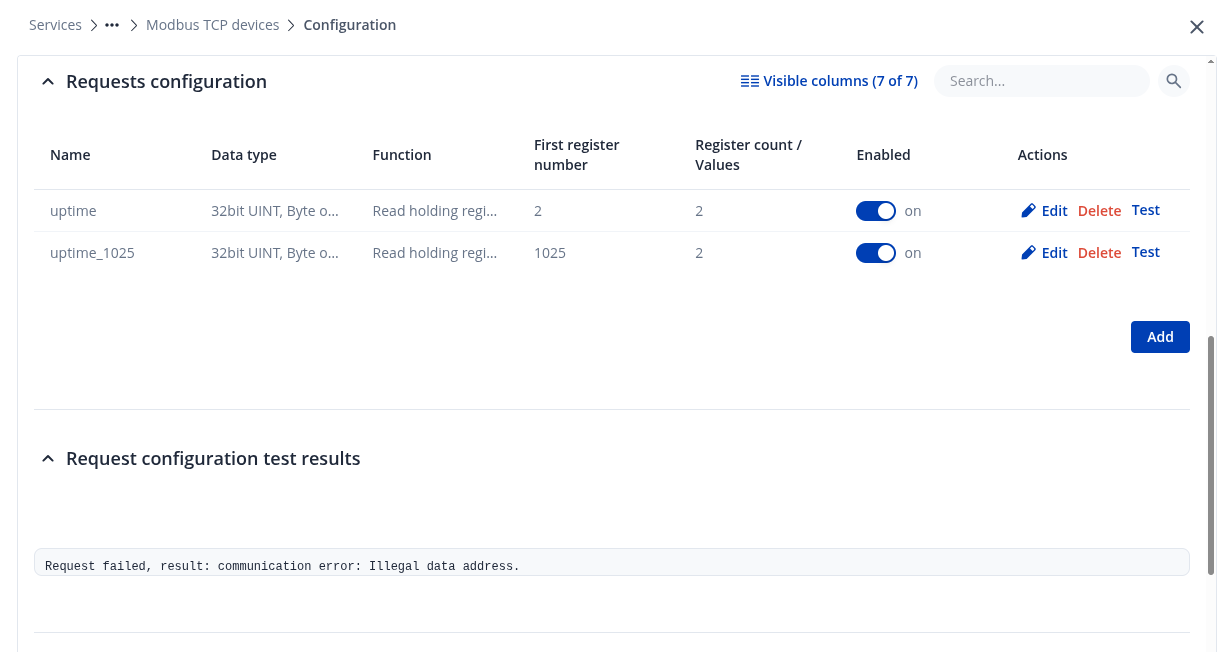
After some requests, the client becomes “down” and is not longer requesting:
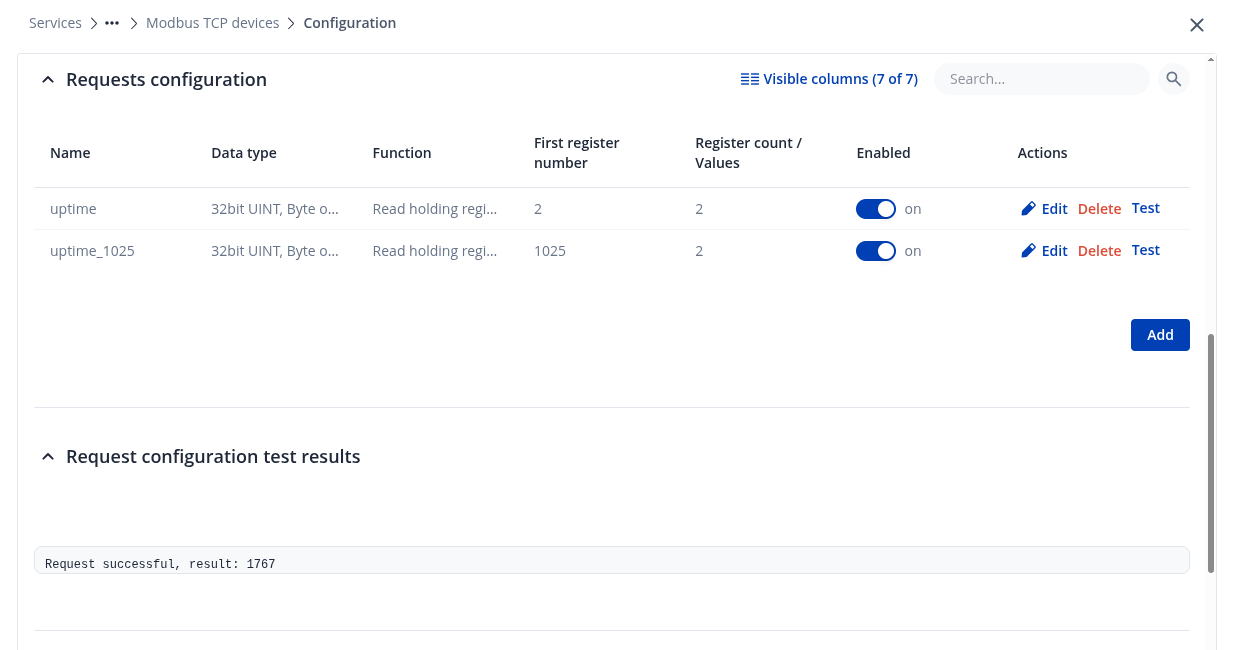
uptime:
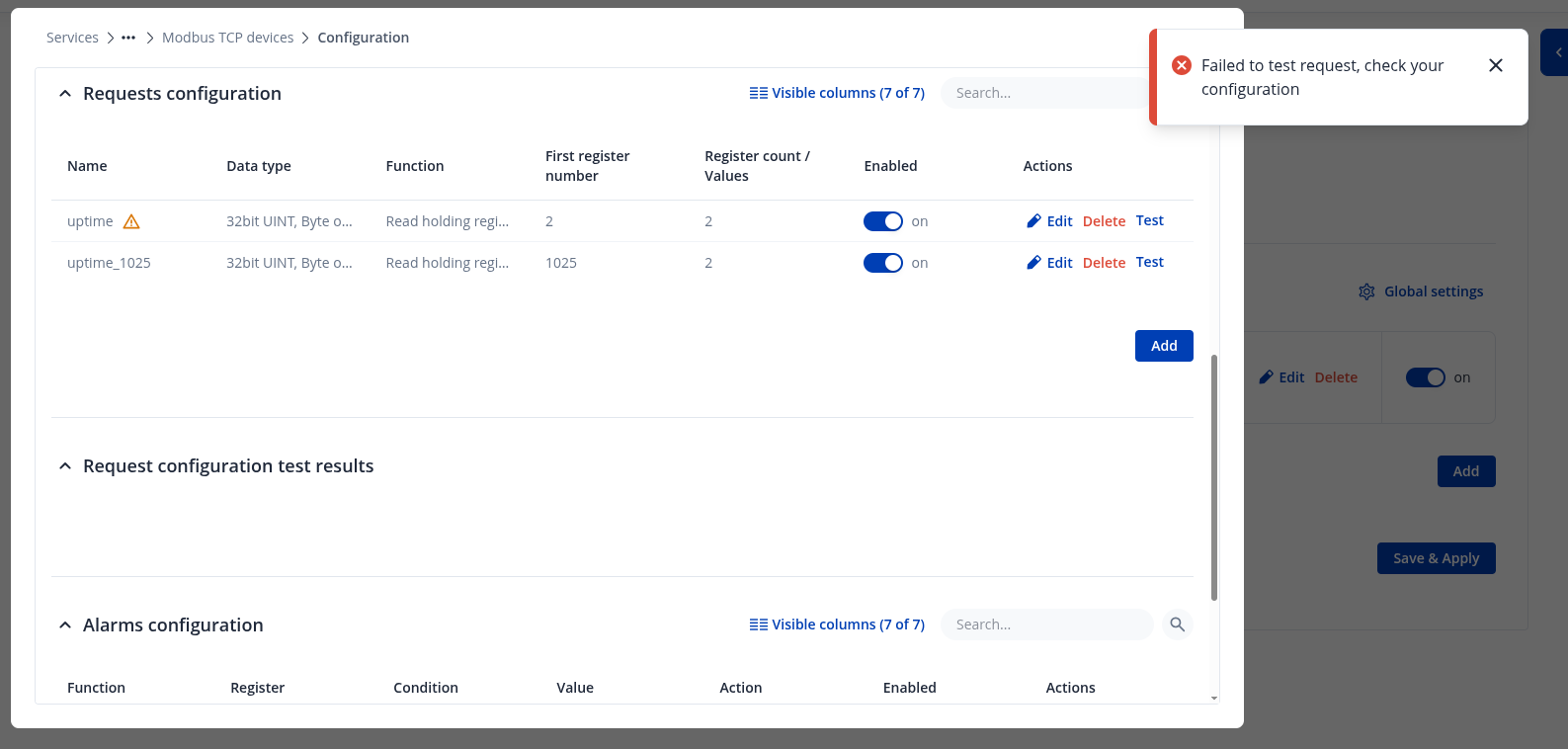
uptime_1025: this request has never worked
If you disable reads on “Data sources” it works again:
uptime:
uptime_1025:
Thanks in advance.
For what it is worth mine is working without intervention. It came back after about 24 hrs. I traced it back to a communication issue between the modem and the router. Because only data on the modem was failing, the rest tested normal.
Hello @Linux-RISC,
Apologies for the delayed response.
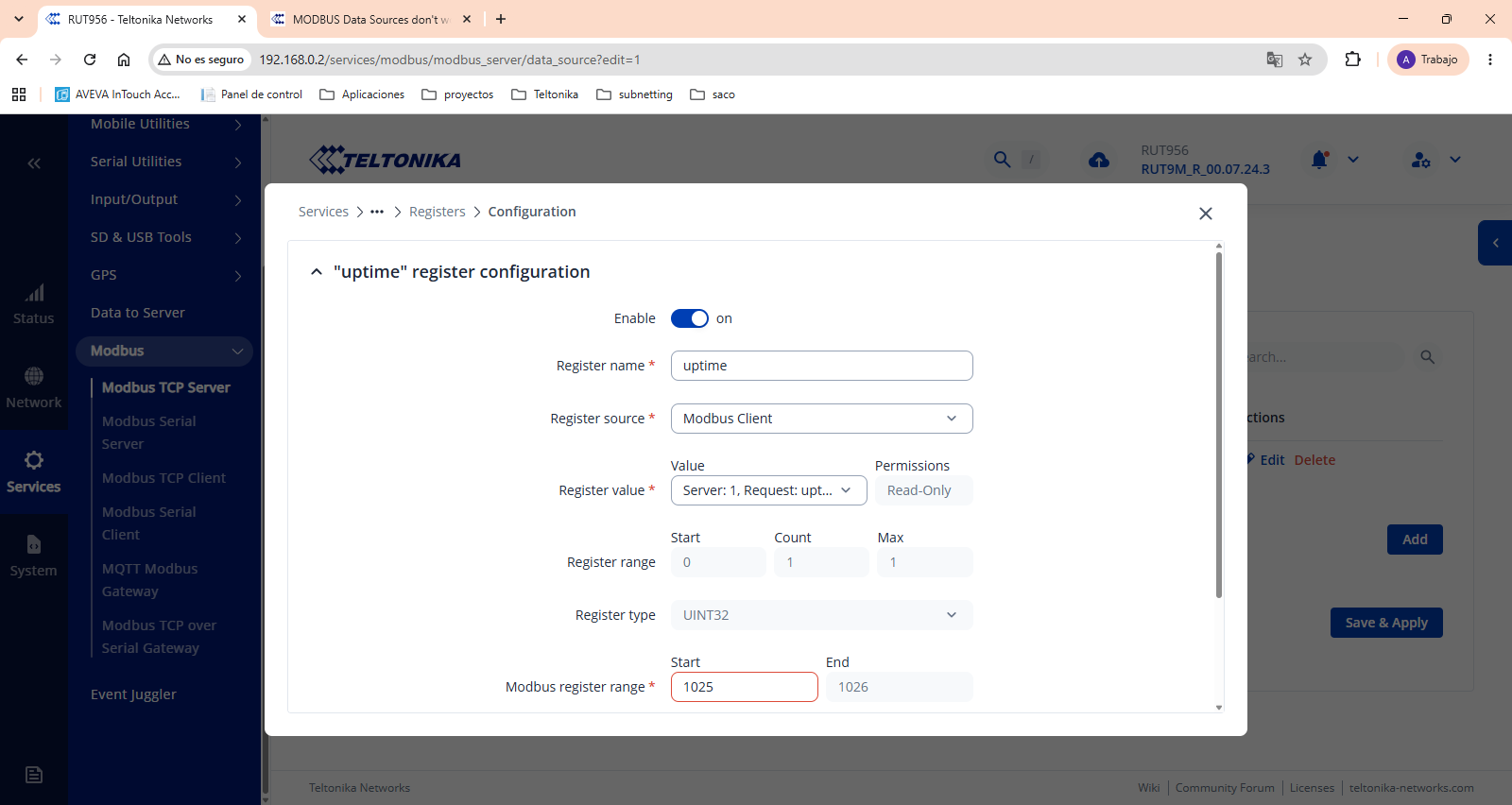
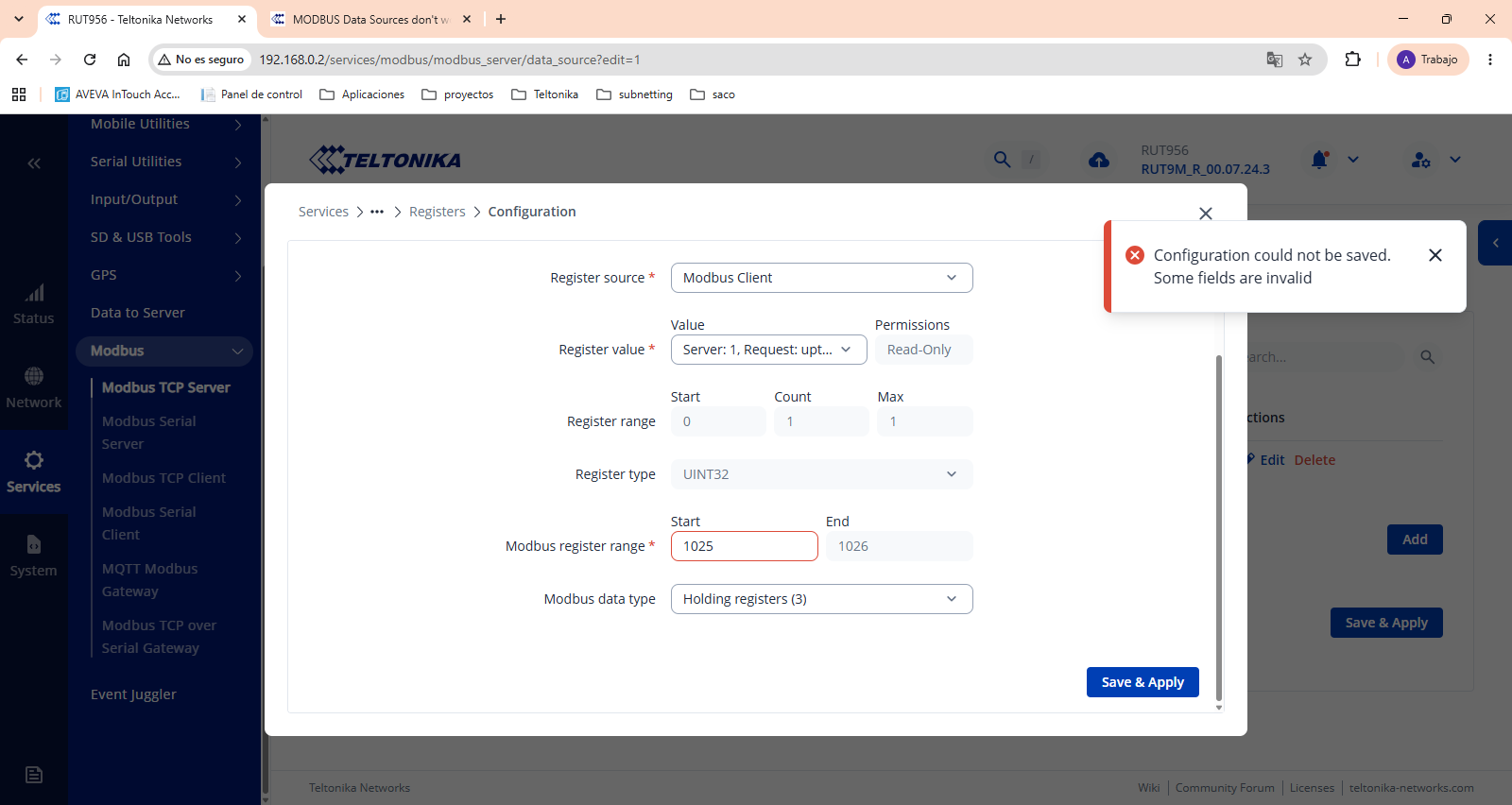
Could you please make sure that this Data Source is enabled and that the selected source value corresponds to your uptime request. The register type and permissions should also match the intended data mapping.
For testing purposes, I would suggest the following approach:
uptime Data Source and make sure it references the corresponding Modbus TCP Client request.uptime_1025 request in the Modbus TCP Client configuration.uptime request continues to return valid results.uptime_1025 request and check whether you can successfully retrieve the mapped value.Additionally, could you please provide a screenshot of the complete Data Source configuration window? I would like to verify the selected register value, permissions and data type.
We look forward to your response.
Best regards,
P.