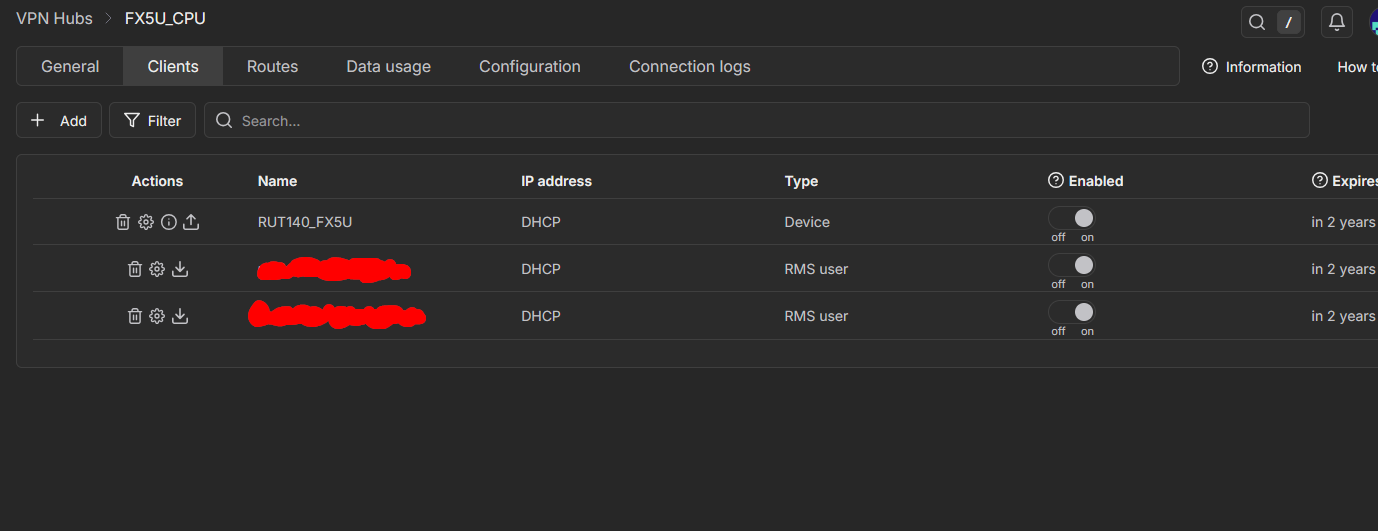
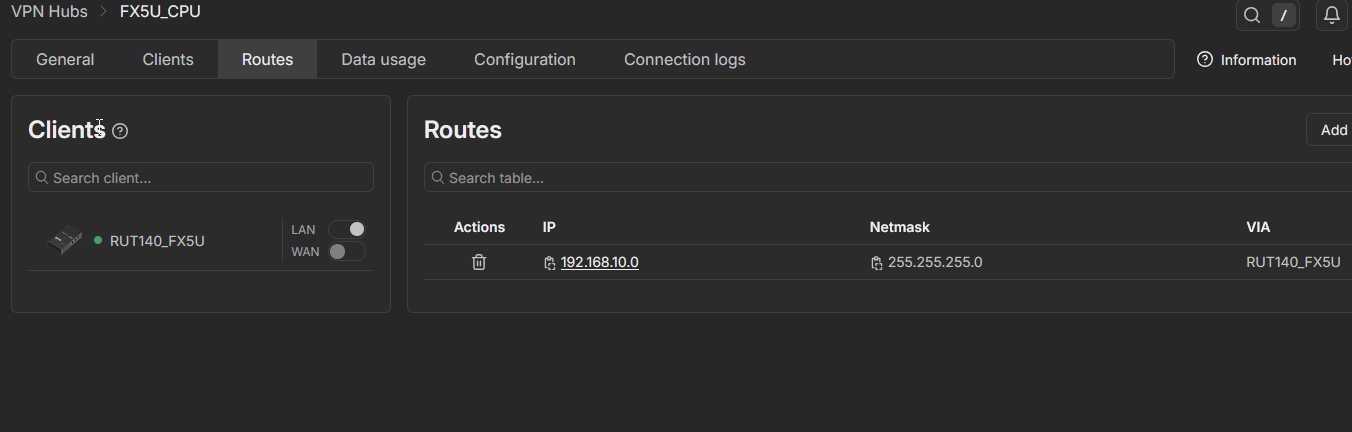
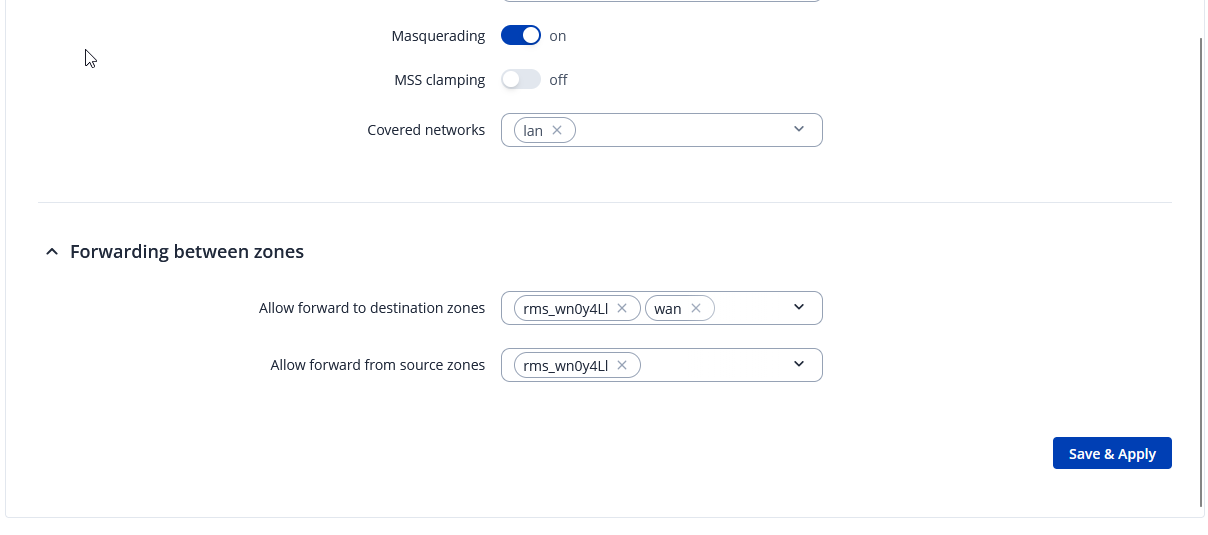
We are experiencing an issue connecting to a Mitsubishi PLC (FX5 series) over Teltonika RMS VPN and would like to check if this is a known limitation or if there is a recommended solution.
Router Model : RUT140
PLC Model: Mitsubishi FX5U
Router IP : 192.168.10.240
PLC IP : 192.168.10.30
Although the PLC responds to ping and routing works correctly, GX Works3 cannot go online with the PLC over the RMS VPN connection.
The PLC is reachable at IP level, but GX Works3 fails to establish an online connection (cannot detect / connect to PLC).
Not really, as we haven’t tested all the different kinds of available software/plcs and such, so it would be hard to tell.
Is there perhaps an option in the application to set up a gateway that is being used when attempting to connect to your end-device? From what I recall, the Siemens app has an option like that. If you do find it, simply set the gateway IP to the LAN IP of your Teltonika router and try to do so again.
One more thing about this image - I’m not a 100% sure if this is the correct adapter you’ve chosen (although it is created by the OpenVPN application) I would still suggest trying out your usual Ethernet adapters to see if maybe that is the issue as well.
Other than that, your configurations are 100% correct and no mistakes seem to have been made, as pings, of course, are going through just fine.