Layer 2 TAP VPN - RMS VPN HUB

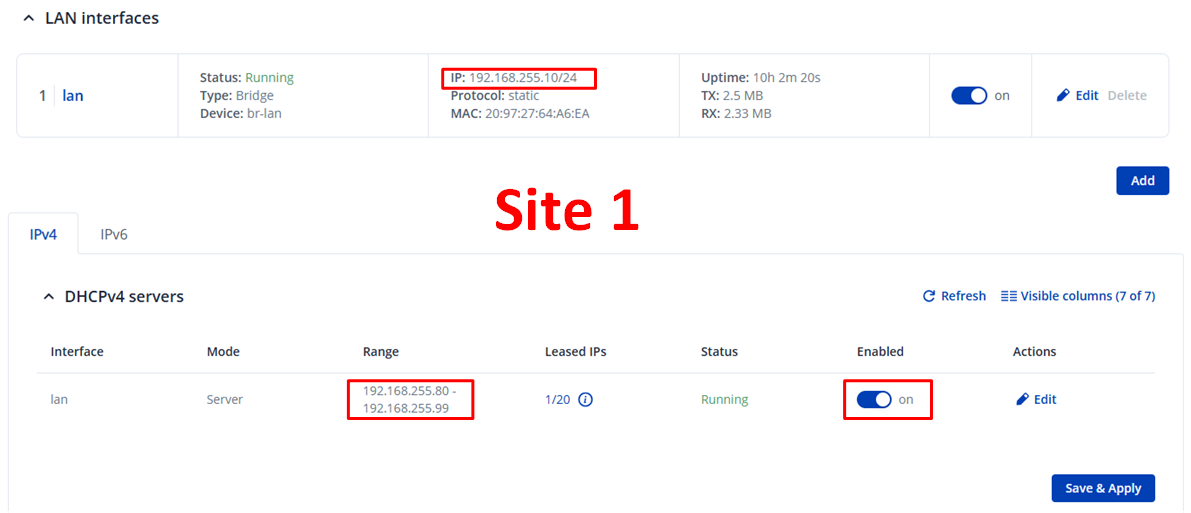
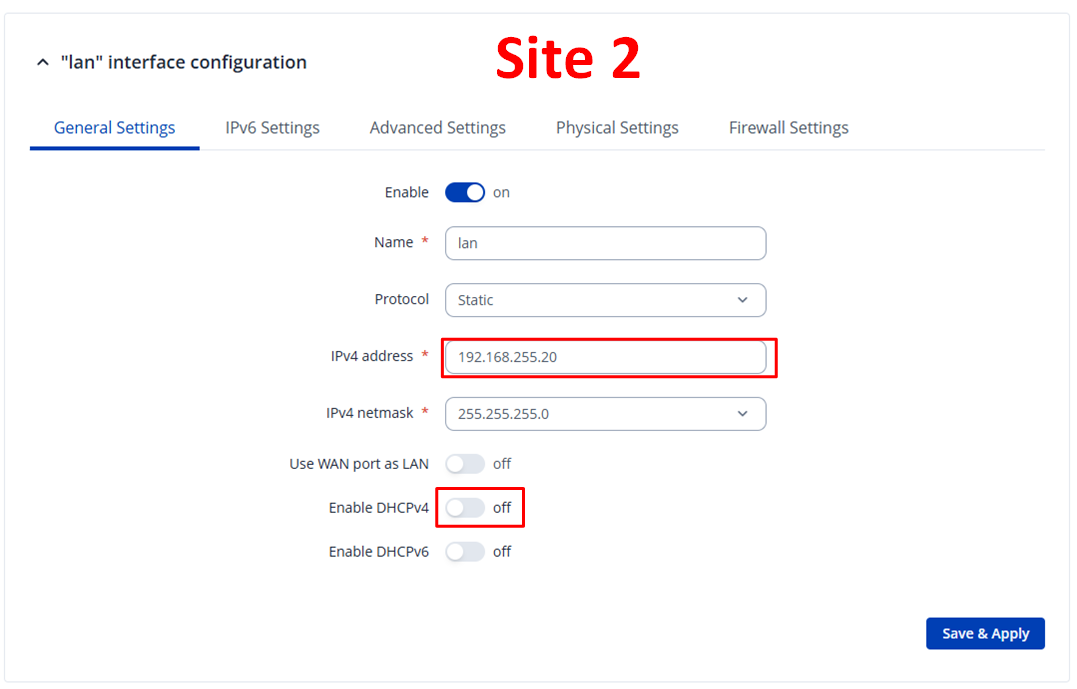
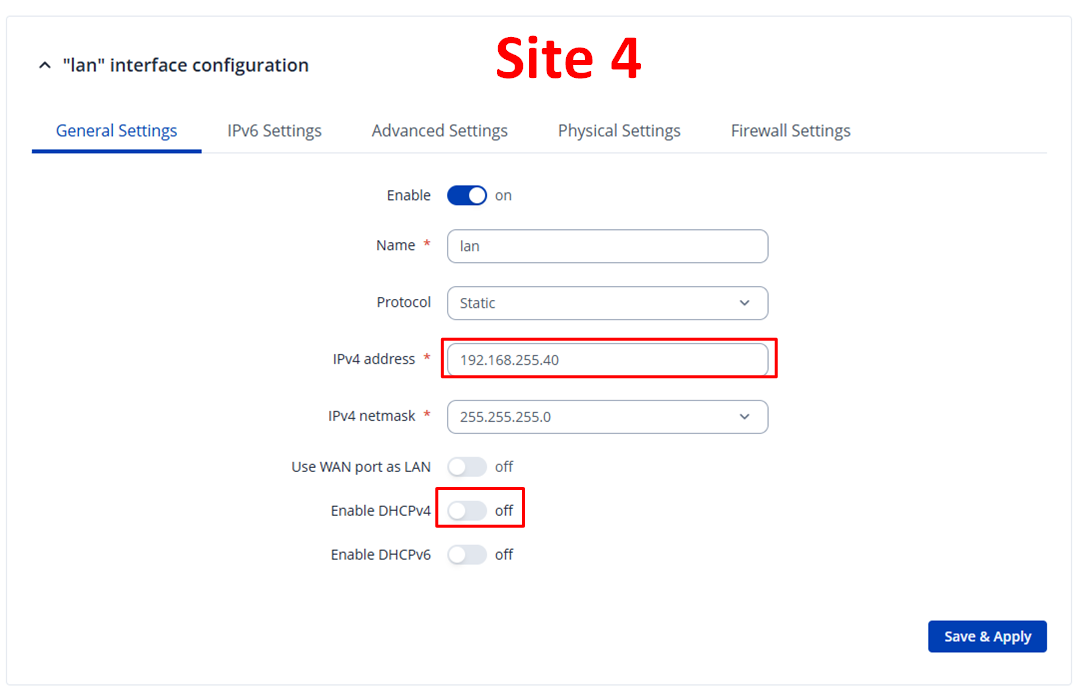
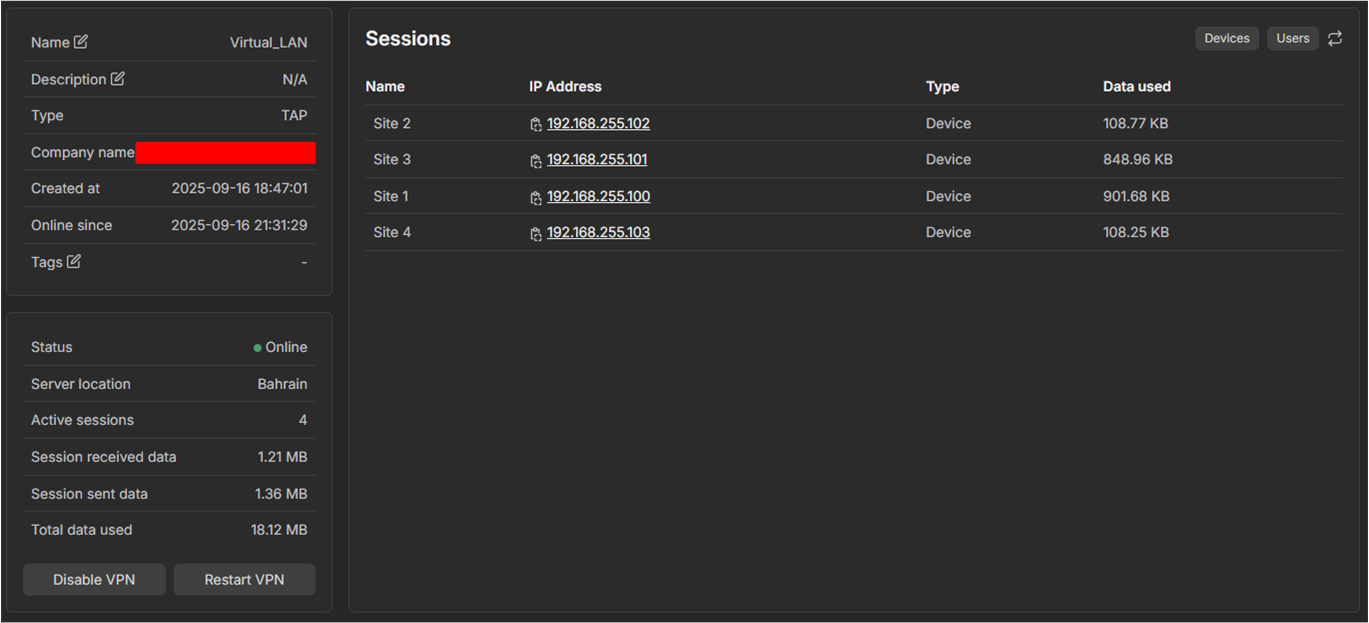
I would like to create a Layer 2 VPN across four sites. All RUT241s are managed in RMS. I’ve now created a VPN HUB in TAP mode. All four routers are connected and online in the VPN HUB. However, I can’t ping any of the other sites from the sites. DHCP from Site 1 to the other sites doesn’t work either.

What else do I need to configure to make this work?

I absolutely need Layer 2 communication because that’s the only way the PLCs can communicate with each other.

Thanks!
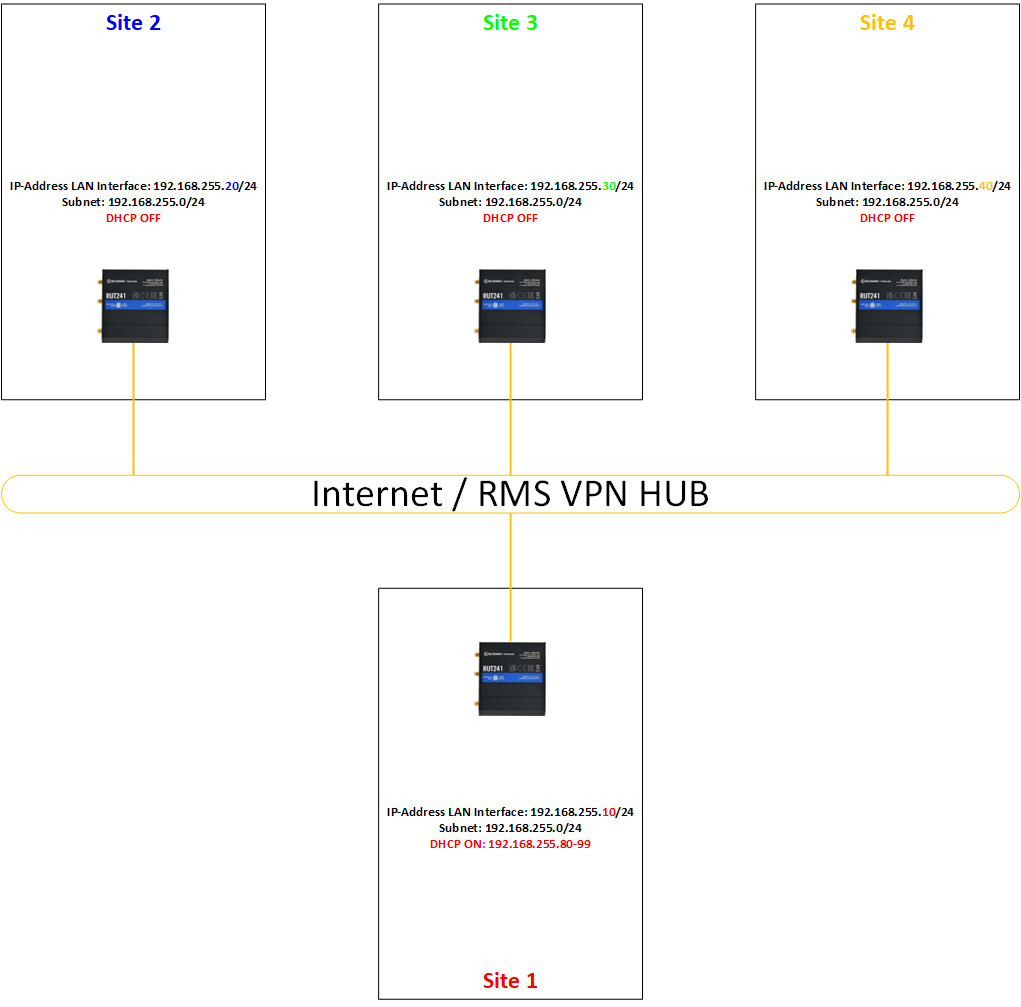
Greetings,

I want to clarify a few things first:

  1. Have you tried setting up the VPN HUB in TUN mode with routes and masquerading set up?
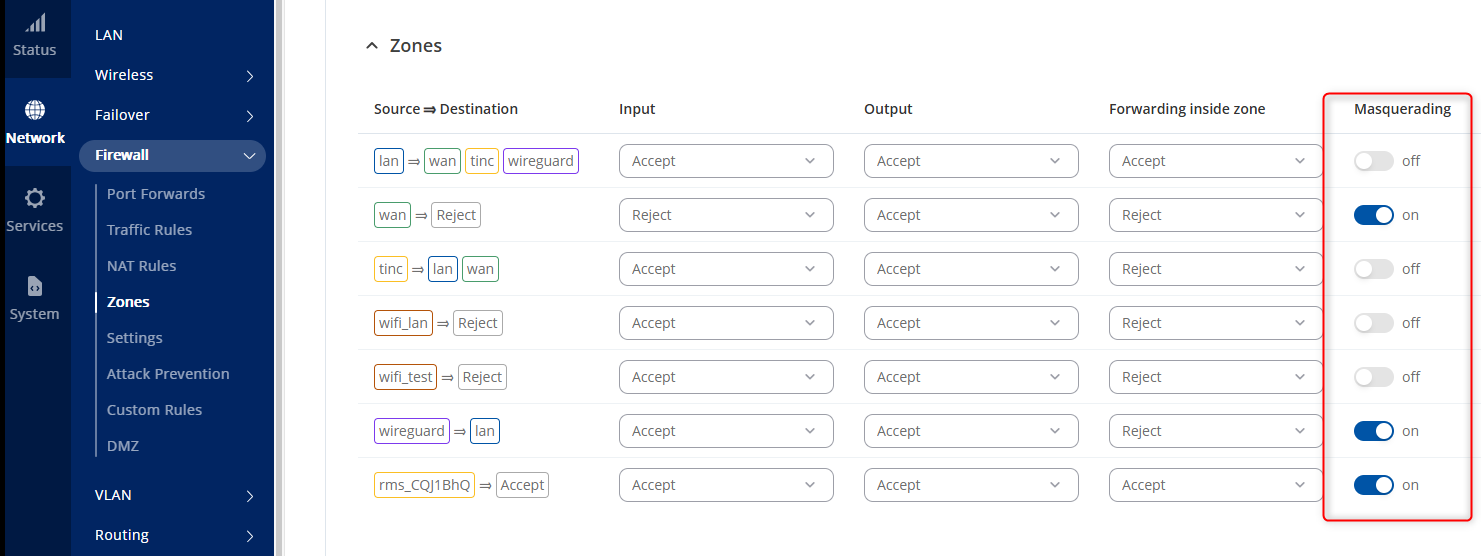
  2. Please try to turn on masquerading in the firewall zones of the routers. You can do so by going to Network → Firewall → Zones and ticking the Masquerading to be on.

    I would suggest to turn on masquerading for all the zones.

Best Regards,
Justinas

Hi Justinas,

I checked. The zone settings are as shown in the image.

Unfortunately, TUN mode isn’t an option because all PLCs must be in the same subnet via Layer 2.

Regards, Flavio

I have deleted one of your images because it contained sensitive information, please refrain from posting sensitive data (serial numbers, MAC addresses, etc.) to the forum.

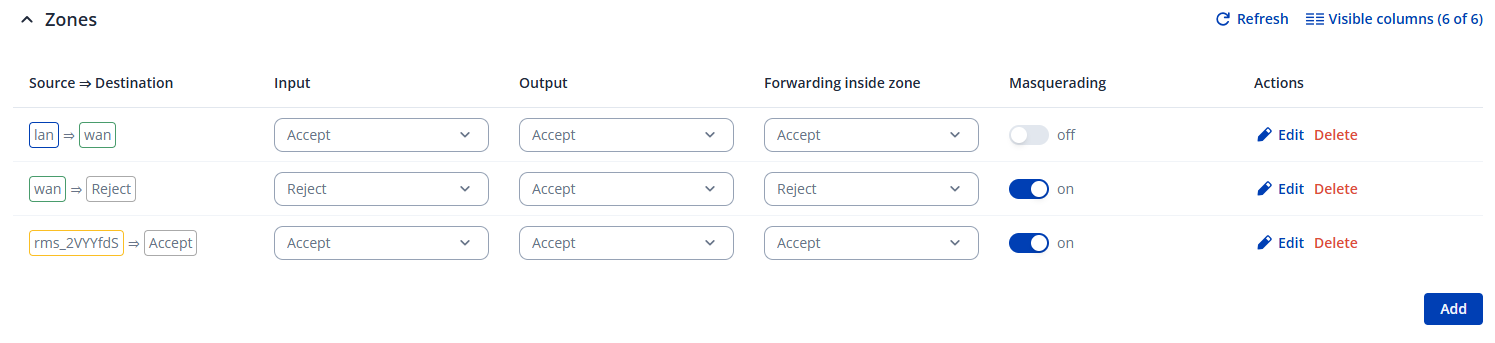
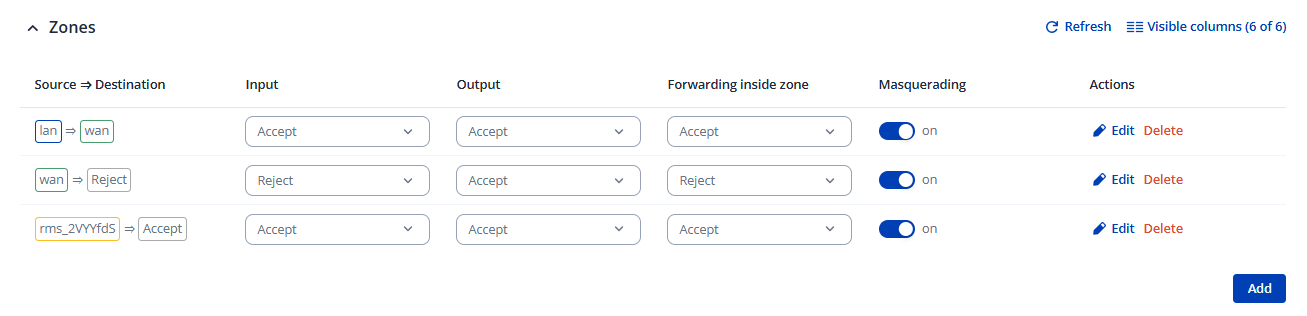
You sent the zones configuration, please turn on Masquerading on the LAN->WAN destination you have to do this on every single router.

Best Regards,
Justinas

Hi Justinas

I’ve now enabled this on all routers. Unfortunately, communication still doesn’t work.

Best regards, Flavio

Greetings,

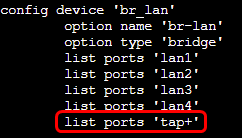
By default, the TAP interface isn’t bridged to the br-lan (LAN) interface, which prevents Layer 2 communication over the VPN tunnel.

First we will need to connect to the router’s CLI, here are the instructions on how to do so:

To resolve the issue, you must edit the /etc/config/network configuration file. Specifically under the br-lan device options, manually add this line list ports ‘tap+’
You can use vim editor, so execute the command vi /etc/config/network, then press Insert or the letter “I” on your keyboard, you will be able to edit the file. To save, press ESC, write :wq, and press ENTER

After that, restart the network services using the following command:

/etc/init.d/network restart

The TAP interface is now automatically bridged to br-lan. I tested this out myself and it fixed the issues. Let me know if it helps.

Keep in mind you have to edit the config file on every router.

Best Regards,
Justinas

1 Like

This topic was automatically closed after 60 days. New replies are no longer allowed.