i used for about 1 day and lost 2.4ghz connection. please fix it. need reboot to connect again.

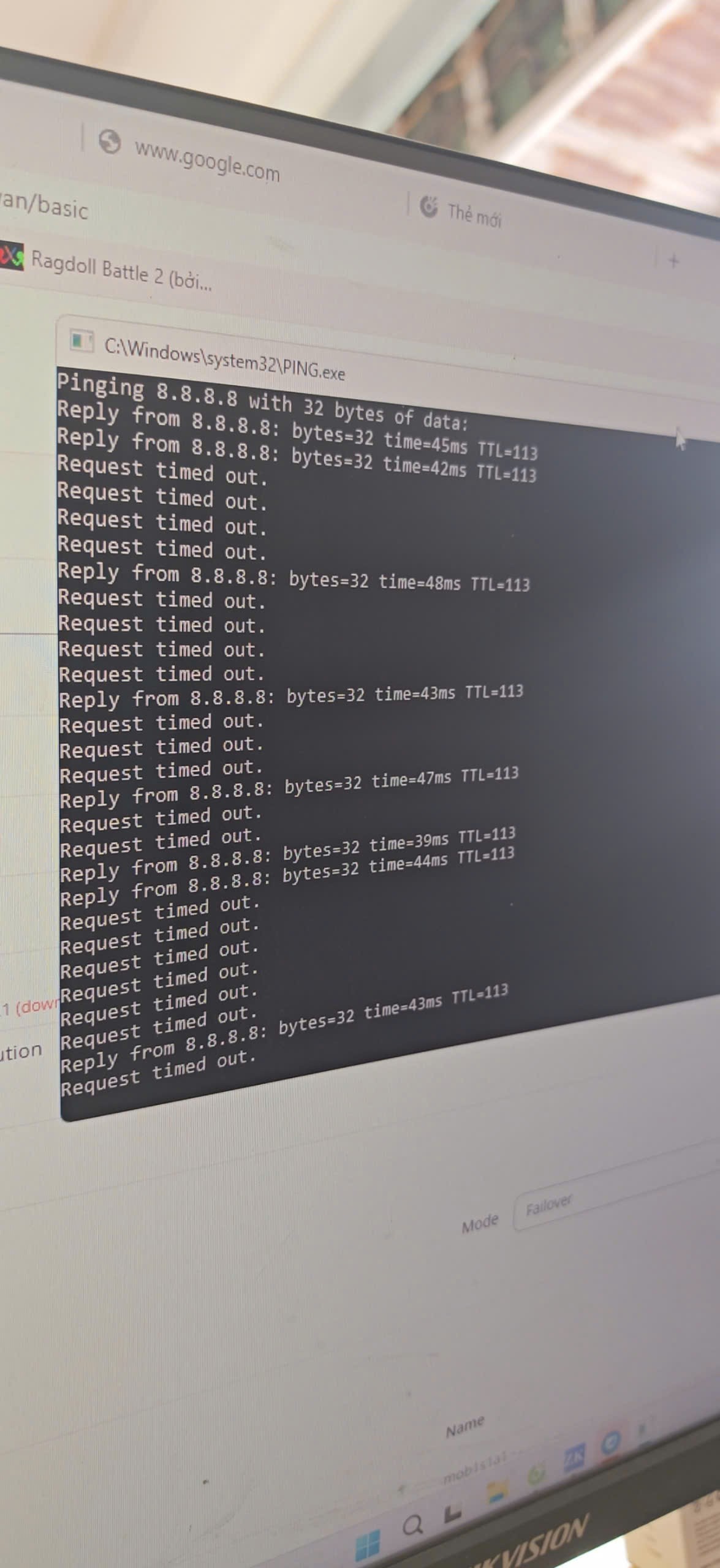
failover setting, when sim 1 runs out of data, it automatically switches from sim 1 to sim 2 then jumps back to sim 1 continuously causing loss of internet connection.This error is on all firmware versions.
From what I’ve gathered, the 2 main issues you have are:
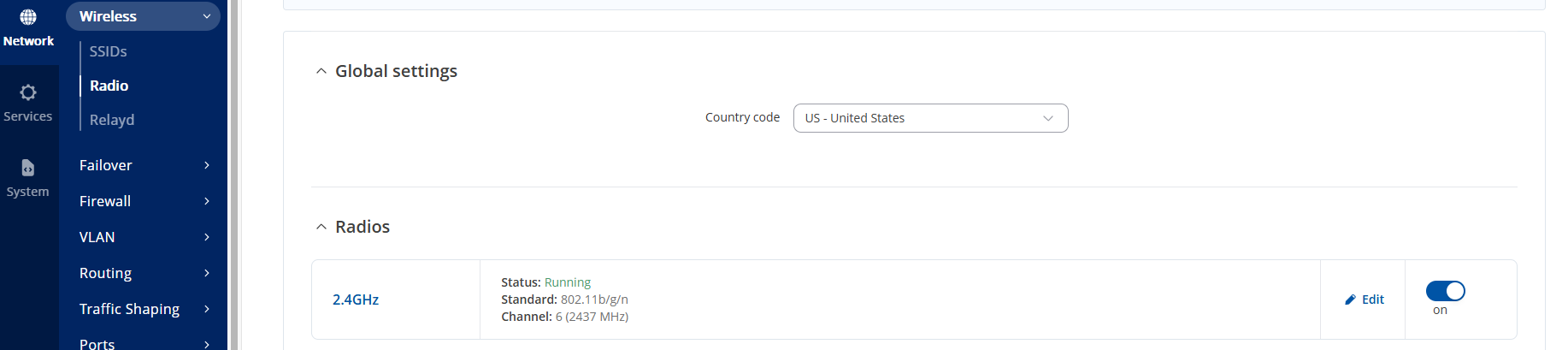
2.4GHz Wi-Fi disconnecting, and only working after a reboot
Failover constantly switches from SIM1 → SIM2 and vice-versa.
First, regarding the 2.4GHz Wi-Fi - are you referring to the default wireless interfaces that are created on the device already, or are you connected to some 3rd-party Wi-Fi?
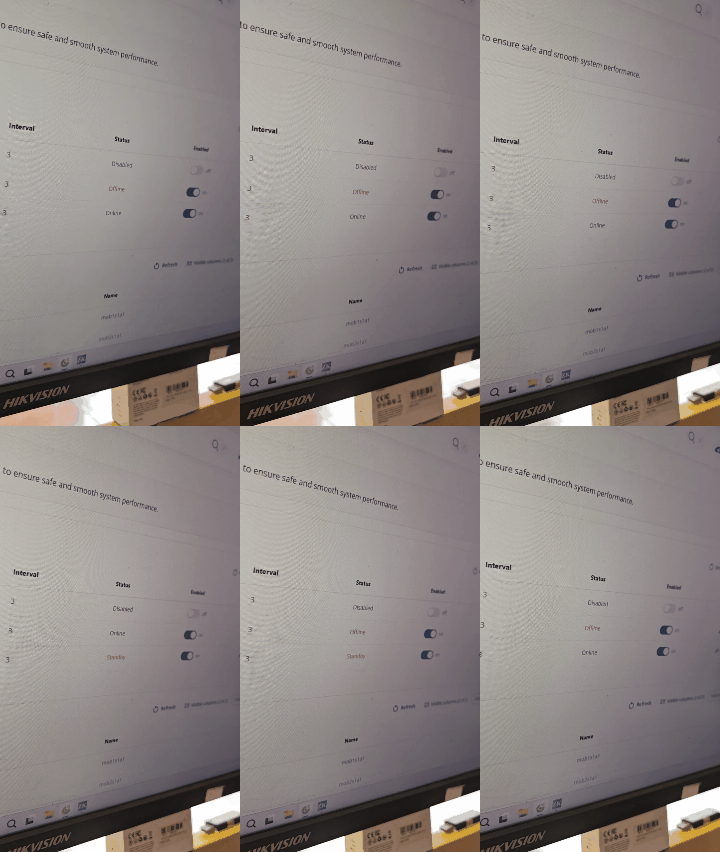
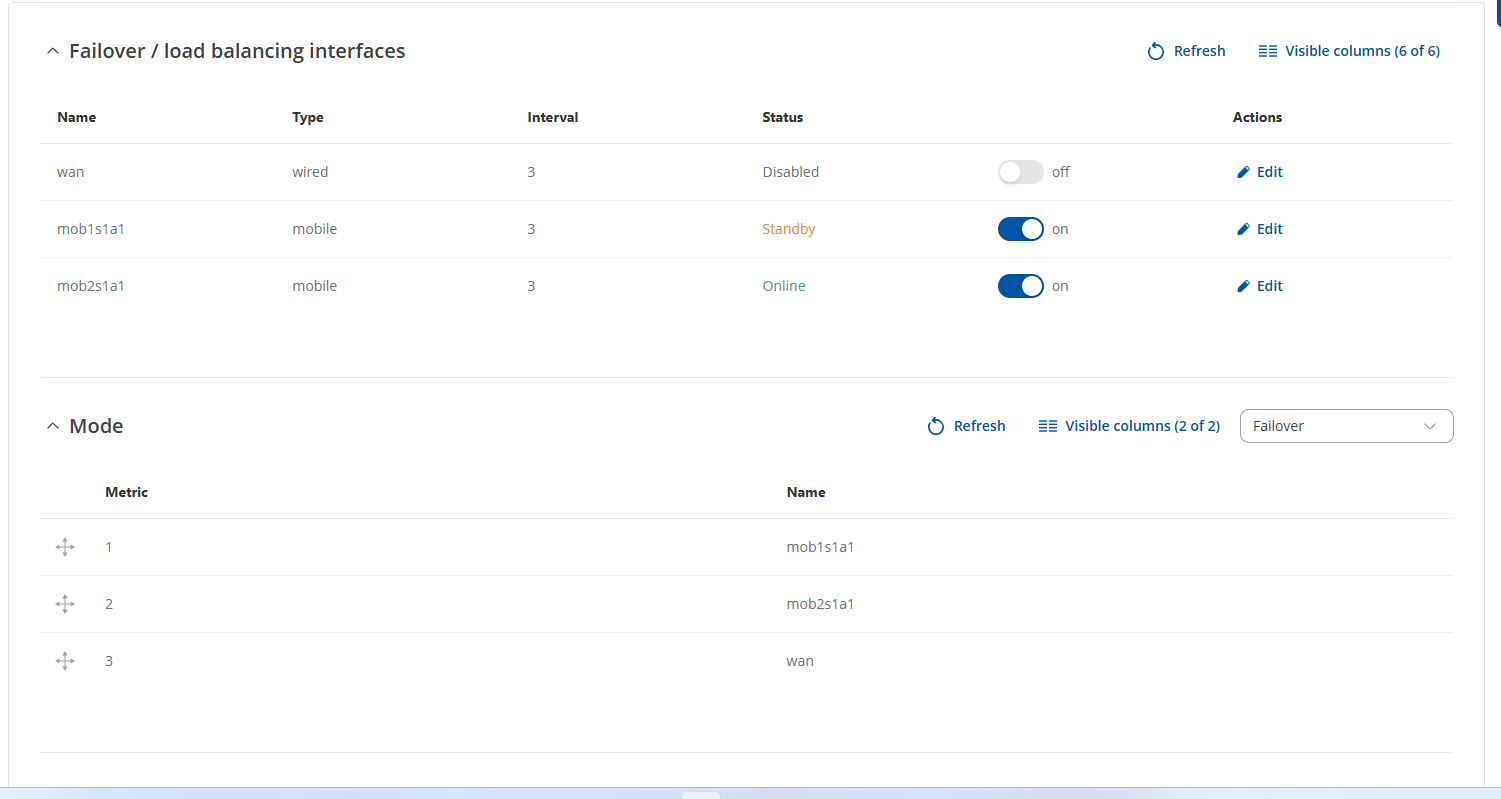
Regarding failover, I’d like to see the settings that you have configured, if possible, please provide the screenshots. Do avoid posting public Ip addresses and such, or any sensitive information for that matter.
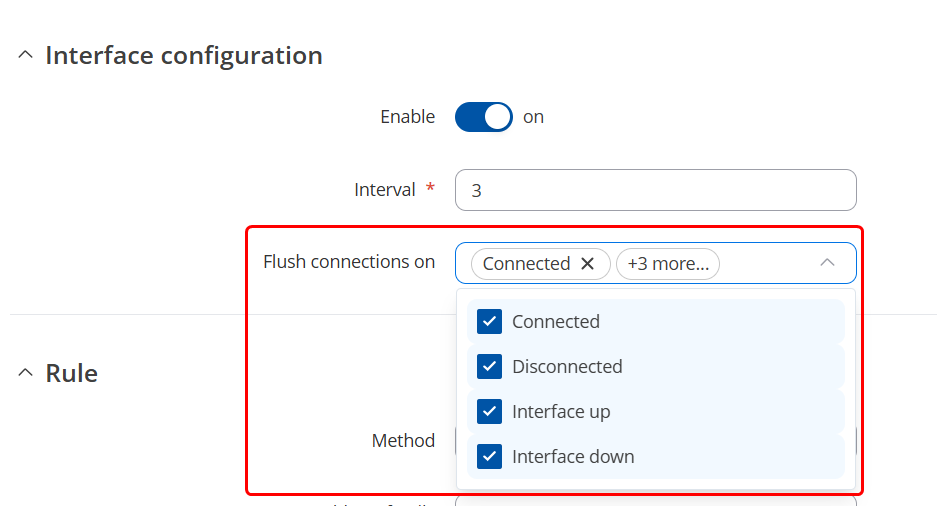
First, with the failover - I’d strongly recommend editing the default settings and tweaking them out a bit. First, I’d recommend having flush connections selected with all of the options as seen below:
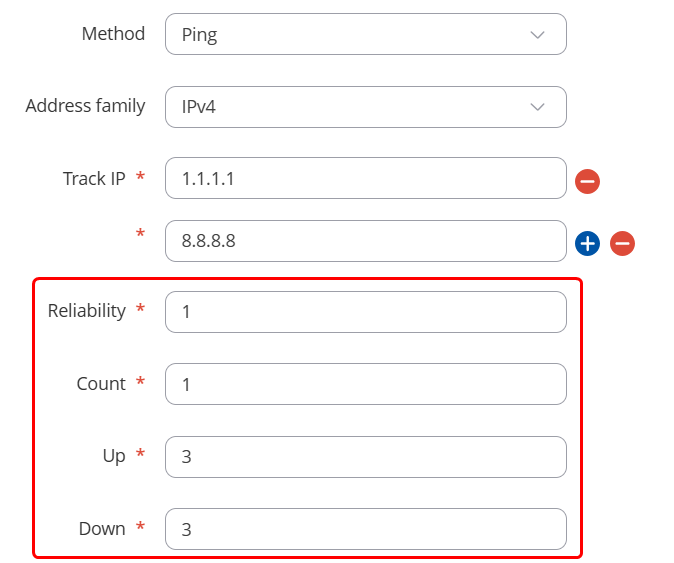
I would recommend increasing the Count to ~5-10; Up and Down values to 3-5, this would depend on what you have your Count value set to.
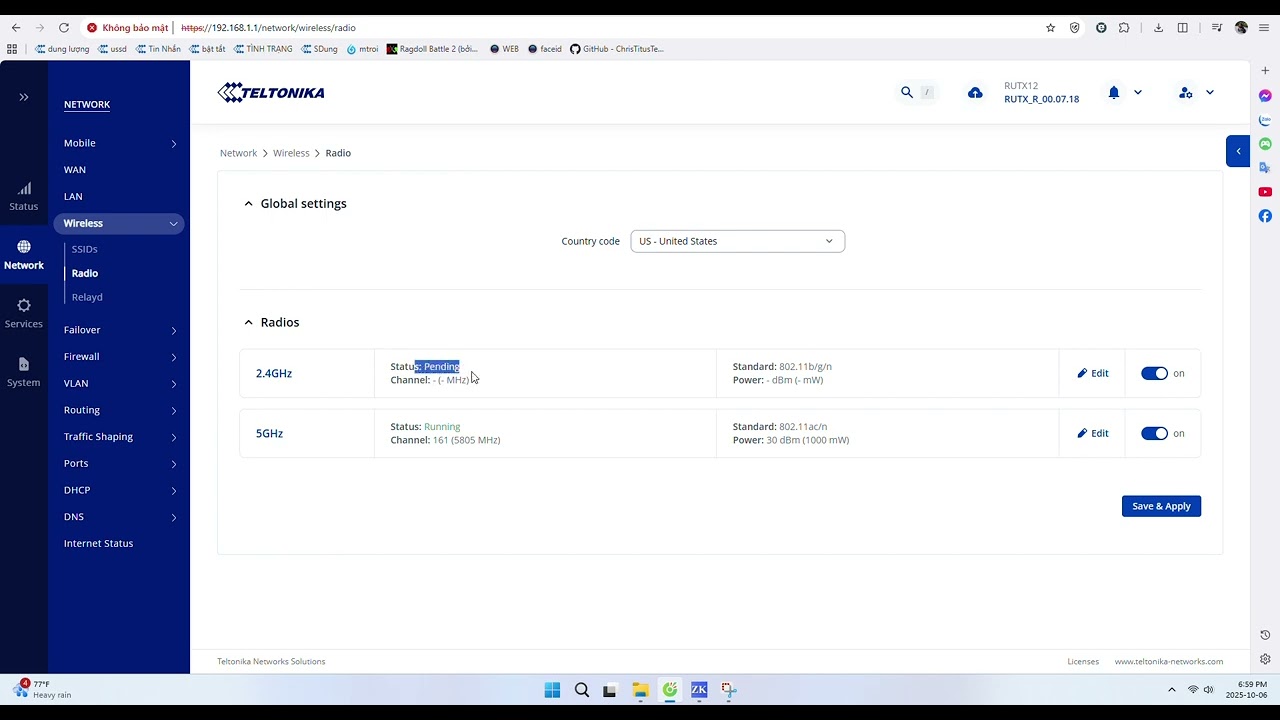
Next, the Wi-Fi - from the screenshot, it looks to be running, but you seem to be in the wrong section, you’d want to go into Network → Wireless → SSIDs for the actual interface settings, not to Radio. Could you let me know if you’ve changed any settings for the Wi-Fi interface, whether it’d be the Radio settings or the settings under SSIDs?
Thanks for uploading the video showcasing the issue - could you confirm that under WebUI → Network → WAN the mob1s1a1 interface is set to be above the mob2s1a1 interface? If not, could you please drag it the same way as it is set in your failover settings?
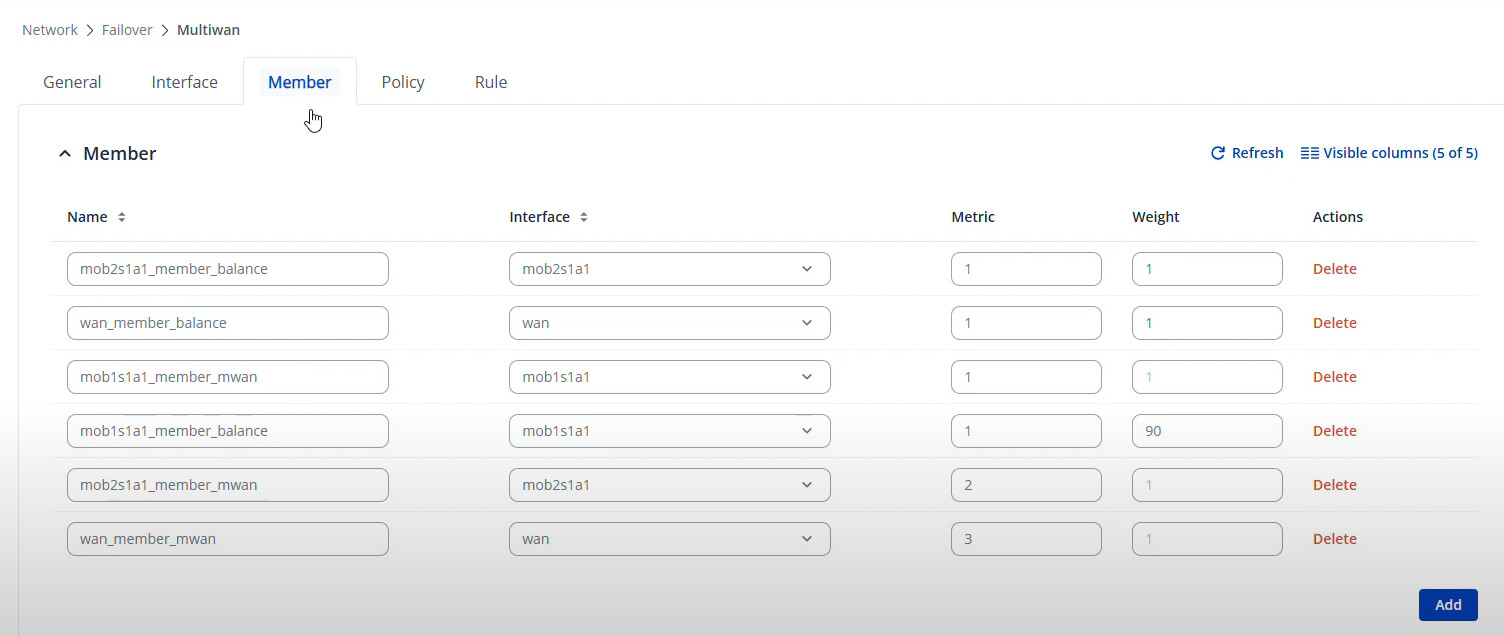
Right, could you try deleting the member settings completely to see if the issue persists? To be more specific, I’m referring to these settings seen in your video:
I see, in that case, you can restore these settings.
For troubleshooting purposes, we will require more sensitive information from your end, such as the troubleshoot file, which may contain passwords, public IP addresses, serial numbers, and such. To avoid leaking this information, we have sent you a form to fill out, which you will receive in your e-mail inbox that you have registered your account with in the forums. In the Ticket ID field of the form, please enter the ID of this thread, which is 15455.
We have replied to you on Oct. 2nd, 10:37 AM Lithuanian time with a few suggestions to follow, unfortunately, we haven’t received any feedback from your end in the emails.
I’ve deleted your image to prevent the leakage of sensitive data. You’re replying to the forum notification email, not the email that we’ve been using for our conversation, where you filled out the form.