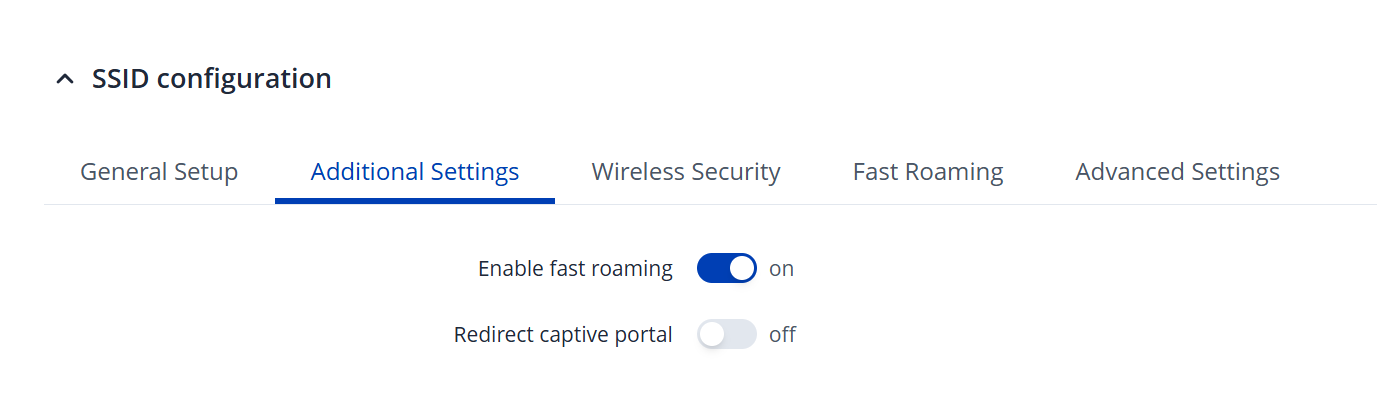
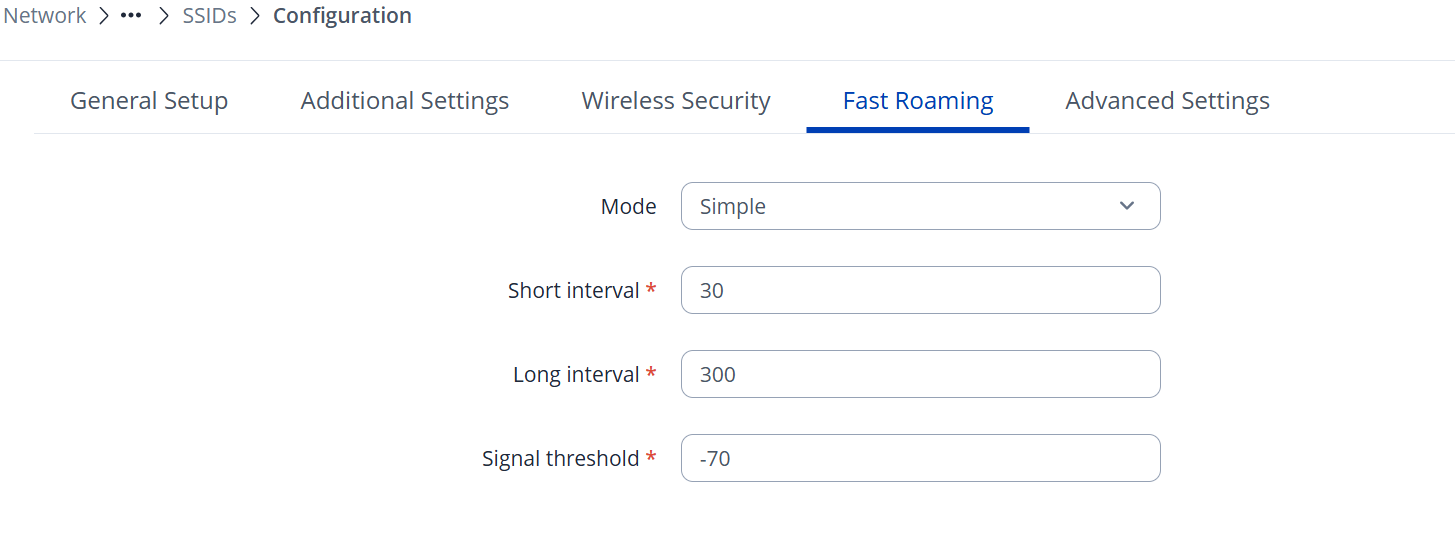
If the issue persists, please try adjusting the signal threshold under the Fast Roaming tab. You may need to experiment with both higher and lower values to see which works best. Additionally, you can try changing the mode from Simple to Learn .
It lasted for a little more than 1 hour, so now were back to zero. Actually minus zero, because now I cant connect at all. Iva tried woth another Iphone 15 with the same result
Ive tried adjusting the values from -90 to -30 and Ive changed from Simple to Learn mode.
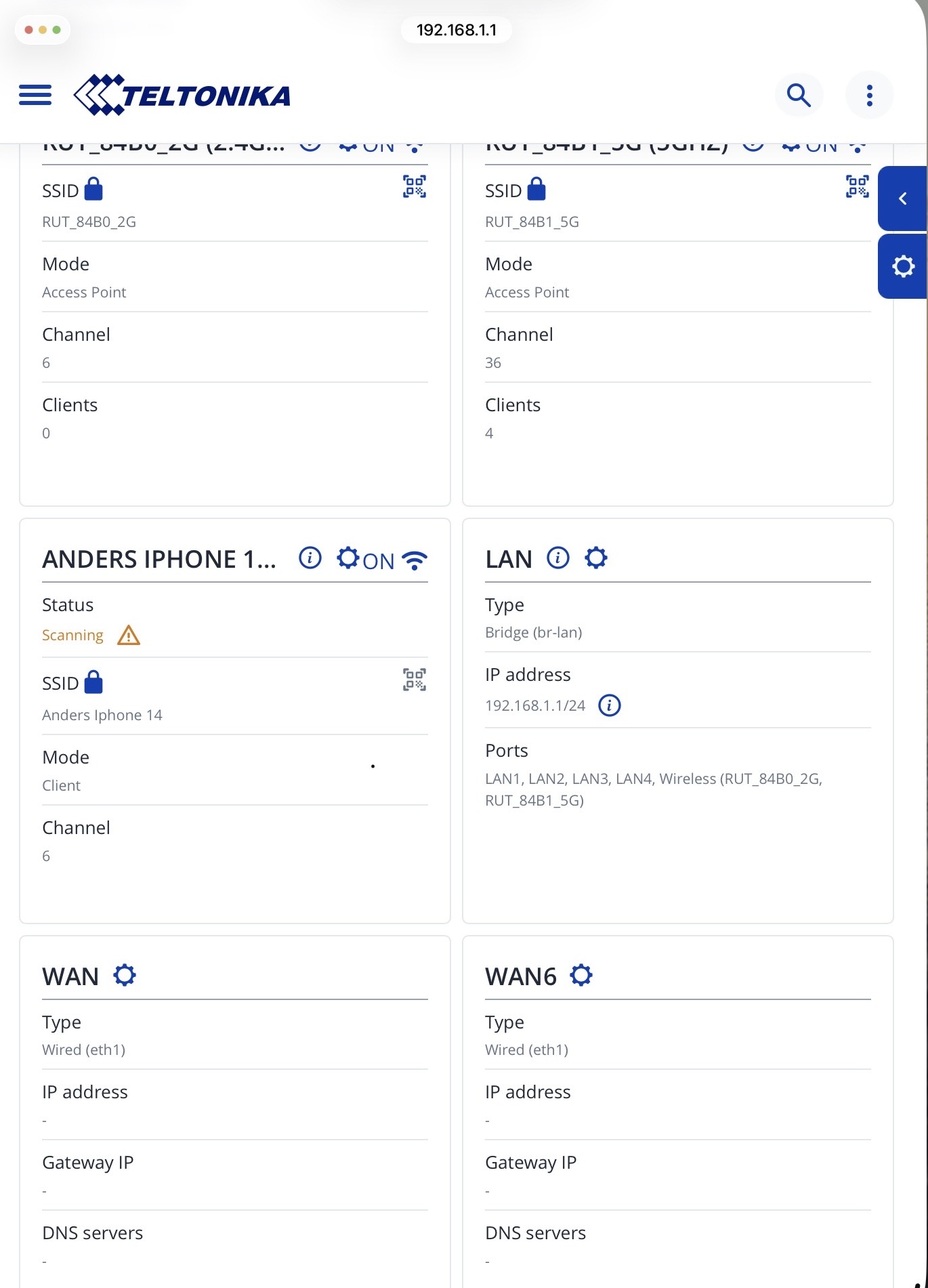
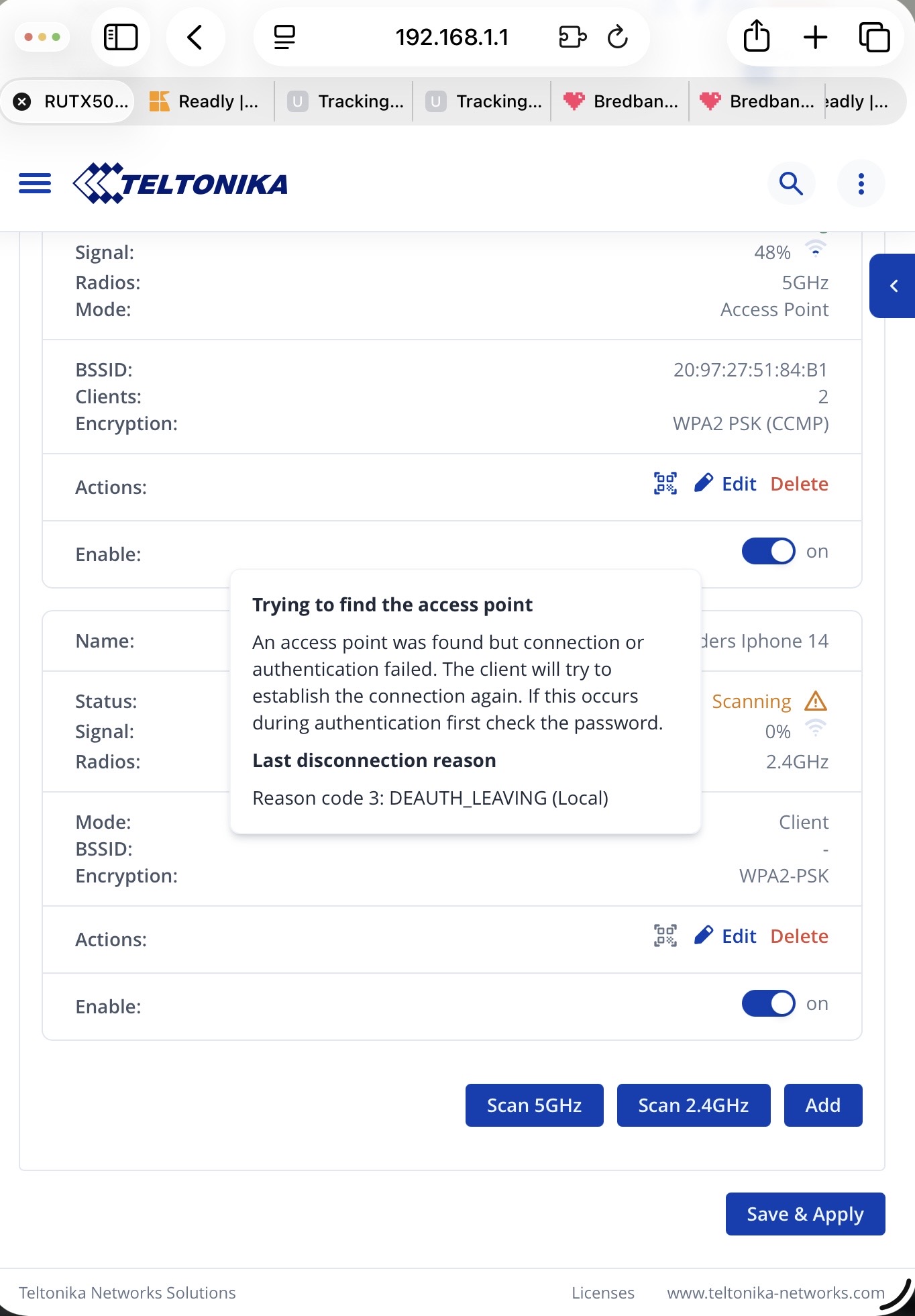
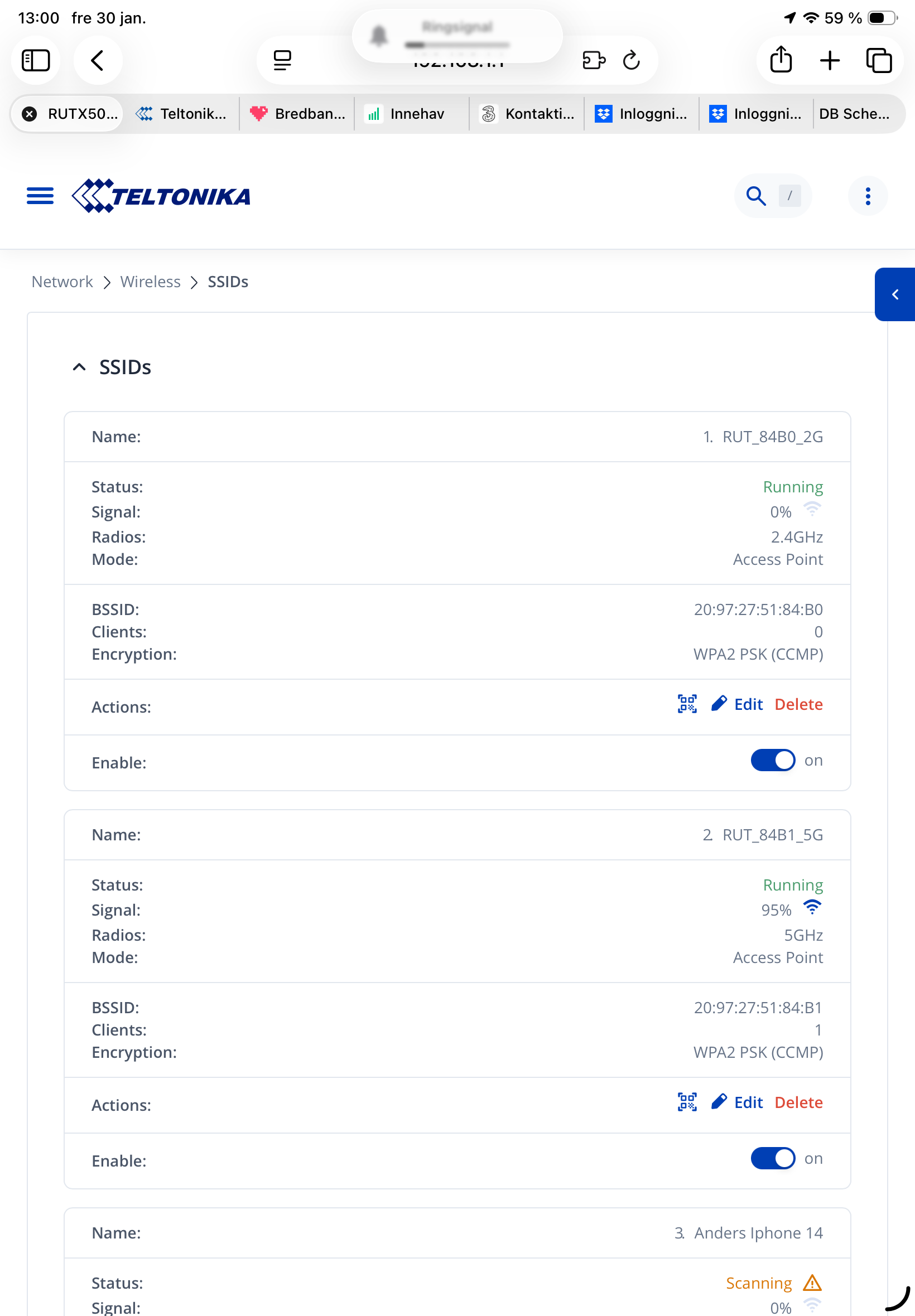
As you can see in the picture the 2,4 GHz net shows 0 signal strength, the same as my phone att the bottom of the picture.
I suspect a hardware problem. I still have guarantees from the swedish supplier.
Based on the screenshot you shared, I can see that the phone is currently connected to a Wi-Fi network. Please note that on most smartphones, Wi-Fi and hotspot functionality cannot be active at the same time. To ensure proper operation, please make sure that the hotspot feature is enabled on your phone and that Wi-Fi is disabled.
Regarding the signal indicators:
The 0% signal strength on the first wireless interface indicates that there are no clients currently connected to that band.
The 5 GHz interface shows 1 connected client with 95% signal strength, which confirms that this band is actively in use.
To further troubleshoot, I would suggest trying the following steps in order:
Disable Wi-Fi on your iPhone.
Enable the hotspot functionality on your phone.
Remove your phone from the router’s configured wireless interfaces.
Perform a new scan and try adding the hotspot manually.
Connect the router to your phone’s hotspot.
Verify whether the internet connection is working.
Move farther away from the router to force a disconnection due to distance.
Return closer to the router without disabling the hotspot or re-enabling Wi-Fi, and check whether the router reconnects automatically.
Please test these steps and let me know how it goes or if you notice any changes in behavior.