Hello,
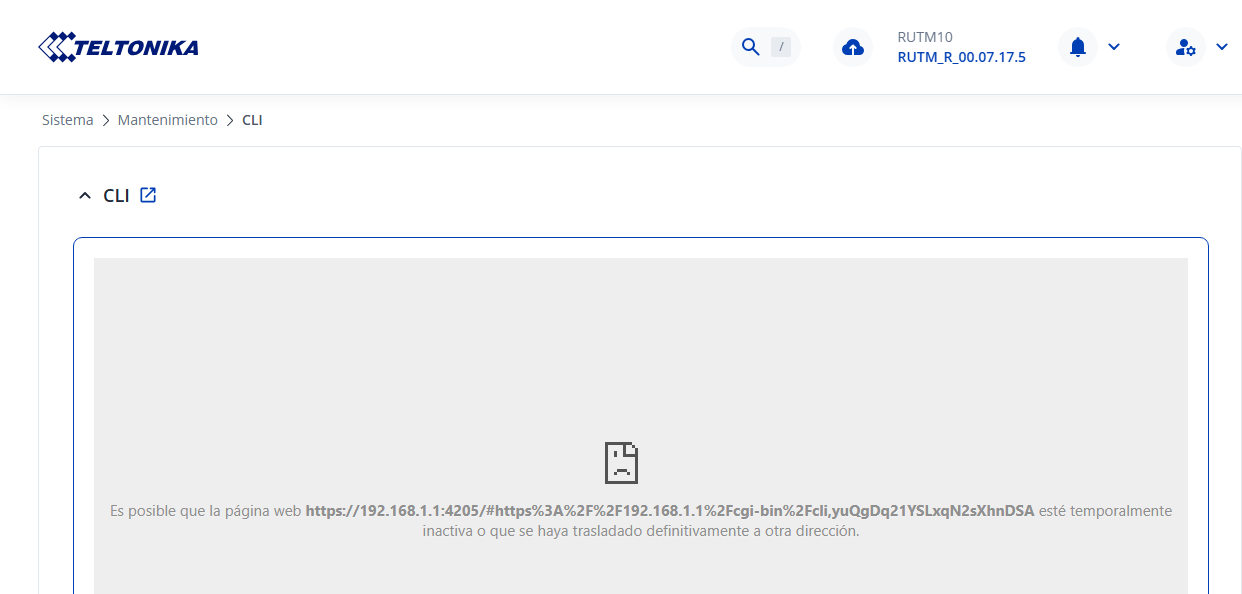
How can I fix this error when I try to access the CLI?
Greetings,
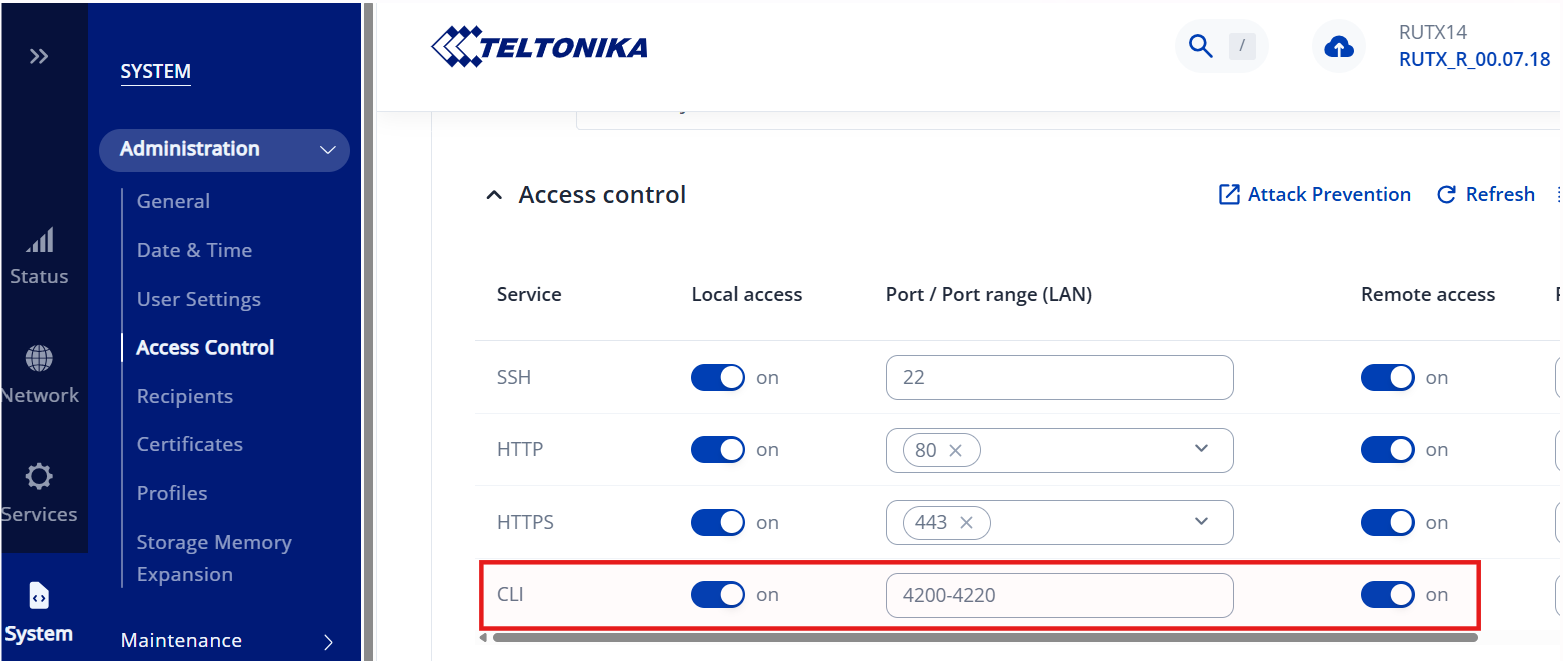
Could you please verify whether local access to the CLI is enabled? If it’s not, try turning it on by navigating to:
System → Administration → Access Control
Let me know if this resolves the issue.
Best Regards,
Justinas
Hi, I have local access enabled, but not remote access. Even with both local and remote access enabled, it still doesn’t work. It does work from RMS.
It was working, but I don’t know why it stopped.
Regards, nico@exafer.es
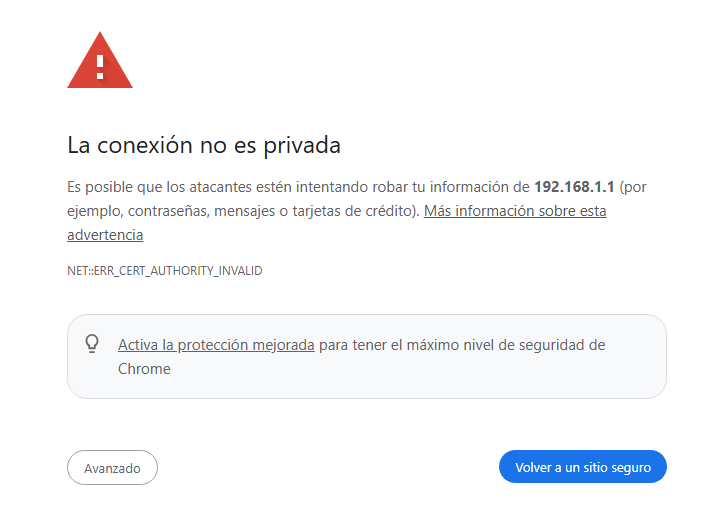
Hello, I copied the address to open it in my browser, but it says the connection isn’t secure. After authorizing access, it works.
It seems the Windows firewall is blocking access because the HTTPS certificates aren’t valid.
Regards.
Greetings,
Do you still need some more assistance or are your issues resolved?
Best Regards,
Justinas
Hi, I updated to the latest firmware version and the problem is solved.
Thanks.
This topic was automatically closed after 60 days. New replies are no longer allowed.