Hi, I updated [RUTM_R_00.07.15.2]
HTTPS DNS Proxy does not work
I turn off the router and turn on. HTTPS DNS Proxy still does not work
The change of DNS became impossible
Any one can help me?
Hi, I updated [RUTM_R_00.07.15.2]
HTTPS DNS Proxy does not work
I turn off the router and turn on. HTTPS DNS Proxy still does not work
The change of DNS became impossible
Any one can help me?
Hello,
What kind of proxy are you using, and how are you testing its functionality? Could you provide an example, please?
Was it working in the previous (7.15.1) firmware version?
Regards,
M.
I turned off the WIFI for Teltonika. The 5G Internet was transferred to Netgear AX1800. All the devices now connected to Netgear AX1800
Thank you.
Hello,
Based on your last sentence, was the issue resolved?
I’m still unsure how you’re testing whether the Proxy works or not, if the issue hasn’t been resolved.
Regards,
M.
Hi M.,
The issue is still unresolved.
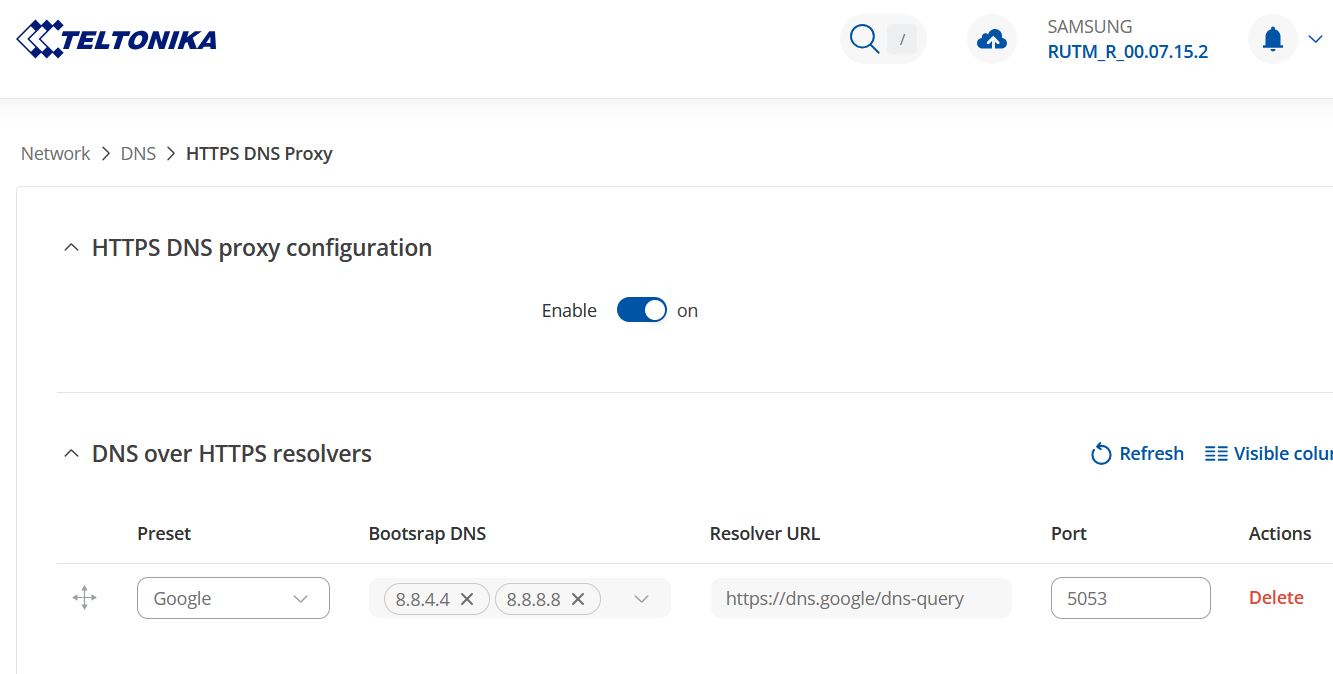
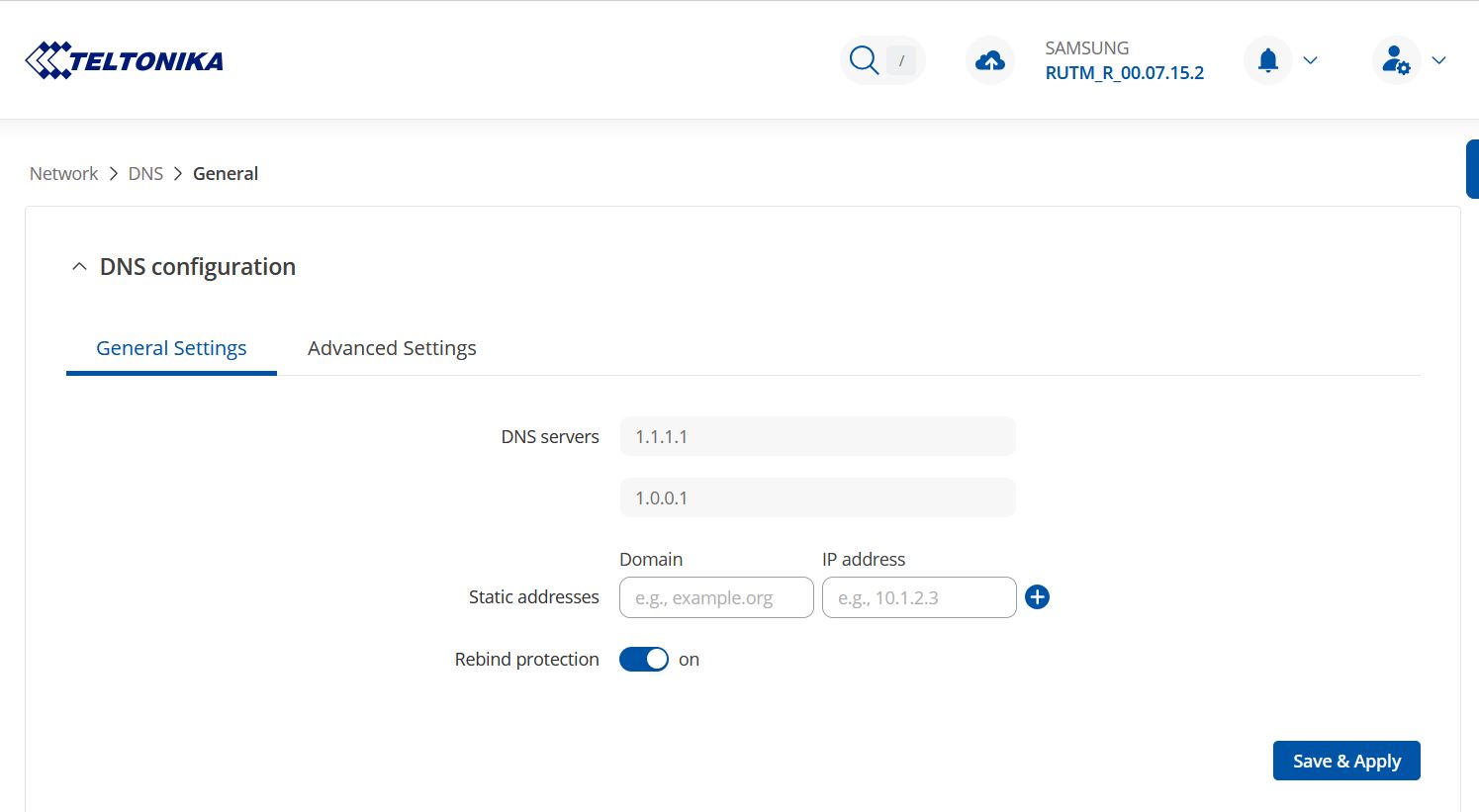
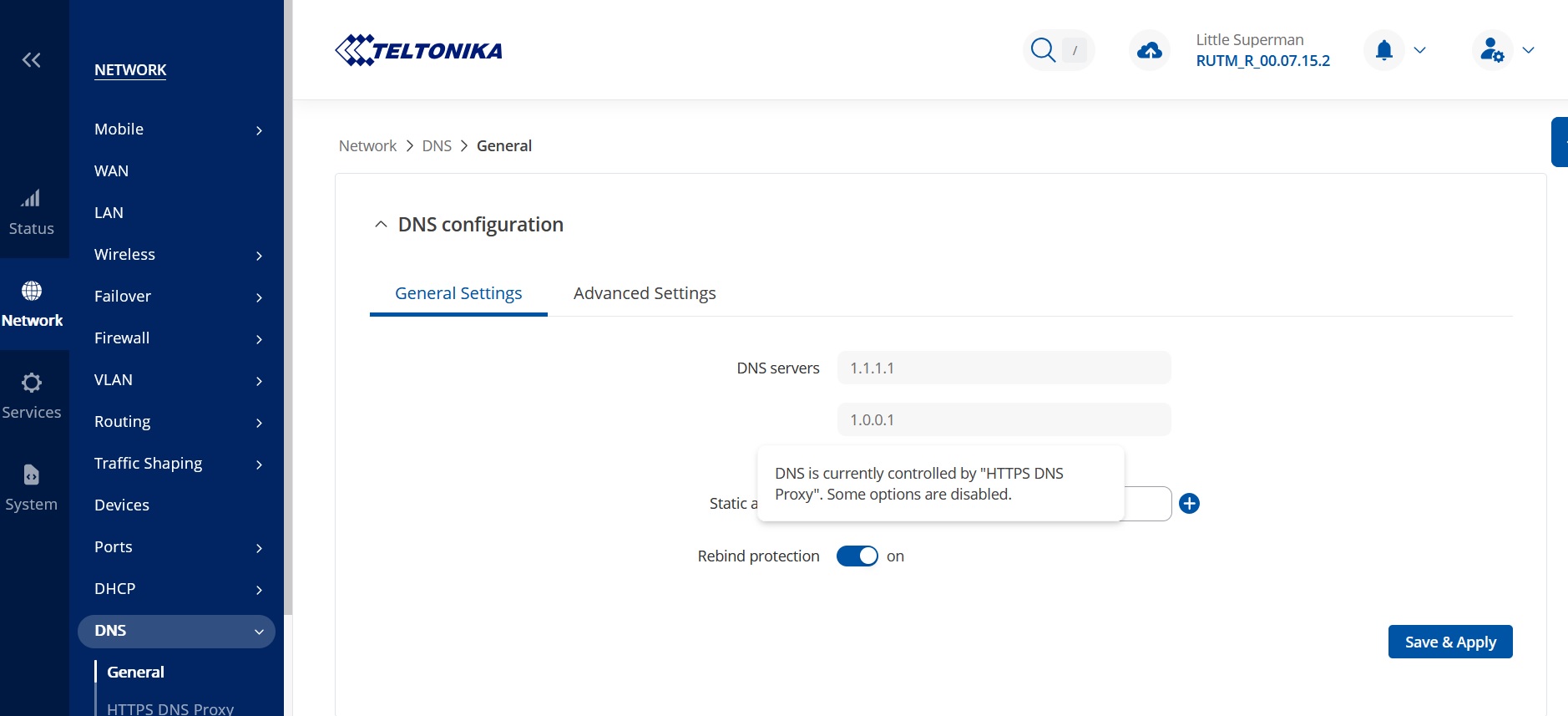
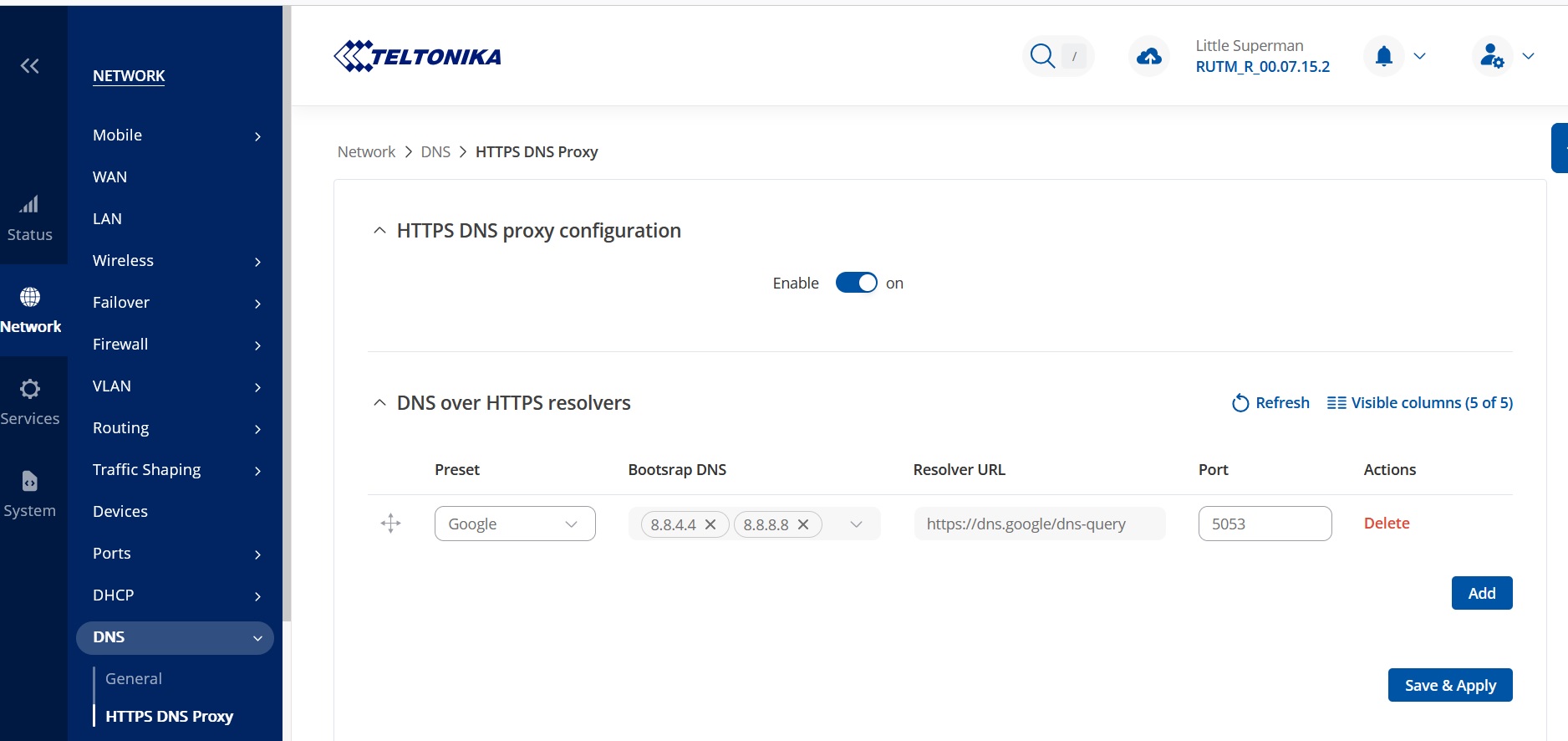
As shown in the screenshot I sent, HTTPS-DNS-Proxy is configured to use Google’s DNS servers (8.8.8.8 / 8.8.4.4), yet the active DNS settings continue to point to 1.1.1.1 / 1.0.0.1. When I enable the RUTM51 Wi-Fi, the router also defaults to 1.1.1.1 / 1.0.0.1, confirming that the proxy configuration is being bypassed.
Could you please investigate why HTTPS-DNS-Proxy is not taking effect?
Thank you for your attention.
Hello,
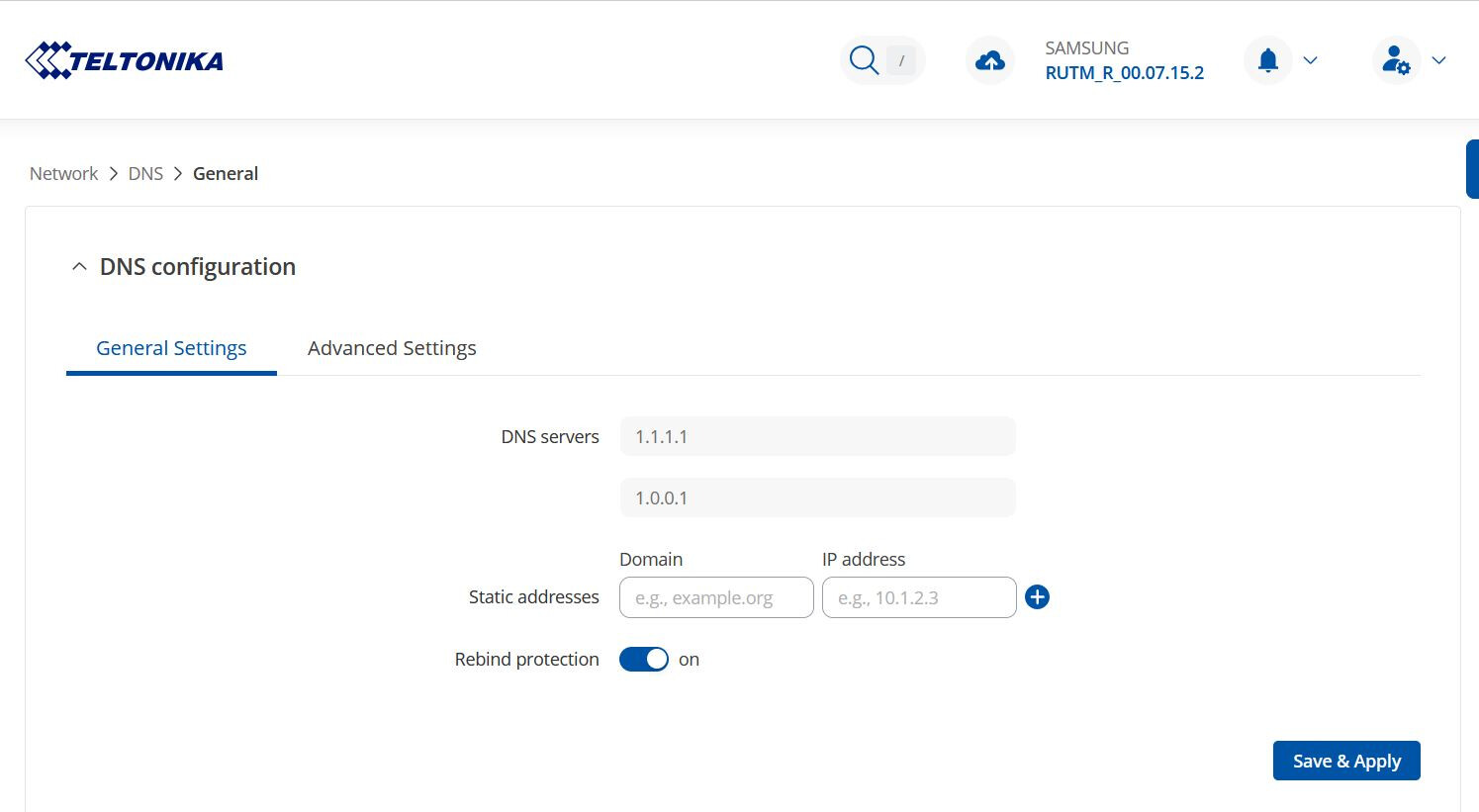
After reviewing the provided information one more time, it looks like the DNS servers 1.1.1.1 and 1.0.0.1 are in use because they are configured to be used under Network → DNS → General as seen in the screenshot provided by you:
More information on user accounts can be found here: RUTM51 Administration - Teltonika Networks Wiki
Kind regards,
M.
Hello,
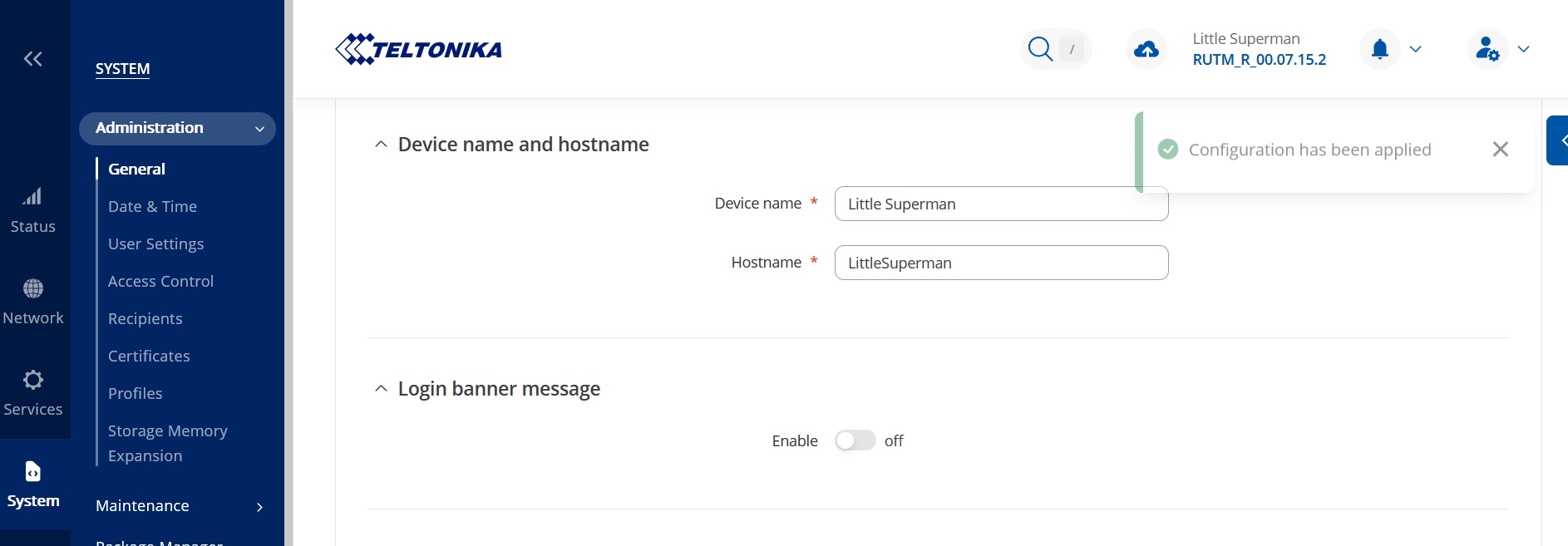
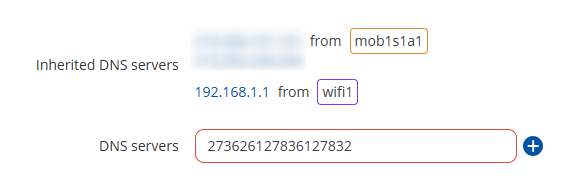
The hostname that was set previously was just a side note, more of a “guess” of the device being preconfigured, as mentioned. My main take was that under Network → DNS → General, you have Cloudflare DNS servers set up instead of the Google ones that you want to use.
Here’s a screenshot from my own device where I can freely type whatever I want in the field:
As mentioned, you seem to have insufficient permissions for some reason, for which, I’d recommend resetting the device if you don’t have any super important configurations in place and have local access to the device, maybe that will solve the permissions issue. If you can try that, that would be great, let me know if that allows you to edit the DNS servers then.
Regards,
M.
Hi,
DNS servers field is disabled because it is no longer used and instead of it HTTPS DNS proxy is used.
To properly test HTTPS DNS proxy I recommend:
Also if you familiar with OpenWRT based systems you can also verify /etc/config/dhcp . dnsmasq section should no longer have list server 1.1.1.1 and list server 1.0.0.1 . They should be replaced with localhost server that is being powered by https-dns-proxy. And do not worry about list doh_backup_server as they purely used to remember your old configuration in case https dns proxy is disabled.
Thank you. That helps!