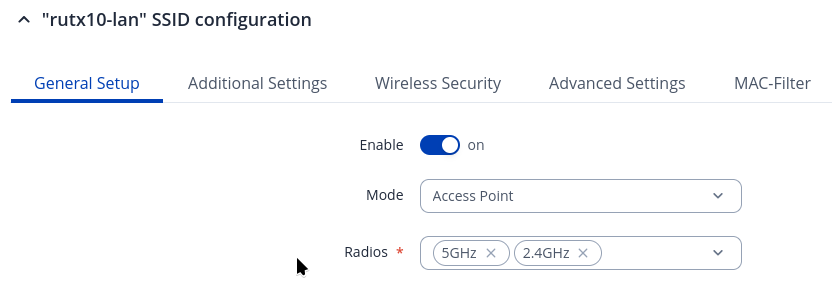
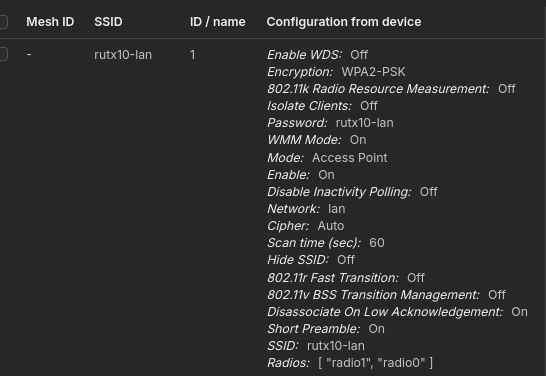
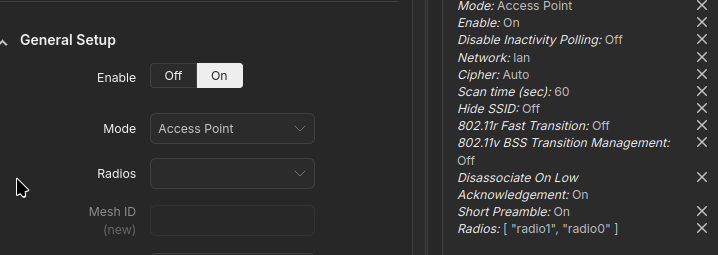
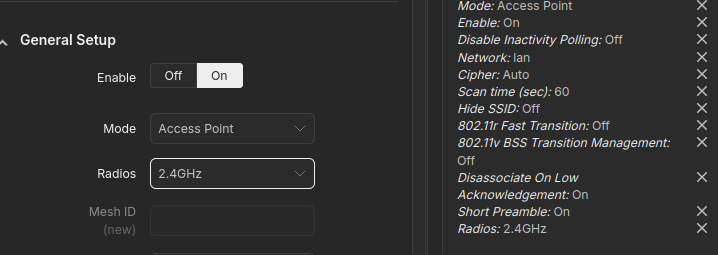
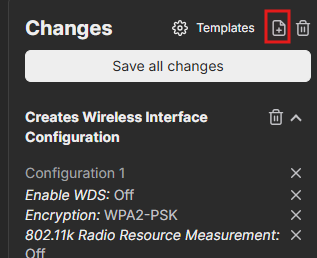
It seems that the option to select multiple radios hasn’t been implemented yet. As a workaround, you can configure the WiFi access point through the router’s WebUI, then save the configuration on RMS as a template. Afterwards, you’ll be able to apply this template to other devices. The WiFi will include both 2.4 GHz and 5 GHz bands.
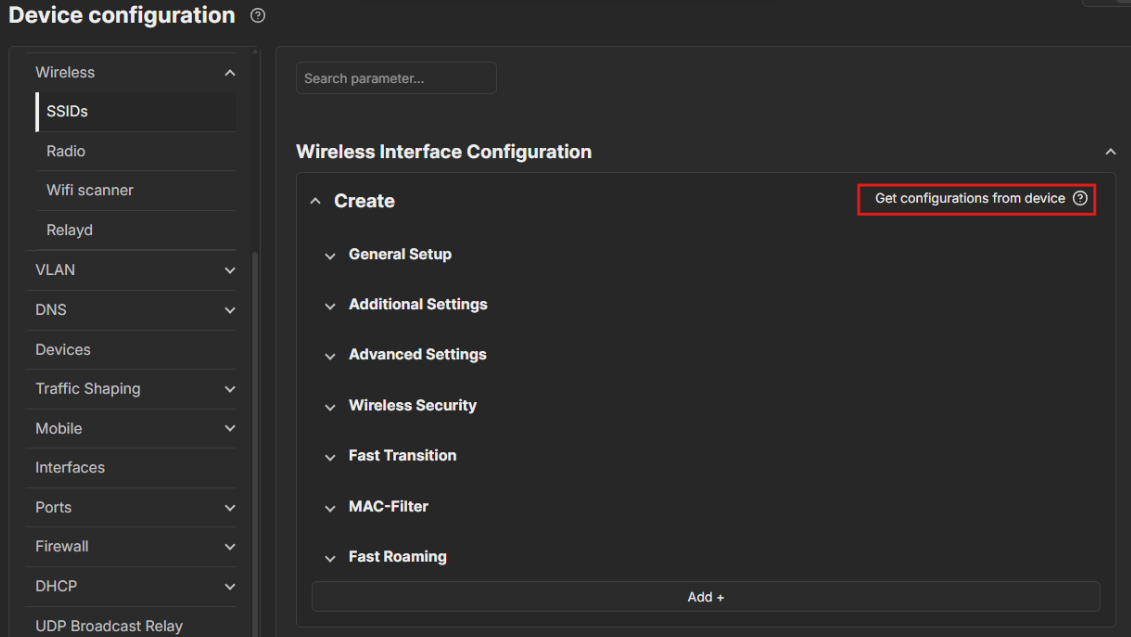
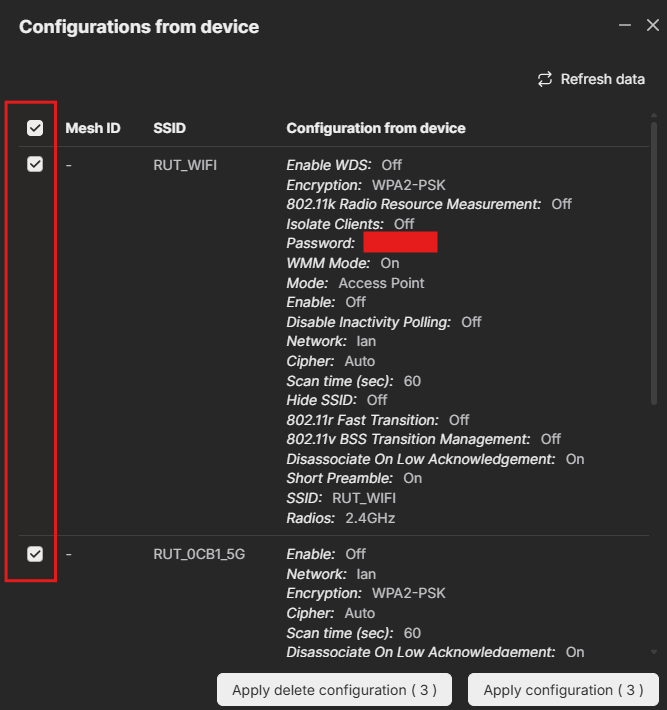
For example, if you want to create a template for a new WiFi access point with both 2.4 GHz and 5 GHz enabled, follow the steps shown in the pictures.
As for the functionality on the configuration page, I’ll contact our research and development department and get back to you once I receive their response.