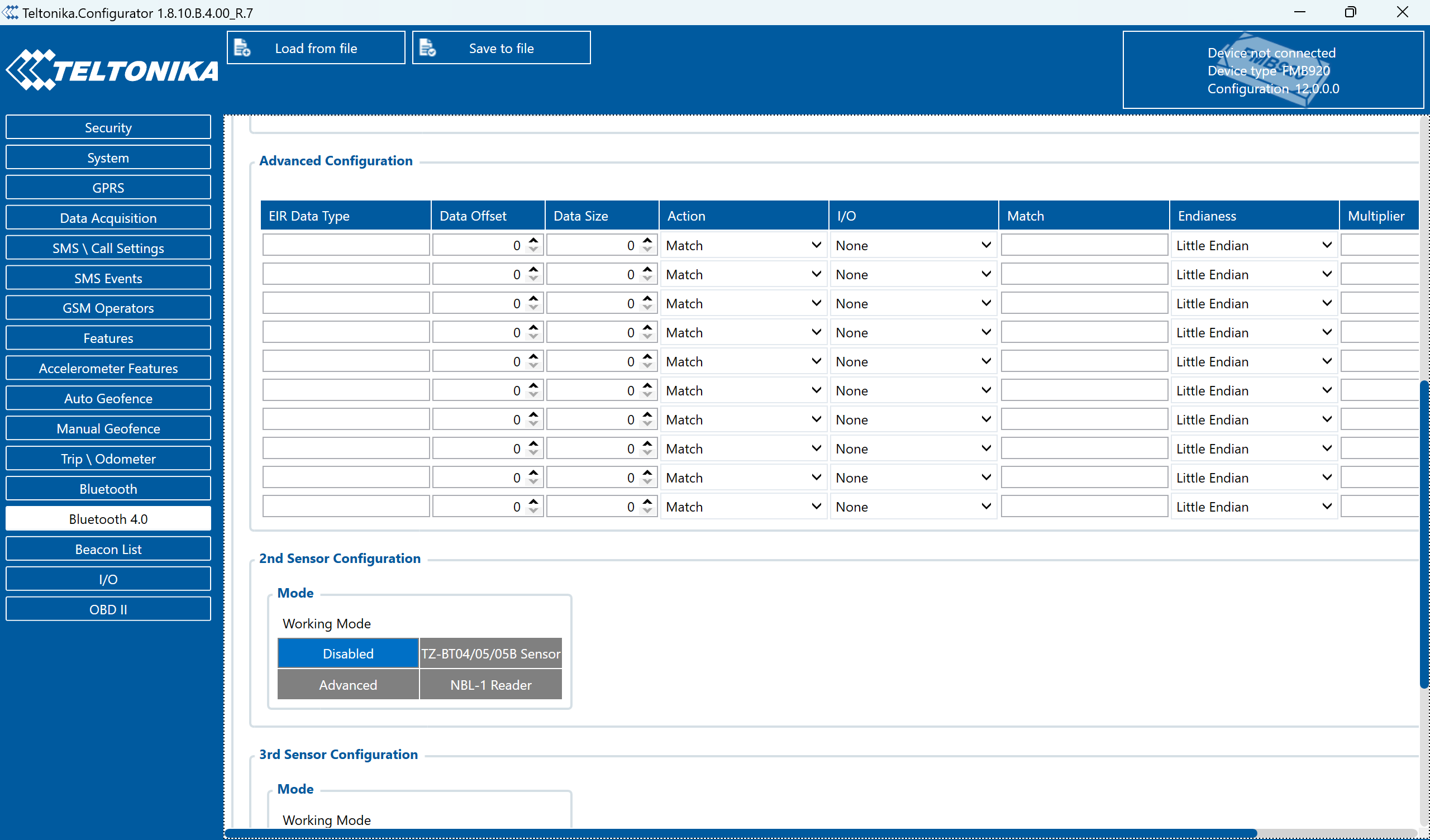
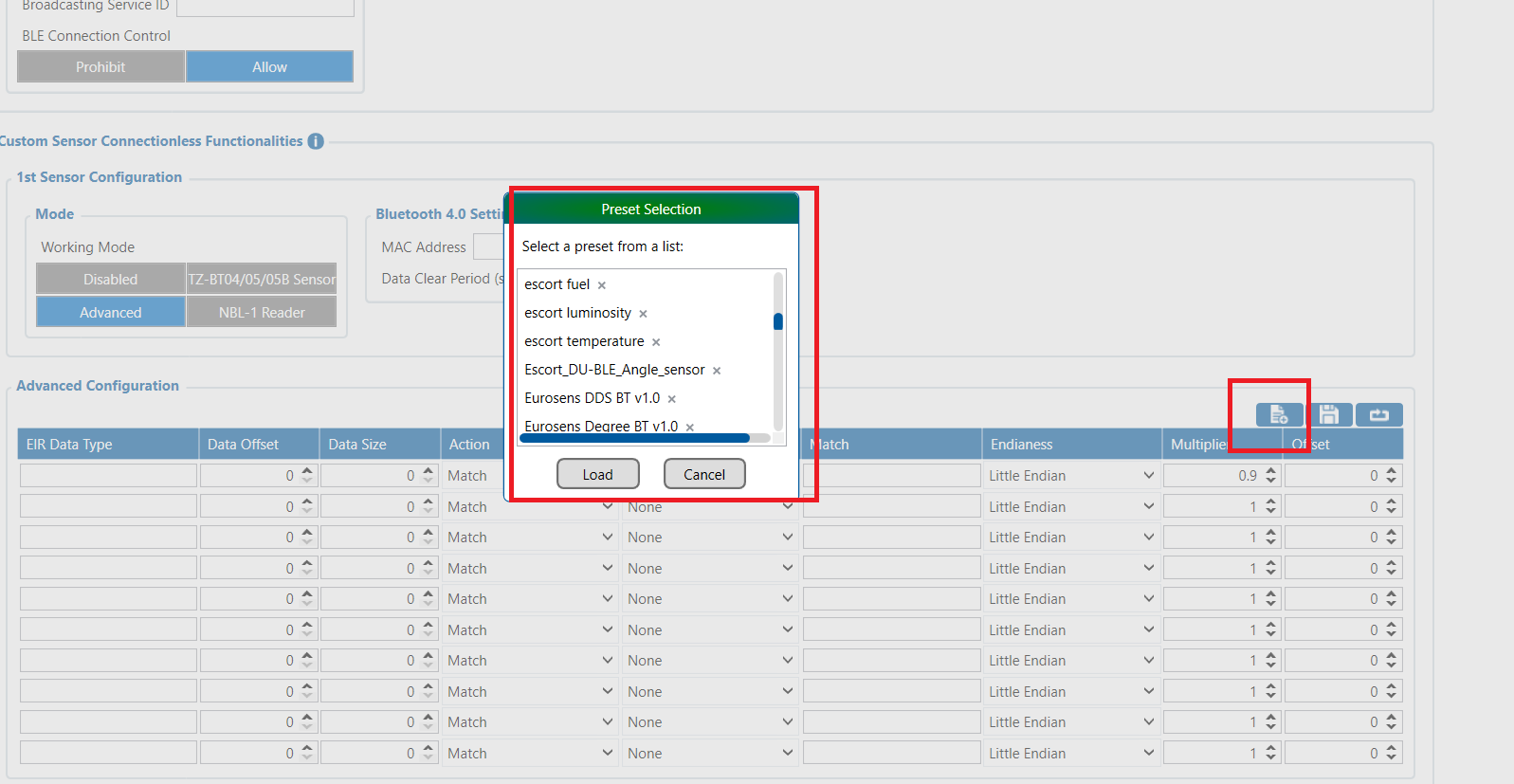
From the same window, please scroll to the right. You will find the Preset Button option, which allows you to select a predefined profile for the BLE sensor.
Simply choose the preset that matches your BLE device. If your BLE device is not available in the list, please create a support ticket and attach the BLE protocol documentation for the device.
Once we have the protocol document, we can review the data being broadcast by the BLE sensor, identify the relevant bytes and parameters, and determine whether it can be supported. If supported, we can create and save a new preset profile for that BLE device.
Thank you very much for your response and for your guidance.
I followed the steps you recommended and successfully loaded the “escort fuel” preset in the Bluetooth 4.0 settings. I then uploaded the updated configuration to the FMB920 through FOTA WEB.
Unfortunately, I am still facing the same issue.
The GPS tracker is working normally, and the vehicle has already generated hundreds of AVL records after the new configuration was applied. The truck is currently operating in international transit and is moving continuously, but no BLE fuel parameters are being received in Wialon.
The following parameters are completely absent from the raw AVL data:
io_270
io_273
io_306
io_307
Device Information
Device: FMB920
Firmware: 12.0.0
Platform: Wialon Hosting
Fuel Sensor: Escort TD BLE
Codec: Codec 8 Extended
Configuration Verified
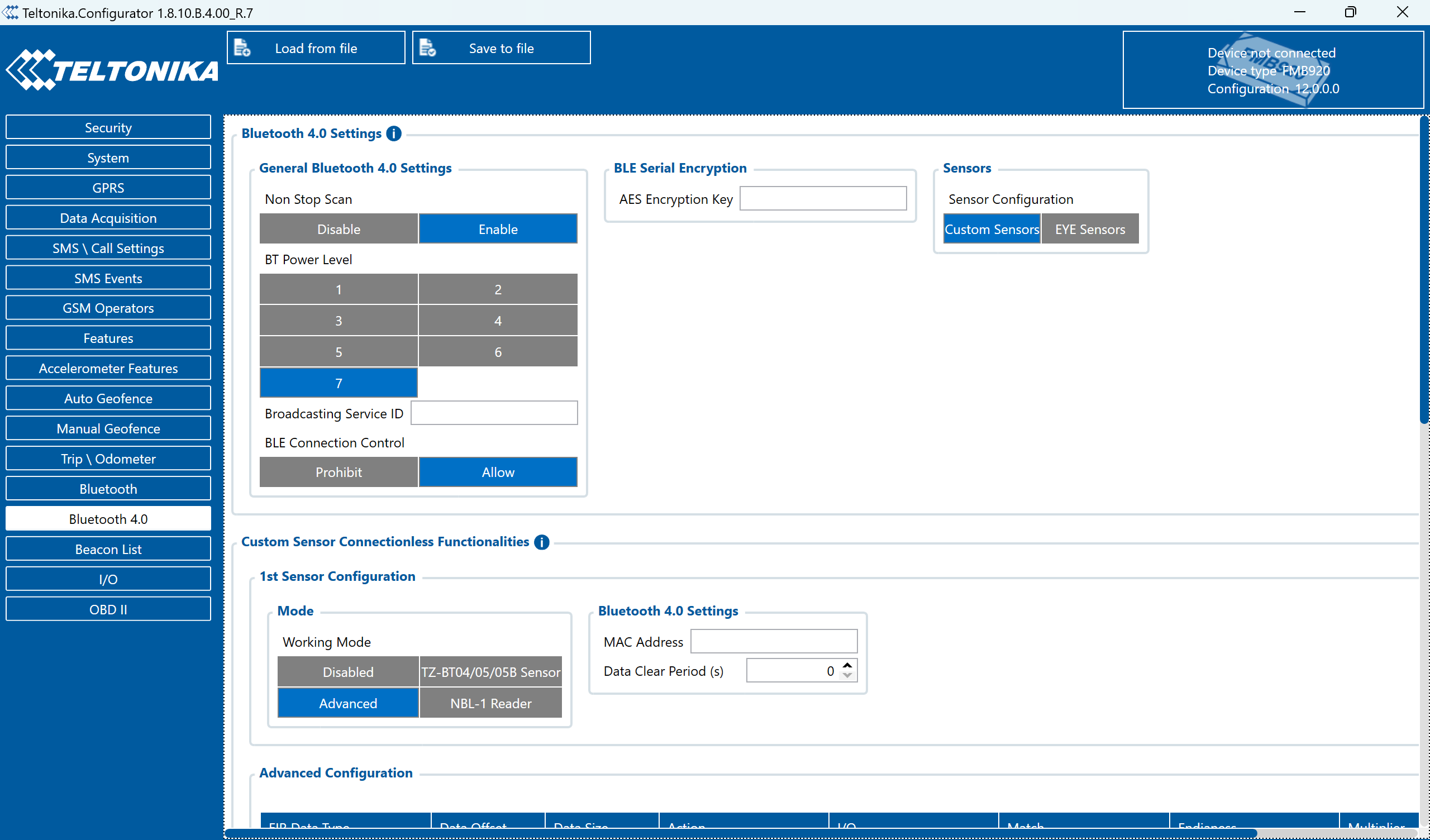
Bluetooth 4.0 Settings
Non Stop Scan: Enabled
BLE Connection Control: Allow
BT Power Level: 7
Working Mode: Advanced
Sensor Configuration
Sensor #1 configured in Advanced Mode
Official “escort fuel” preset loaded
MAC address entered manually
Data Clear Period: 0 seconds
I/O Settings
BLE LLS #1 → Low Priority
BLE LLS Frequency #1 → Low Priority
The MAC address is correct, as it was taken directly from a photo during installation, and the fuel sensor battery was confirmed to be in good condition.
At the moment, physical access to the vehicle is not possible because the truck is already in transit in another country.
Could you please advise on the following:
Is there a way to verify remotely whether the FMB920 is actually detecting the BLE sensor?
Are there any additional parameters that should be enabled?
Could the Escort TD BLE be using a different advertising format that requires manual configuration instead of the default preset?
Is there any remote diagnostic procedure that we can perform without accessing the vehicle physically?
Could the Escort TD BLE be using a different advertising format that requires manual configuration instead of the default preset? This could be the issue, so please check with the Escort team once.
You can also use the SMS command btgetlist 3. Once sent, the device will scan and list all nearby BLE devices but for this sms command NON stop can must be disabled first. This will help verify whether the Escort TD BLE is advertising correctly and whether the device is able to detect it.