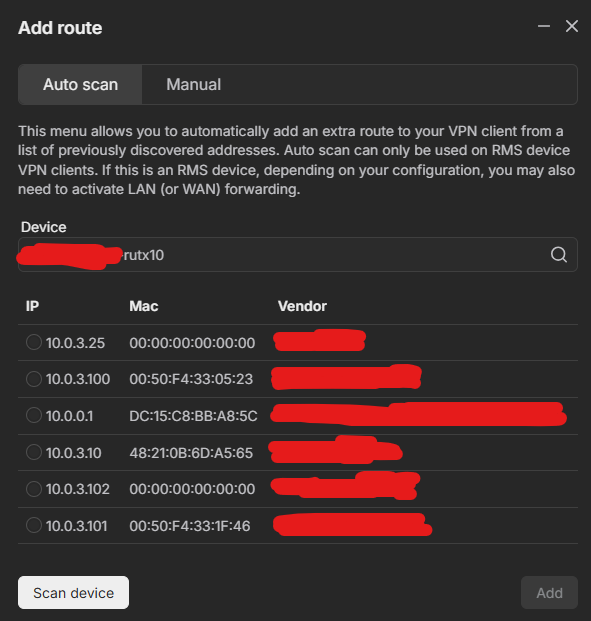
The devices within the RUTX10 lan are visible from the RUTX10, as can also be seen with a scan:
The masquerading mentioned in the community posts was already on because I had looked through the community before posting.
Where is the button to regenerate client certificates? I could not find it, so I assumed if I just fully recreate the RMS to RUTX10 connection the certificates are renewed.
What I did to achieve new client certificates:
-
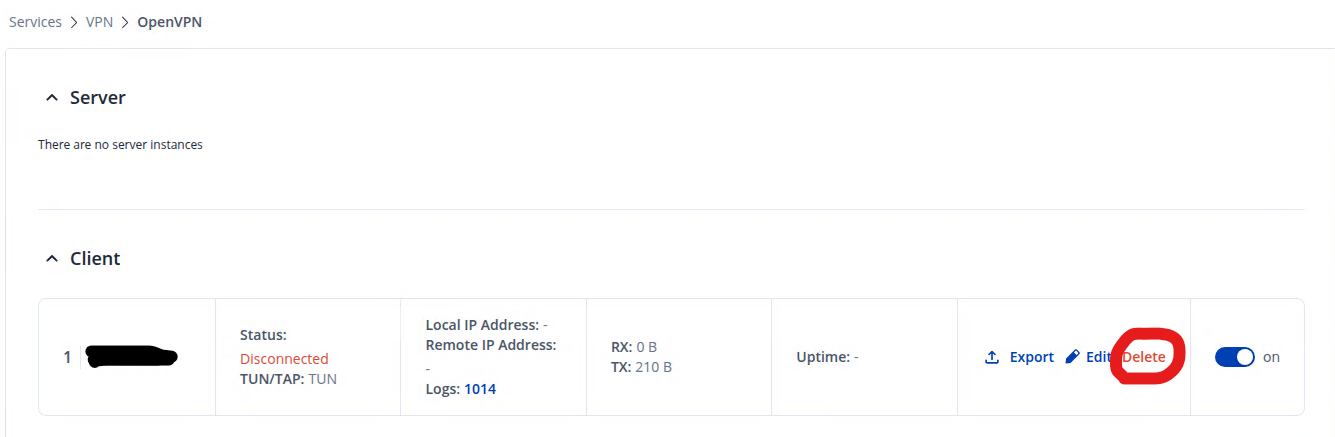
Delete the VPN Client in the RUTX10
-
Delete the VPN hub in RMS
-
Remove/detach the device completely from RMS
-
Re-add the device in RMS
-
Recreate the VPN hub in RMS
-
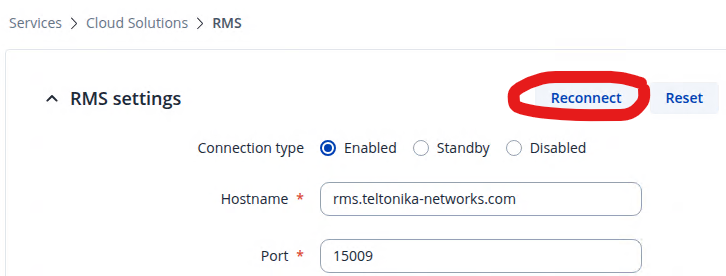
Reconnect the RUTX10 to RMS
-
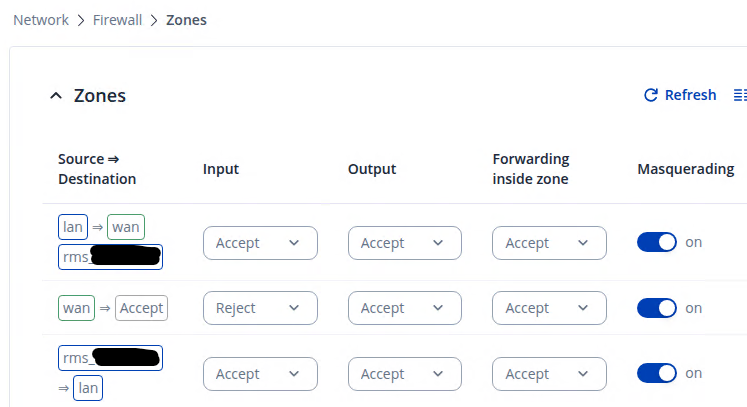
Update the firewall zone settings to include the new automatically generated VPN Client
-
Reboot the RUTX10
This solved my problem yesterday (stable connection with access to full lan), however when I got back to work this morning I got the unstable connection again.
This might be a shot in the dark, but the pc from which I am using Teltonika RMS VPN is in the same local network as the RUTX10 (10.0.0.76 and 10.0.0.200 respectively). Could that cause any problems?
Thanks in advance!