Error on attempt at installing Mosquitto client on Trb142

Hi,

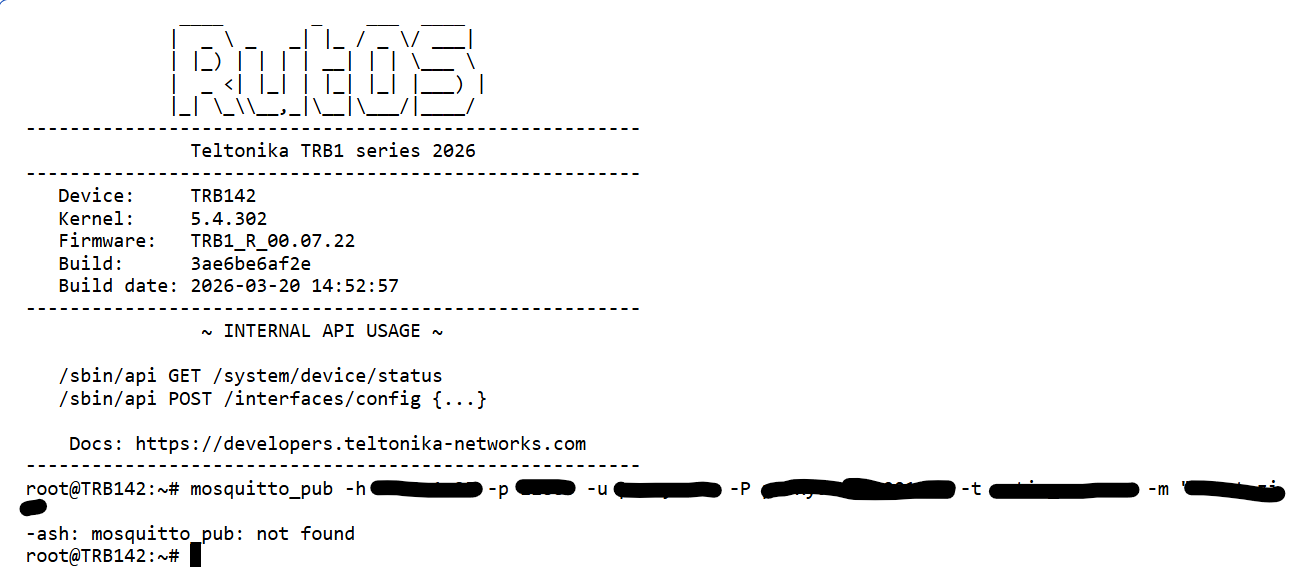
I am kinda new to Teltonika devices. I want ot be alble to sent MQTT messages via CLI on my Trb142. I have seen multiple post about this(such as this: How to use MQTT from CLI - I need to publish from CLI ) however the suggested methods seem to drop errors for me. So I wonder if there is a solution for me to use mosquitto or have any other method to send MQTT messages via the CLI. Oh and btw my firmware version is TRB1_R_00.07.22 if that matters.

Please help

root@TRB142:~# opkg -e /etc/opkg/openwrt/distfeeds.conf update                                                                                                            
Downloading https://downloads.openwrt.org/releases/21.02.0/targets/mdm9x07/generic/packages/Packages.gz                                                                   
*** Failed to download the package list from https://downloads.openwrt.org/releases/21.02.0/targets/mdm9x07/generic/packages/Packages.gz                                  
                                                                                                                                                                          
Downloading https://downloads.openwrt.org/releases/21.02.0/packages/arm_cortex-a7_neon-vfpv4/base/Packages.gz                                                             
Updated list of available packages in /var/opkg-lists/openwrt_base                                                                                                        
Downloading https://downloads.openwrt.org/releases/21.02.0/packages/arm_cortex-a7_neon-vfpv4/base/Packages.sig                                                            
Signature check passed.                                                                                                                                                   
Downloading https://downloads.openwrt.org/releases/21.02.0/packages/arm_cortex-a7_neon-vfpv4/vuci/Packages.gz                                                             
*** Failed to download the package list from https://downloads.openwrt.org/releases/21.02.0/packages/arm_cortex-a7_neon-vfpv4/vuci/Packages.gz                            
                                                                                                                                                                          
Collected errors:                                                                                                                                                         
 * opkg_download: Failed to download https://downloads.openwrt.org/releases/21.02.0/targets/mdm9x07/generic/packages/Packages.gz, wget returned 8.                        
 * opkg_download: Failed to download https://downloads.openwrt.org/releases/21.02.0/packages/arm_cortex-a7_neon-vfpv4/vuci/Packages.gz, wget returned 8.
root@TRB142:~# opkg -e /etc/opkg/openwrt/distfeeds.conf install mosquitto-client-ssl                                                                                      
Unknown package 'mosquitto-client-ssl'.                                                                                                                                   
Package installation encountered an error, removing previously installed packages. 
Greetings, @Bedna ,

Welcome to the Teltonika Community!

The MQTT functionality should be pre-installed by default and therefore will not appear in the Package Manager. If the device firmware was upgraded from a significantly older version to the latest release, the large firmware gap may cause some settings not to be applied correctly.

In this case, I would recommend performing a factory reset and then upgrading the firmware again without enabling the Keep settings option.

Please let me know how it goes.

Best regards,
V.

Hi,

So I did just what you suggested. Reset the device then updated the firmware again. But unfortunately mosquitto still does not seem to work at all.

Hi, I just wanted to check in if you might have a solution for my issue.

Hello,

For troubleshooting purposes, we will require more sensitive information from your end, such as the troubleshoot file, which may contain passwords, public IP addresses, serial numbers, and such. To avoid leaking this information, we have sent you a form to fill out, which you will receive in your e-mail inbox that you have registered your account with in the forums. In the Ticket ID field of the form, please enter the ID of this thread, which is 18867.

Please let me know once you filled out the form.

Thank you,
V.

Hi,
I am sorry that I have to write this here. I have filled out the form a long time ago, I also attempted write to you on your ‘Contact Us’ page, and I have yet to recieve any response.

Hello, @Bedna ,

Apologies for the delay.

I have re-sent you further instructions via email, could you please confirm if you received it?

All the best,
V.

Hi,

Yes I have recieved it, and also answered it.

Hello,

Here are step-by-step instructions on how to install mosquitto-ssl package to your TRB142.

Step 1: Connect to the Device via SSH

  1. Open your SSH client.
  2. Connect to the device using its LAN IP address (default is 192.168.1.1) and log in as the root user:ssh root@192.168.1.1
  3. Enter your device’s admin password when prompted.

Step 2: Add the Missing OpenWrt Package Feed

By default, the router’s embedded configuration may omit the standard OpenWrt package repository layout. Run the following command to append the correct OpenWrt repository feed to the configuration file:

echo "src/gz openwrt_packages https://downloads.openwrt.org/releases/21.02.0/packages/mipsel_24kc/packages" >> /etc/opkg/openwrt/distfeeds.conf

Step 3: Update the Package Lists

Refresh the package manager (opkg) lists to register the newly added repository:

opkg -e /etc/opkg/openwrt/distfeeds.conf update

Note: You can safely ignore any “Failed to download… vuci/Packages.gz” errors if they appear; this is a known legacy path behavior and will not impact this installation

Step 4: Install the Mosquitto SSL Client

Run the installation command for the SSL-supported version of the client:

opkg -e /etc/opkg/openwrt/distfeeds.conf install mosquitto-client-ssl

Note: If the installer fails due to a pre-existing library dependency conflict on the router, use this force command to overwrite it and complete the installation:

opkg -e /etc/opkg/openwrt/distfeeds.conf --force-depends --force-overwrite install mosquitto-client-ssl

Step 5: Verify the Installation

To confirm that the tools have been successfully deployed, verify the installation by calling the help menu for either utility:

  • To test the publishing tool: mosquitto_pub --help
  • To test the subscribing tool: mosquitto_sub --help

If the terminal displays the utility options, the installation is complete and the Mosquitto SSL client is ready for use in your scripts.

If you run into any issues during the process or have any questions, please let me know!

Best regards,
V.

Hi,

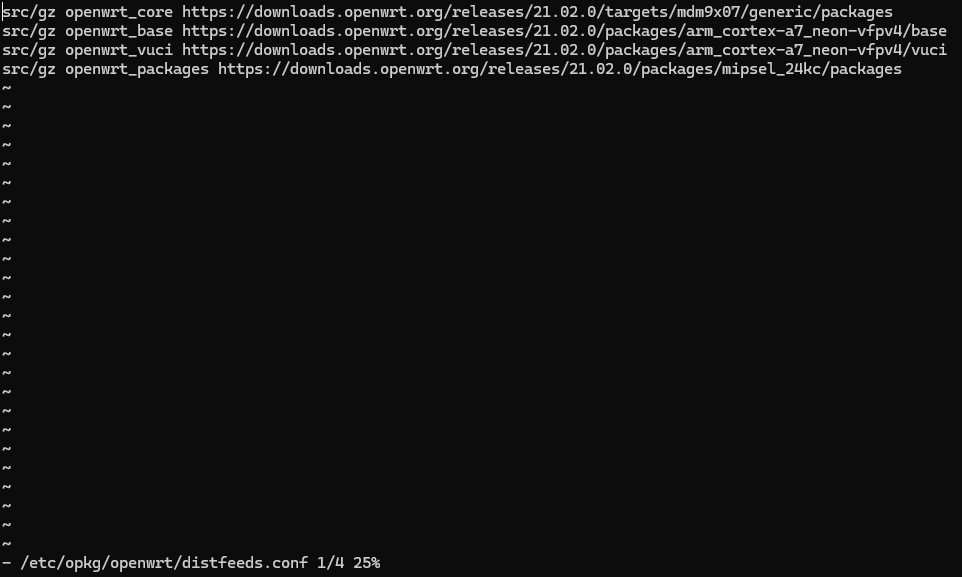
Unfortunately not even with the force command, it doesnt seem to complete the installation. Here is the distfeeds file, with the added packages:

Hello,

Thank you for your swift response,

Since the forum is public, I have removed your link to the logs file, as it might contain sensitive information.

To safely transfer the troubleshoot file and logs, which may contain passwords, public IP addresses, serial numbers, we have sent you a form to fill out, which you will receive in your e-mail inbox that you have registered your account with in the forums. In the Ticket ID field of the form, please enter the ID of this thread, which is 18867.

Please let me know once you filled out the form.

Thank you,
V.

Hi,

Even though it did not exactly worked, I was inspired by that solution. The mistake was indeed some missing packages, but what you suggested was likely not the correct one. In the end I succesfully installed the mosquitto packages with these commands:

cd /tmp

wget https://downloads.openwrt.org/releases/21.02.0/packages/arm_cortex-a7_neon-vfpv4/packages/mosquitto-client-ssl_2.0.15-1_arm_cortex-a7_neon-vfpv4.ipk

opkg install mosquitto-client-ssl_2.0.15-1_arm_cortex-a7_neon-vfpv4.ipk

Thank you for your help. I would not have figured it out without it.