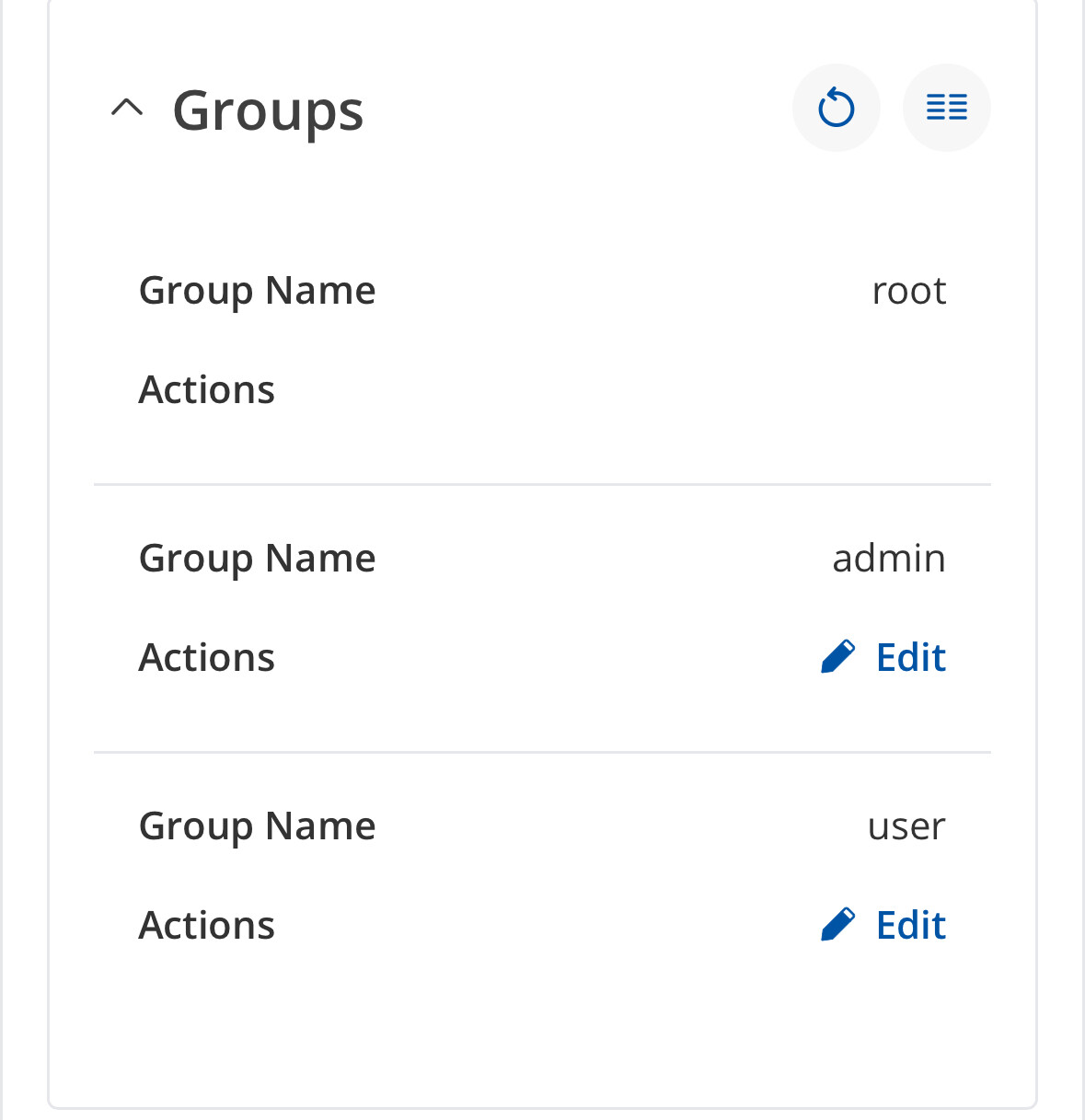
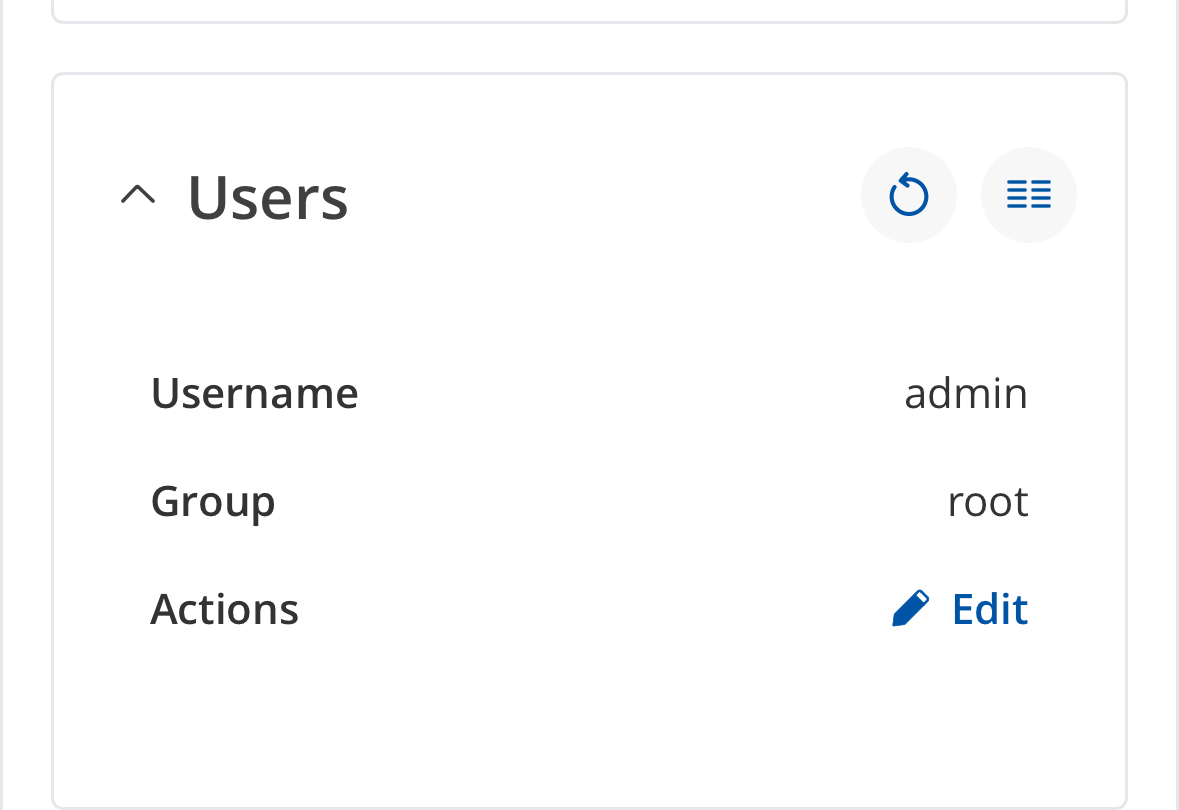
Thank you for reaching out regarding the Email-to-SMS functionality on your TRB245 device.
The reason the email_to_sms command only works when logged in as the root user is due to system-level permissions on the device. The command requires access to system resources, such as the SMS modem and background services, which are restricted to root for security reasons. The WebUI admin account is intentionally limited to configuration and monitoring tasks and does not have permission to execute system-level commands directly.
Please be assured that once configured via the WebUI, the Email-to-SMS service runs automatically in the background with the required permissions, so daily operation and monitoring can be performed safely through the WebUI without needing root access.
thanks, but it don’t works. There is no logging for traffic on TRB and also no incoming traffic on the mailserver. If i set a cronjob as root ( only whanted for temp) to em… read everything works and also the settings i done in webUI are used.
first I install email2sms service from paketmanager
config this and wait
Nothing happened
I tried second different mailserver and multiple settings
Nothing happened
I monitor nettraffic in my private network, nothing seen
I monitor incoming connections on my own mailserver, no try to connect from the device to the mailserver. No handyshake nothing
I login cli by admin, run email_to_sms read, nothing happens
I changed to root, try again and email_to_sms read connects, read undone mails and send via modem to mobiledevice
I set temporary a crownjob as root for email_to_send read every 5 minutes and service works
By the way. Yesterday I installed ddns service and this service also don’t run at times for update in the settings there. It seems that no cron is running by webui installed instances
Email to SMS Forwarding is a feature that connects to an email account and periodically checks the inbox at a defined interval. When a new email with a specific subject is detected (the phone number provided in the email subject), the router sends the email body as one or more SMS messages to the recipient specified in the subject field.
Recommendations:
The Email to SMS application may not perform optimally if the email inbox is heavily populated. It is recommended to keep fewer than 100 emails in the inbox.
Fewer emails generally result in better performance.
In most cases, using a dedicated email inbox for this function is the best practice.
For more information about this functionality, please refer to the following article:
Additionally, please note that admin and root users have different system-level permissions. As a result, certain features may not function correctly when using the admin user instead of the root user.
Regarding the DDNS service, I kindly ask that you create a separate topic to avoid confusion and to ensure proper tracking of each issue.
The behavior you are observing—where the service works only when logged in as root via CLI but not as admin—is due to differences in system-level permissions between the two users. Some features require root-level access to function correctly.
The packages are installed directly on the device and are not user-specific. However, permissions to execute CLI commands are assigned based on the user account.
Could you please be more specific on what do you have in mind here?
Are you scheduling it as cronjob? Which role are you using? Please provide me with a step by step instructions so I could replicate the issue and investigate further.
Because you mentioned in the previous replies that:
Additionally, you can share a use case for your scenario, this will help me better understand the issue and assist you further.
WebUI in the WebUI you can configure the Email-to-SMS service, but it does not provide a direct manual “run now” command or interface button to execute the read action from the browser.
The WebUI is intentionally limited to configuration and status, not arbitrary system command execution.
Additionally, running system utilities (like email_to_sms read) involves permissions and access to the modem that are restricted to root for security reasons.