Dear Community,
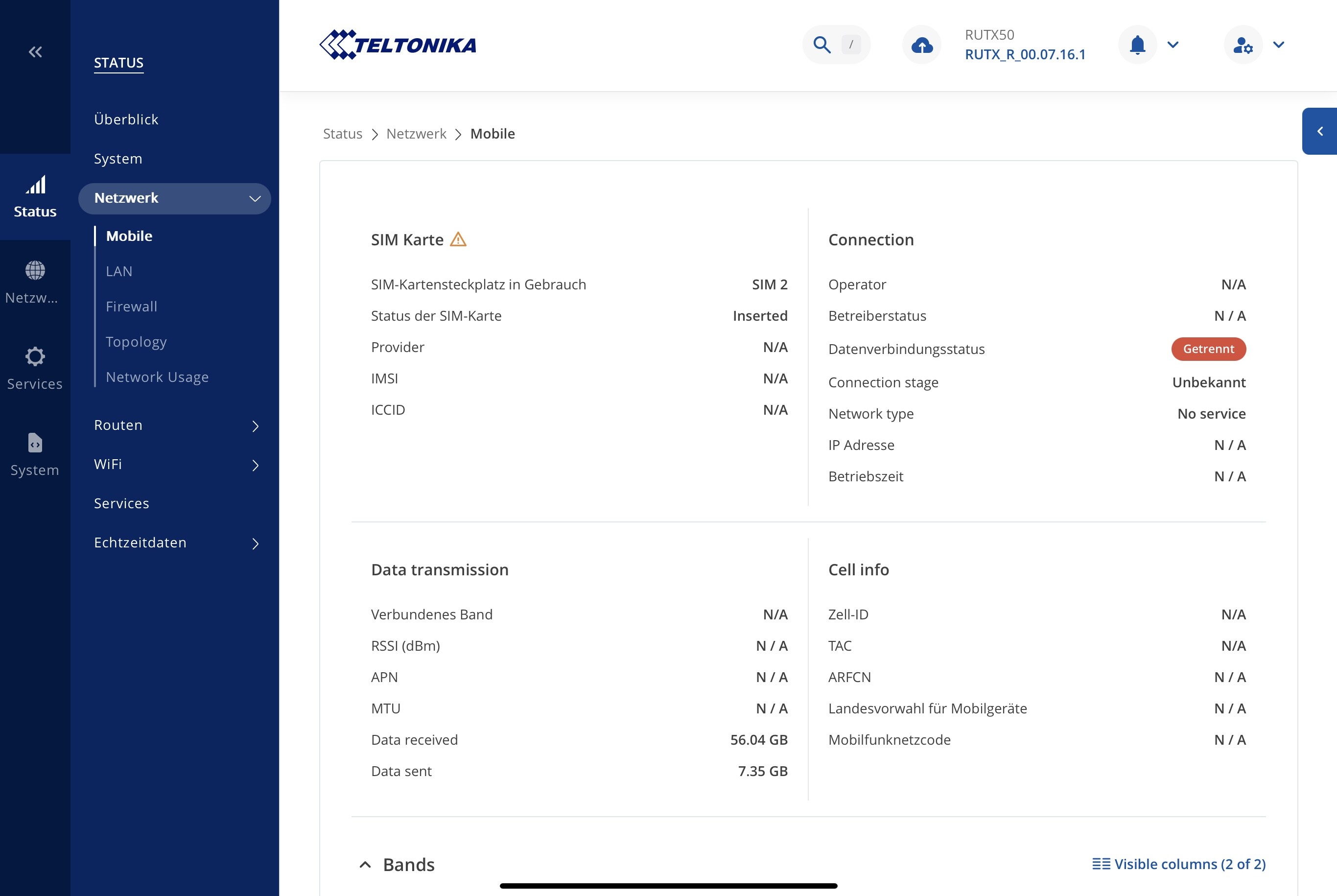
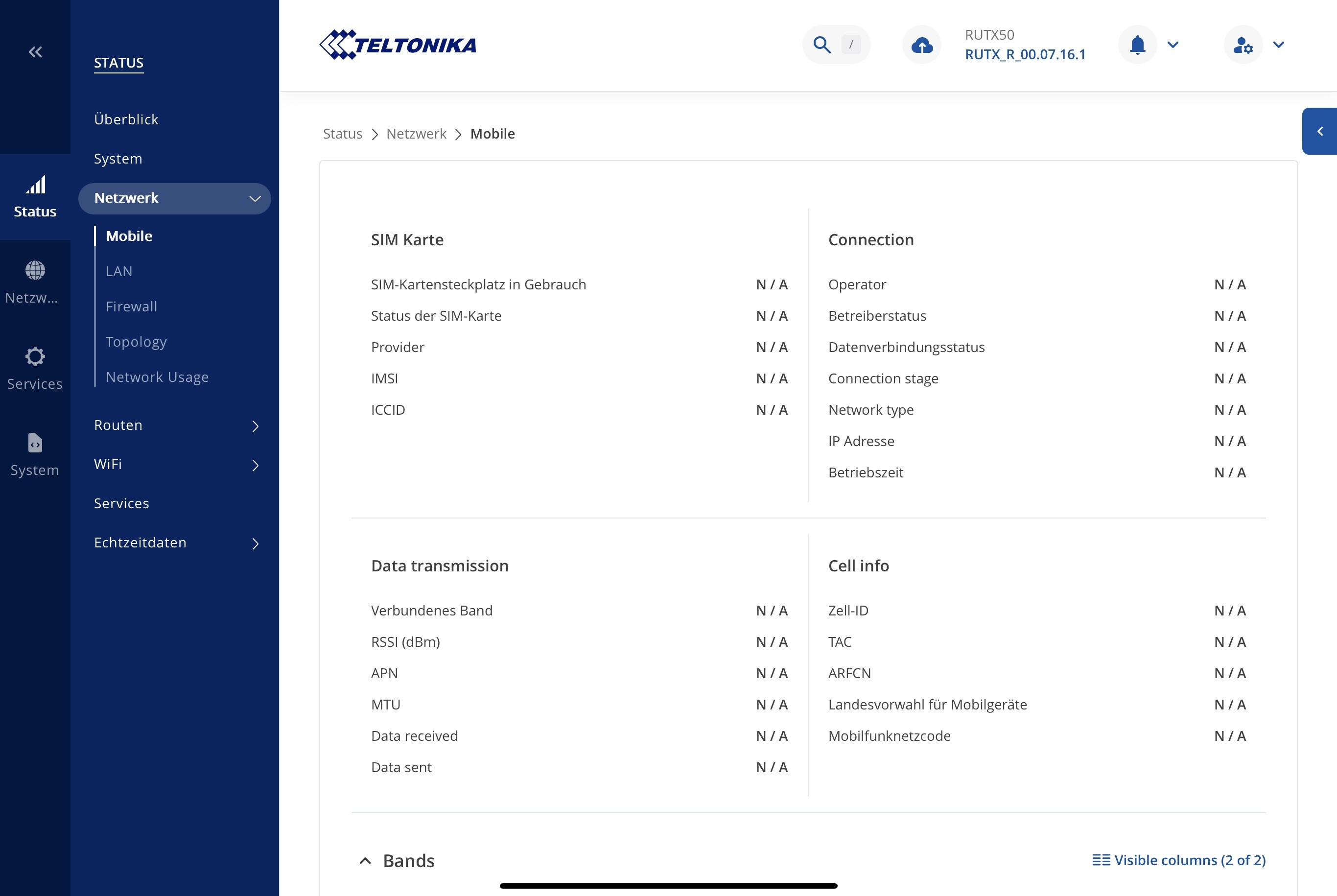
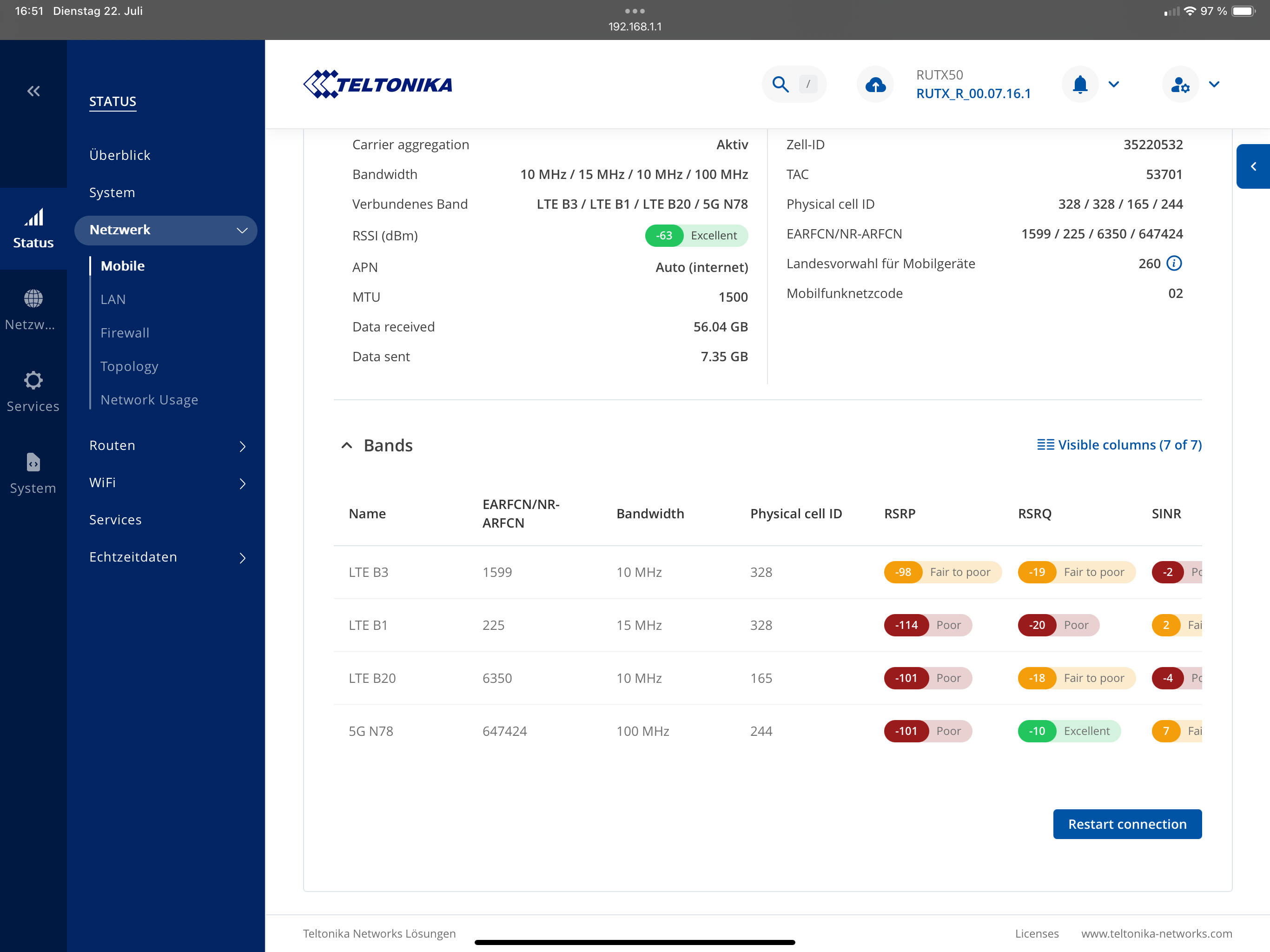
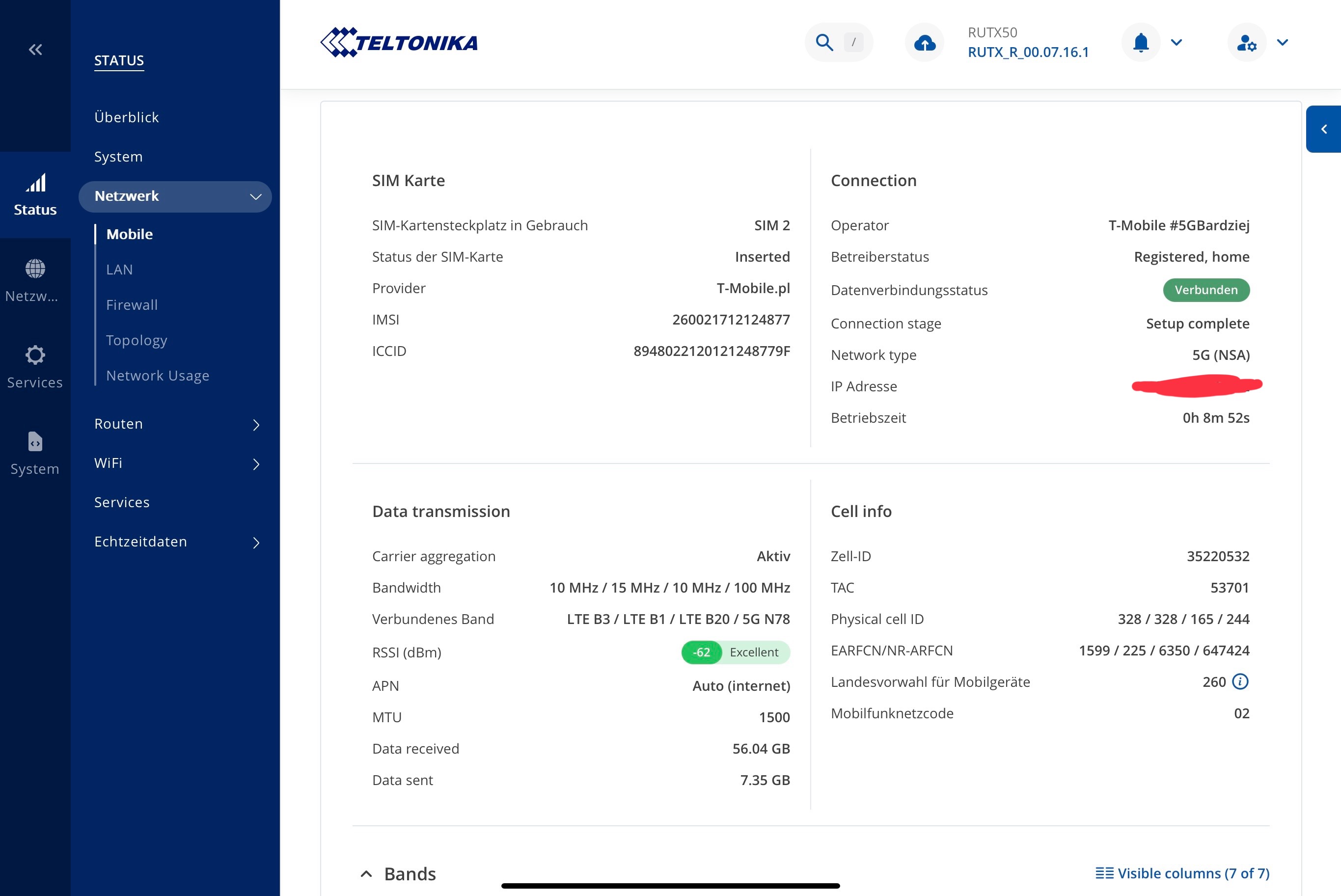
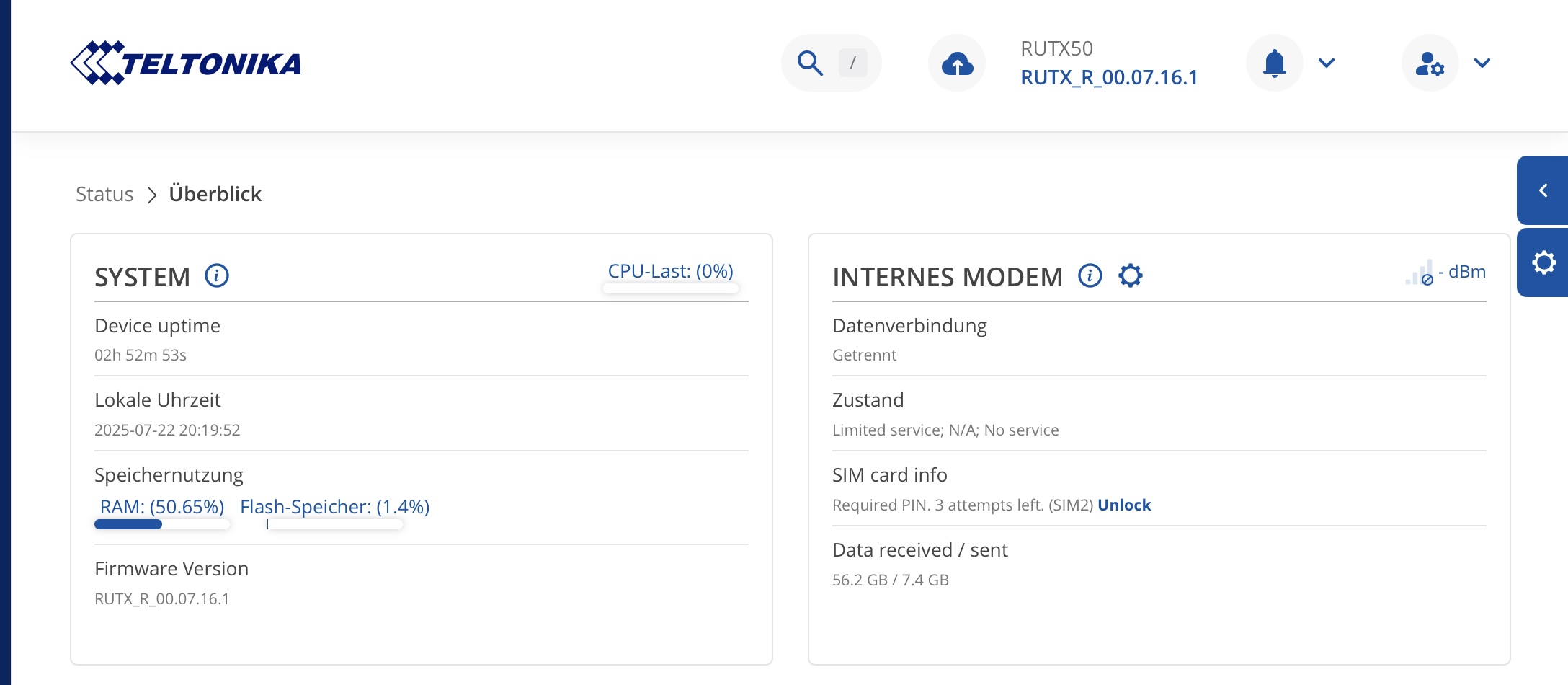
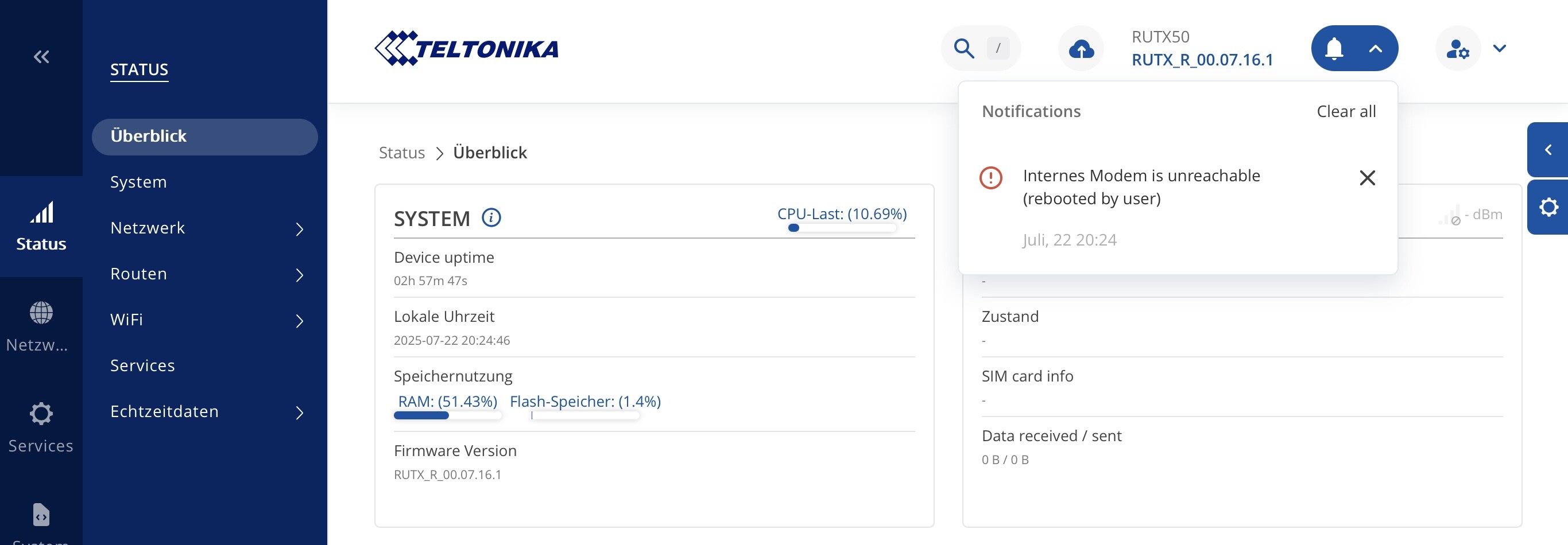
I’m having an issue with my DUX50 and its mobile connection. I’m not sure whether the problem is related to the hardware or the location where I’m currently using it.
The modem frequently loses connection — please see the attached log.
Can you help me resolve the problem?
Thank You in advance,
kamil
|2025-07-22 01:00:08|WiFi|connections|notice|Luisa II: WiFi client connected: 60:F8:1D:B5:CB:7C|
| — | — | — | — | — |
|2025-07-22 01:00:09|DHCP|network|info|Leased 192.168.1.111 IP address for client 60:f8:1d:b5:cb:7c - Kamils-MBP-2 in WiFi|
|2025-07-22 06:47:23|Mobile Data|network|info|Mobile data disconnected (internal modem)|
|2025-07-22 06:47:25|Mobile Data|network|info|Mobile data disconnected (internal modem)|
|2025-07-22 06:47:55|Mobile Data|network|info|Mobile data disconnected (internal modem)|
|2025-07-22 06:48:00|Health checker|network|notice|IPv4 connectivity started to fail|
|2025-07-22 06:48:21|Health checker|network|notice|DNS resolution started to fail|
|2025-07-22 06:48:42|Mobile Data|network|info|Mobile data connected (internal modem)|
|2025-07-22 06:48:42|Network Type|network|info|Joined 5G-NSA network (internal modem)|
|2025-07-22 06:48:42|Network Operator|network|info|Connected to 26002 operator (internal modem)|
|2025-07-22 06:49:21|Health checker|network|notice|IPv4 connectivity restored|
|2025-07-22 06:49:24|Health checker|network|notice|DNS resolution restored|
|2025-07-22 07:01:45|Mobile Data|network|info|Mobile data disconnected (internal modem)|
|2025-07-22 07:02:01|Health checker|network|notice|IPv4 connectivity started to fail|
|2025-07-22 07:02:03|Mobile Data|network|info|Mobile data disconnected (internal modem)|
|2025-07-22 07:02:22|Health checker|network|notice|DNS resolution started to fail|
|2025-07-22 07:02:43|Mobile Data|network|info|Mobile data connected (internal modem)|
|2025-07-22 07:02:43|Network Type|network|info|Joined 5G-NSA network (internal modem)|
|2025-07-22 07:02:43|Network Operator|network|info|Connected to 26002 operator (internal modem)|
|2025-07-22 07:03:22|Health checker|network|notice|IPv4 connectivity restored|
|2025-07-22 07:03:26|Health checker|network|notice|DNS resolution restored|
|2025-07-22 07:16:32|Mobile Data|network|info|Mobile data disconnected (internal modem)|
|2025-07-22 07:16:34|Mobile Data|network|info|Mobile data disconnected (internal modem)|
|2025-07-22 07:16:52|Mobile Data|network|info|Mobile data disconnected (internal modem)|
|2025-07-22 07:17:06|Health checker|network|notice|IPv4 connectivity started to fail|
|2025-07-22 07:17:27|Health checker|network|notice|DNS resolution started to fail|
|2025-07-22 07:18:42|Health checker|network|notice|DNS resolution restored|
|2025-07-22 07:18:46|Mobile Data|network|info|Mobile data connected (internal modem)|
|2025-07-22 07:18:46|Network Type|network|info|Joined 5G-NSA network (internal modem)|
|2025-07-22 07:18:46|Network Operator|network|info|Connected to 26002 operator (internal modem)|
|2025-07-22 07:19:42|Health checker|network|notice|IPv4 connectivity restored|
|2025-07-22 07:22:47|Mobile Data|network|info|Mobile data disconnected (internal modem)|
|2025-07-22 07:22:49|Mobile Data|network|info|Mobile data disconnected (internal modem)|
|2025-07-22 07:22:54|Health checker|network|notice|IPv4 connectivity started to fail|
|2025-07-22 07:23:06|Mobile Data|network|info|Mobile data disconnected (internal modem)|
|2025-07-22 07:23:15|Health checker|network|notice|DNS resolution started to fail|
|2025-07-22 07:23:54|Mobile Data|network|info|Mobile data connected (internal modem)|
|2025-07-22 07:23:54|Network Type|network|info|Joined 5G-NSA network (internal modem)|
|2025-07-22 07:23:54|Network Operator|network|info|Connected to 26002 operator (internal modem)|
|2025-07-22 07:24:15|Health checker|network|notice|IPv4 connectivity restored|
|2025-07-22 07:24:18|Health checker|network|notice|DNS resolution restored|
|2025-07-22 07:28:07|Mobile Data|network|info|Mobile data disconnected (internal modem)|
|2025-07-22 07:28:09|Mobile Data|network|info|Mobile data disconnected (internal modem)|
|2025-07-22 07:28:31|Health checker|network|notice|IPv4 connectivity started to fail|
|2025-07-22 07:28:38|Mobile Data|network|info|Mobile data disconnected (internal modem)|
|2025-07-22 07:28:52|Health checker|network|notice|DNS resolution started to fail|
|2025-07-22 07:31:34|Health checker|network|notice|DNS resolution restored|
|2025-07-22 07:31:38|Mobile Data|network|info|Mobile data connected (internal modem)|
|2025-07-22 07:31:38|Network Type|network|info|Joined 5G-NSA network (internal modem)|
|2025-07-22 07:31:38|Network Operator|network|info|Connected to 26002 operator (internal modem)|
|2025-07-22 07:32:34|Health checker|network|notice|IPv4 connectivity restored|
|2025-07-22 07:47:04|Mobile Data|network|info|Mobile data disconnected (internal modem)|
|2025-07-22 07:47:06|Mobile Data|network|info|Mobile data disconnected (internal modem)|
|2025-07-22 07:47:21|Health checker|network|notice|IPv4 connectivity started to fail|
|2025-07-22 07:47:23|Mobile Data|network|info|Mobile data disconnected (internal modem)|
|2025-07-22 07:47:42|Health checker|network|notice|DNS resolution started to fail|
|2025-07-22 07:48:03|Mobile Data|network|info|Mobile data connected (internal modem)|
|2025-07-22 07:48:03|Network Type|network|info|Joined 5G-NSA network (internal modem)|
|2025-07-22 07:48:03|Network Operator|network|info|Connected to 26002 operator (internal modem)|
|2025-07-22 07:48:42|Health checker|network|notice|IPv4 connectivity restored|
|2025-07-22 07:48:45|Health checker|network|notice|DNS resolution restored|
|2025-07-22 08:46:24|Mobile Data|network|info|Mobile data disconnected (internal modem)|
|2025-07-22 08:46:26|Mobile Data|network|info|Mobile data disconnected (internal modem)|
|2025-07-22 08:46:45|Mobile Data|network|info|Mobile data disconnected (internal modem)|
|2025-07-22 08:46:49|Health checker|network|notice|IPv4 connectivity started to fail|
|2025-07-22 08:47:10|Health checker|network|notice|DNS resolution started to fail|
|2025-07-22 08:47:33|Mobile Data|network|info|Mobile data connected (internal modem)|
|2025-07-22 08:47:33|Network Type|network|info|Joined 5G-NSA network (internal modem)|
|2025-07-22 08:47:33|Network Operator|network|info|Connected to 26002 operator (internal modem)|
|2025-07-22 08:48:10|Health checker|network|notice|IPv4 connectivity restored|
|2025-07-22 08:48:13|Health checker|network|notice|DNS resolution restored|
|2025-07-22 09:12:37|Mobile Data|network|info|Mobile data disconnected (internal modem)|
|2025-07-22 09:12:57|Mobile Data|network|info|Mobile data connected (internal modem)|
|2025-07-22 09:12:57|Network Type|network|info|Joined 5G-NSA network (internal modem)|
|2025-07-22 09:12:57|Network Operator|network|info|Connected to 26002 operator (internal modem)|
|2025-07-22 09:33:24|WiFi|connections|notice|Luisa II: WiFi client connected: 16:BC:FF:8E:C8:D6|
|2025-07-22 09:37:47|Web UI|connections|notice|User “admin” successfully authenticated on HTTP from 192.168.1.146 to 192.168.1.1|
|2025-07-22 09:39:05|WiFi|connections|notice|Luisa II: WiFi client connected: CC:D4:2E:D2:94:4C|
|2025-07-22 09:39:13|DHCP|network|info|Leased 192.168.1.152 IP address for client cc:d4:2e:d2:94:4c - LGwebOSTV in WiFi|
|2025-07-22 09:39:27|Mobile Data|network|info|Mobile data disconnected (internal modem)|
|2025-07-22 09:39:46|Health checker|network|notice|IPv4 connectivity started to fail|
|2025-07-22 09:39:48|Mobile Data|network|info|Mobile data disconnected (internal modem)|
|2025-07-22 09:40:07|Health checker|network|notice|DNS resolution started to fail|
|2025-07-22 09:40:36|Mobile Data|network|info|Mobile data connected (internal modem)|
|2025-07-22 09:40:36|Network Type|network|info|Joined 5G-NSA network (internal modem)|
|2025-07-22 09:40:36|Network Operator|network|info|Connected to 26002 operator (internal modem)|
|2025-07-22 09:41:07|Health checker|network|notice|IPv4 connectivity restored|
|2025-07-22 09:41:10|Health checker|network|notice|DNS resolution restored|