I have a very similar query to the user in that post:
One difference in my setup is that the DHCP server is my ISP gateway (modem/router combo). However, I don’t think this has any side effects.
The solution in the above post was to configure the WAN port as LAN, and I can confirm that this works; devices connected to the RUTX11 receive IP addresses from the DHCP of the ISP gateway. However, I would like the interface to remain as a WAN in order to use it within my failover configuration.
Here’s what I’ve done on the RITX11 in an attempt to make this work:
Move the WAN interface to the LAN firewall zone
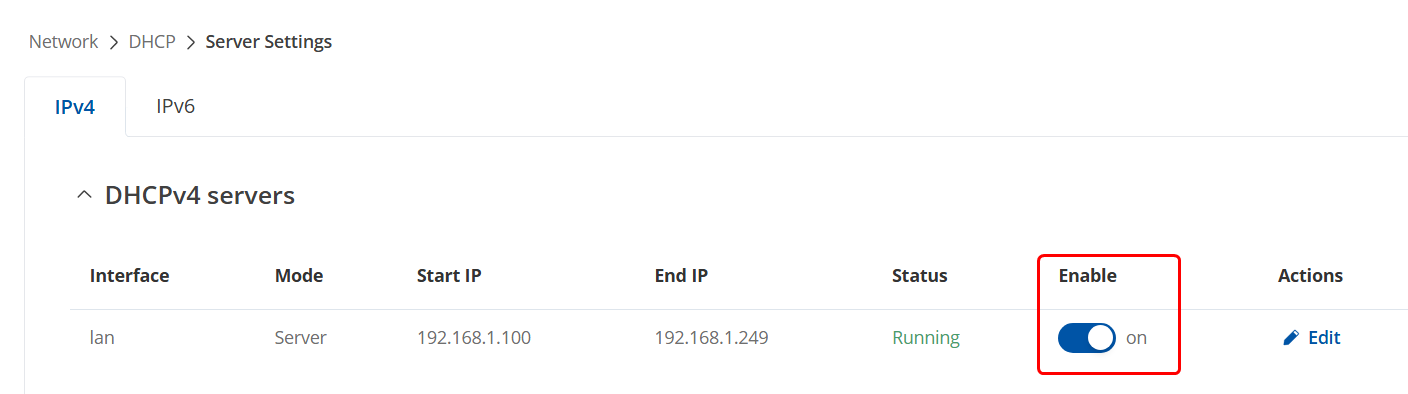
Keep the LAN enabled, but disable the DHCP
Install the UDP broadcast relay package, and configure it to relay packets of ports 67 & 68 to and from the WAN and LAN (so 4 relay entries in total)
Despite all of this, devices connected to the RUTX11 still don’t receive an IP address from the ISP gateway DHCP.
TLDR: Is there any alternative solution to the relevant post that doesn’t involve configuring the WAN port as LAN?
What’s happening currently, is that although your ISPs network is connected to your router, it still leases out the IPs from the DHCP server on the LAN.
Just to clarify, the DHCP server I want to use is the one of my ISP-provided router, not the one of their network itself. I want the RUTX11 to be essentially extending that LAN, while still using its WAN port to keep the failover/load-balancing capability.
The guide you provided is between 2 Teltonika devices, but does it also apply if the DHCP server-source device is a third-party?
If you mean to say that you want our router to get the LAN network from your ISP-provided router, then, unfortunately, that will not be possible to do, setting the WAN port to act as a LAN port would be the only way after all.
Appreciate the info! I’ve set the WAN port as LAN and it works properly!
It might be slightly overkill, but I’ve added a SSID in client mode with the network set to “LAN” & with WDS enabled. It connects to the SSID of the ISP router for backup purposes, so that there can still be connectivity to end devices if the Ethernet cable between the routers happens to be unplugged.
For some reason, when using the WDS backhaul, I get a 0/10 score on “ipv6-test.com”. Meanwhile, if I use the wired backhaul as we discussed, I get 10/10; it confirms that the ISP router does provide IPv6 and that the LAN interface in the RUTX11 is properly configured.
Do you know if there’s a current incompatibility between WDS in client mode and IPv6?
After doing some research on the OpenWRT forums (since our firmware is OpenWRT based), I did find quite a few users saying the same thing regarding WDS + IPv6, so this very well could be an incompatibility.