I am experiencing an issue on the RMS portal where I receive a white triangle next to the status LED stating that the device requires additional authentication, how do I go about resolving this as I do not have access to the device and am trying to complete a migration of quite a few.
Is this due to a previous company still having the device registered or something else altogther?
This situation usually occurs when the device is still assigned to another RMS company. When you attempt to add it to your own company, an authentication code should appear on the RMS page. You will need access to the device’s WebUI to proceed.
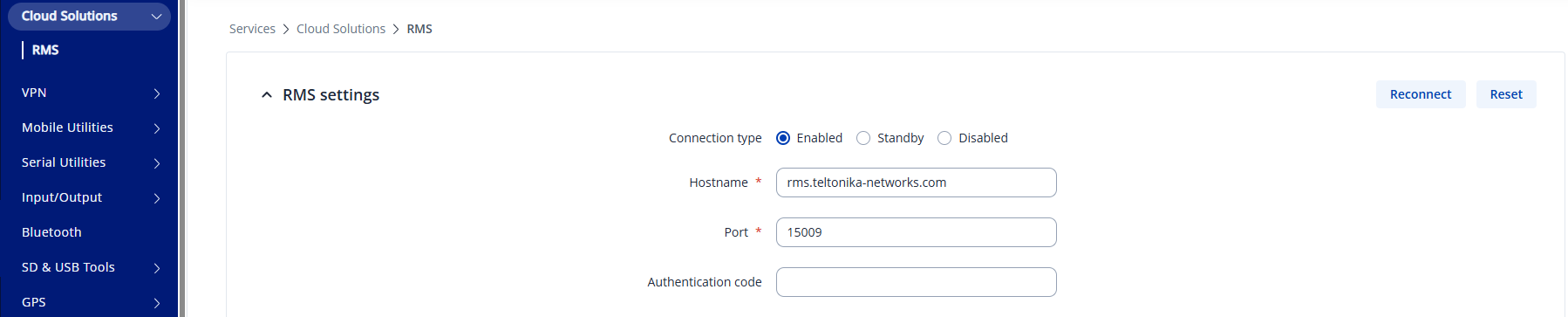
Once you log in to the device, navigate to Services → Cloud Solutions → RMS and paste the authentication code into the designated field:
After entering the code, click Save & Apply, then press Reconnect. The device should register to your company, and it will automatically be removed from the previous one.
You can either try to access the device remotely, e.g. using a public IP address (only works if remote access enabled on the device) or if possible, you can try accessing it locally.