So Im testing a few things with VPN particularly around SSTP.
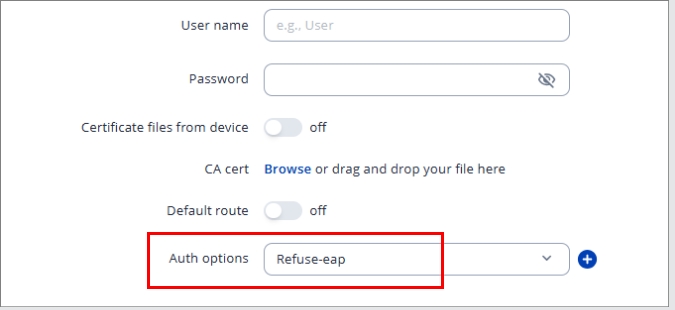
I do know when its configured on the RUT using Refuse-MSCHAP as the Auth option, it uses a username and password and this is created on the SSTP Server end and the RUT will recognize it. HOWEVER, I am testing this same connection but instead of running SSTP on RRAS Windows Server, I have now created a Virtual Network Gateway on Azure, added P2S connection and since there are no username or password as I have strictly selected the option to use SSL based, Im unsure if I select Refuse-eap or Noauth ?
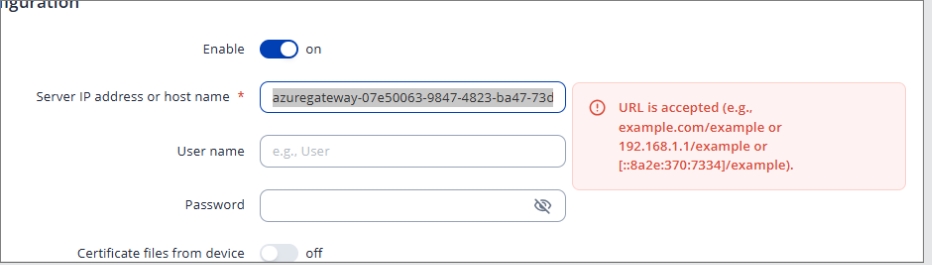
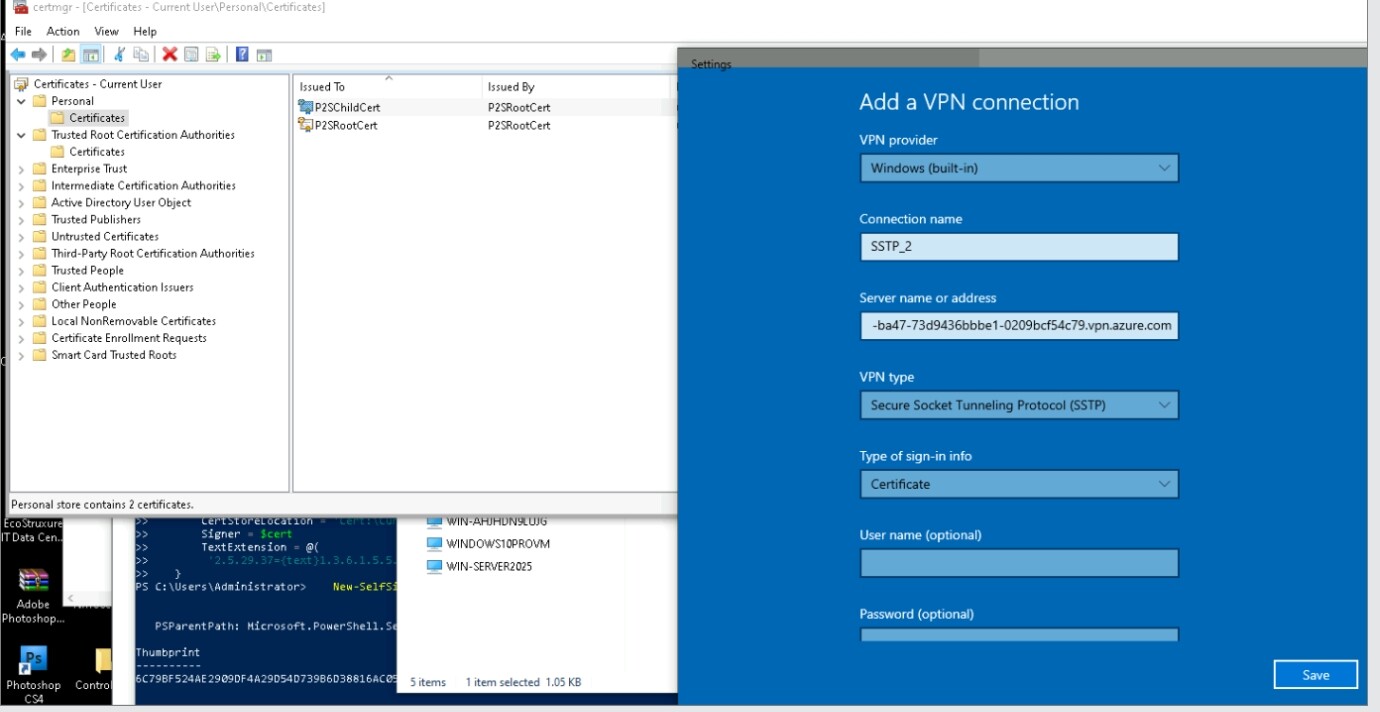
Second issue is the Server IP address or host name field, since Azure SSTP provides a end point URL, this field on RUT seem like it does not like the extended long URL:
Example:
Since you’ve configured Azure to use certificate authentication only (the SSL option), the refuse-mschap setting won’t apply here because that is meant for username/password authentication. In your case, you should select refuse-eap, which instructs the client to use certificate-based authentication instead of username/password or EAP methods.
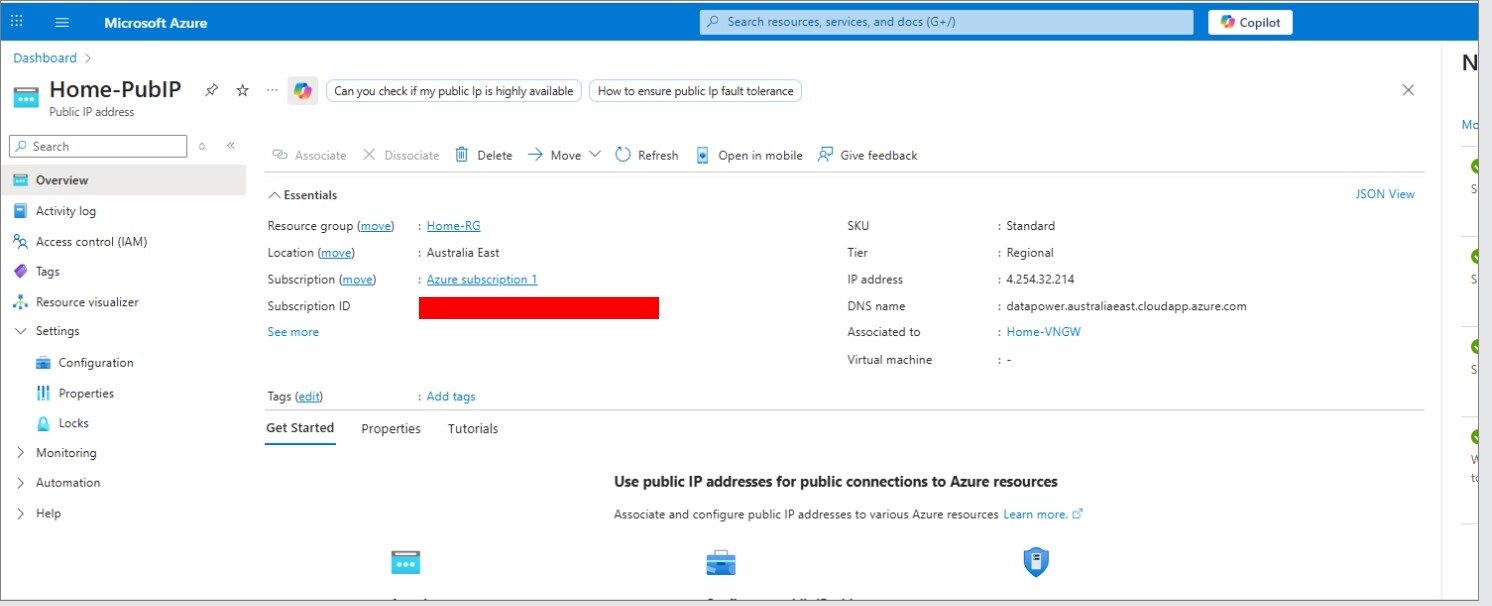
Regarding the server address specification, I assume the RUT SSTP client can’t handle the extended Azure URL format. Instead, could you try using the Azure VPN Gateway’s public IP address? I believe you can find this address in the Azure portal under your Virtual Network Gateway settings.
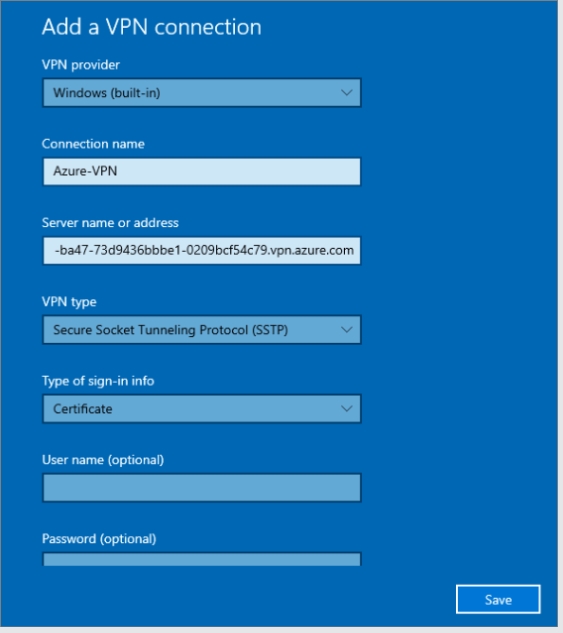
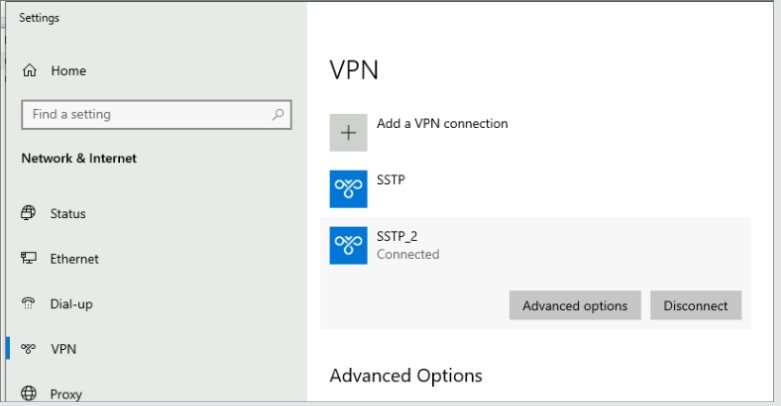
however, I have noticed using the DNS name also does NOT work on Windows native VPN, it will not connect. but when using the azure longer URL, then it connects fine, therefore I am trying to add this URL in the RUT to test but unable to due to its length..
Could you please confirm whether this issue with the SSTP connection between Azure P2S and the Teltonika router is still relevant?
As you have the refuse-eap option selected, a CA certificate is required for proper authentication. From your screenshots, it seems the CA certificate was not specified anywhere in the RUT’s SSTP configuration. Could you confirm whether you have tested the connection using the correct CA certificate provided by Azure?
Just to confirm my understanding, when using SSTP, the Azure endpoint cannot be selected due to the length of the URL. You mentioned that switching to IKEv2 works as an alternative.
Could you please confirm whether using the server’s DNS address datapower.australiaeast.cloudapp.azure.com in the RUT’s SSTP settings also didn’t work?
Have you perhaps tried entering the Azure IP address instead of the DNS name?
Also, just to clarify, with the IKEv2 VPN type, were you able to enter a shorter DNS or hostname successfully?