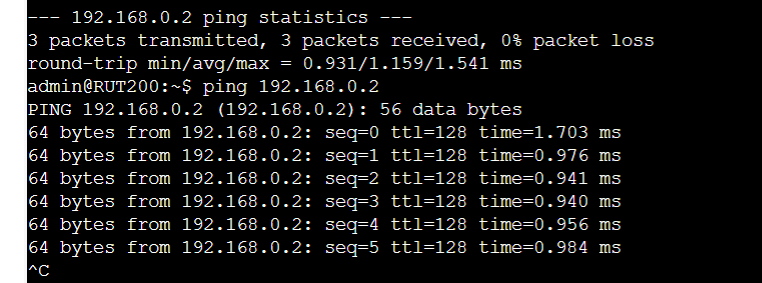
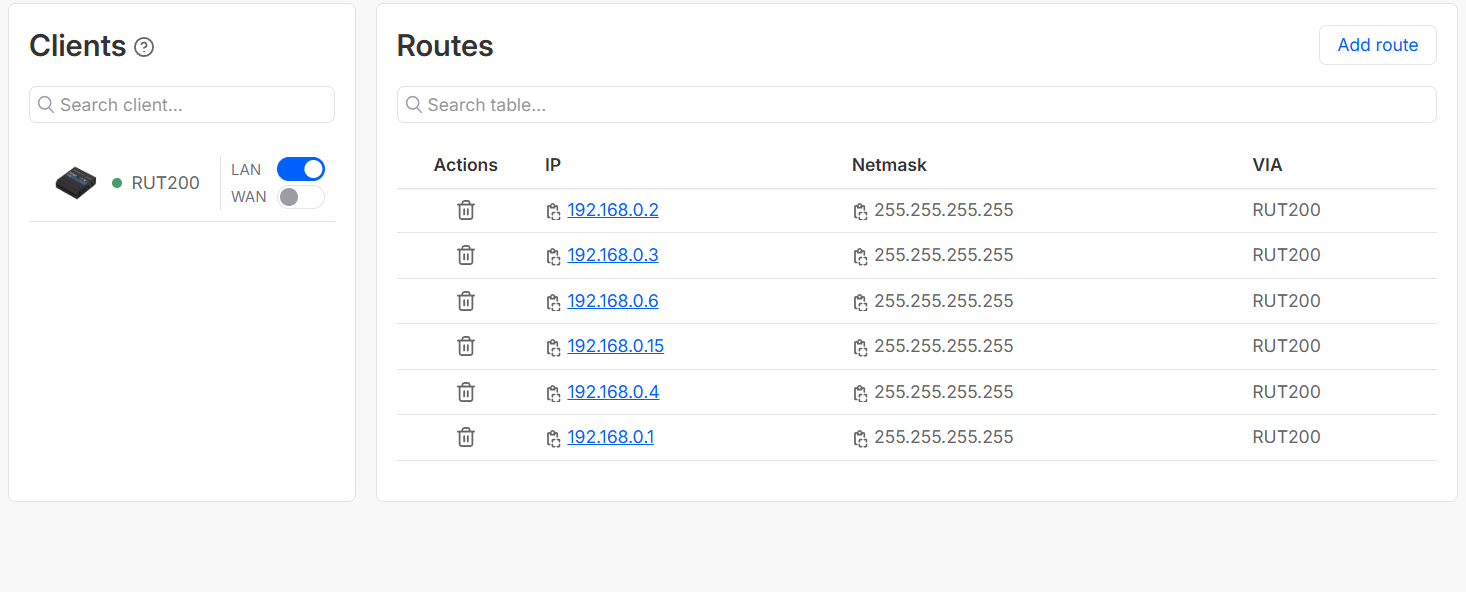
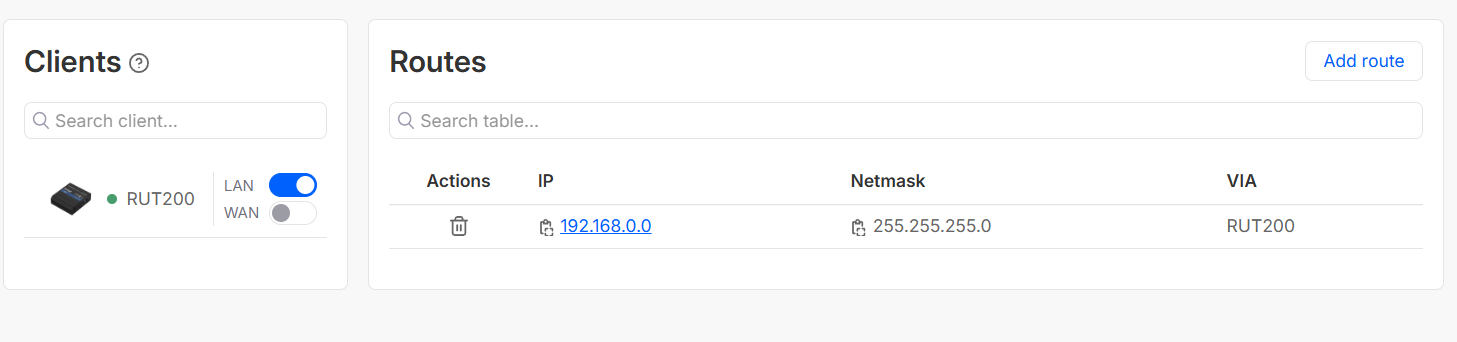
I 've created vpn hub, and can ping all listed devices via vpn except for 2, with 192.168.0.2 and 3 IP addresses.
Those 2 are HMI devices.
Do you know what is the problem?
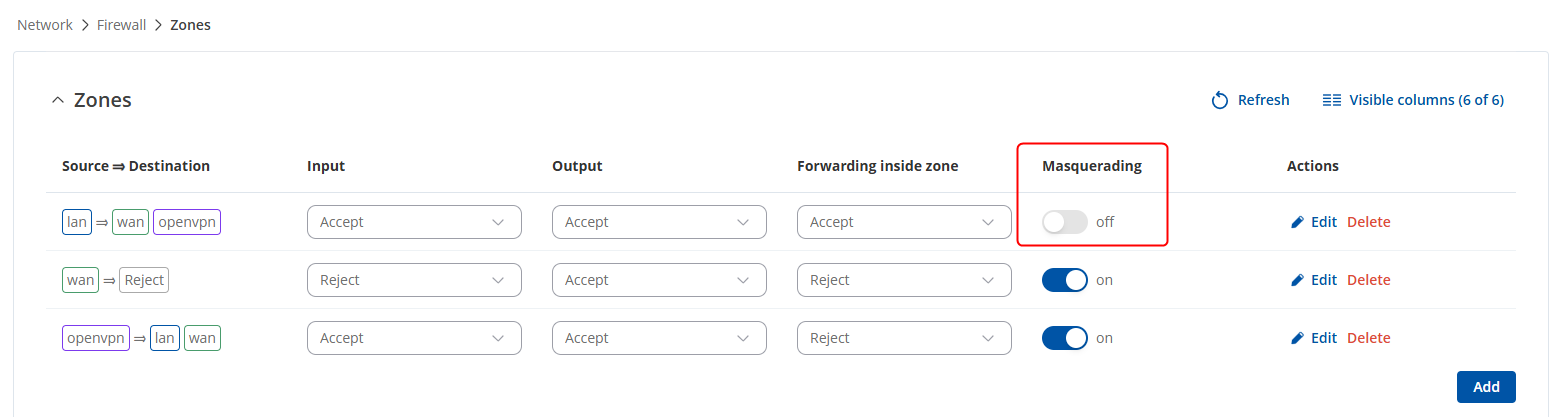
If enabling the option does not resolve your issue, could you try removing all of the routes and adding a route to 192.168.0.0 → 255.255.255.0 → via RUT200 and try again?
Thanks for testing this out. One more thing I’d like to confirm - what HMIs are these exactly? Do they have some type of configuration windows that would allow to set gateways in them? I feel like no communication is happening due to the fact that there’s nowhere for the pings to go through to those specific devices
TP1200 and TP900 from siemens.
It’s possible to set gateway. Do you think that’s the only issue?
That’s strange, because I have not set up a gateway on PLC from Siemens as well, but no problem with connection.
If it’s possible to set the gateway - great! The gateway IP address on the HMI should be the router’s (RUT200) LAN IP address (192.168.0.1, I assume). Once the gateway has been set, of course, try reaching the HMI again.