Bug Firmware RUTC_R_00.07.24.5 RUTC50: Reset to factory default

Hi all,

Since I did an FW upgrade on a RUTC50, the reset to factory defaults over WebUI seems to not work anymore.

The config files are erased, but the device does not reboot.

WebUI steps:
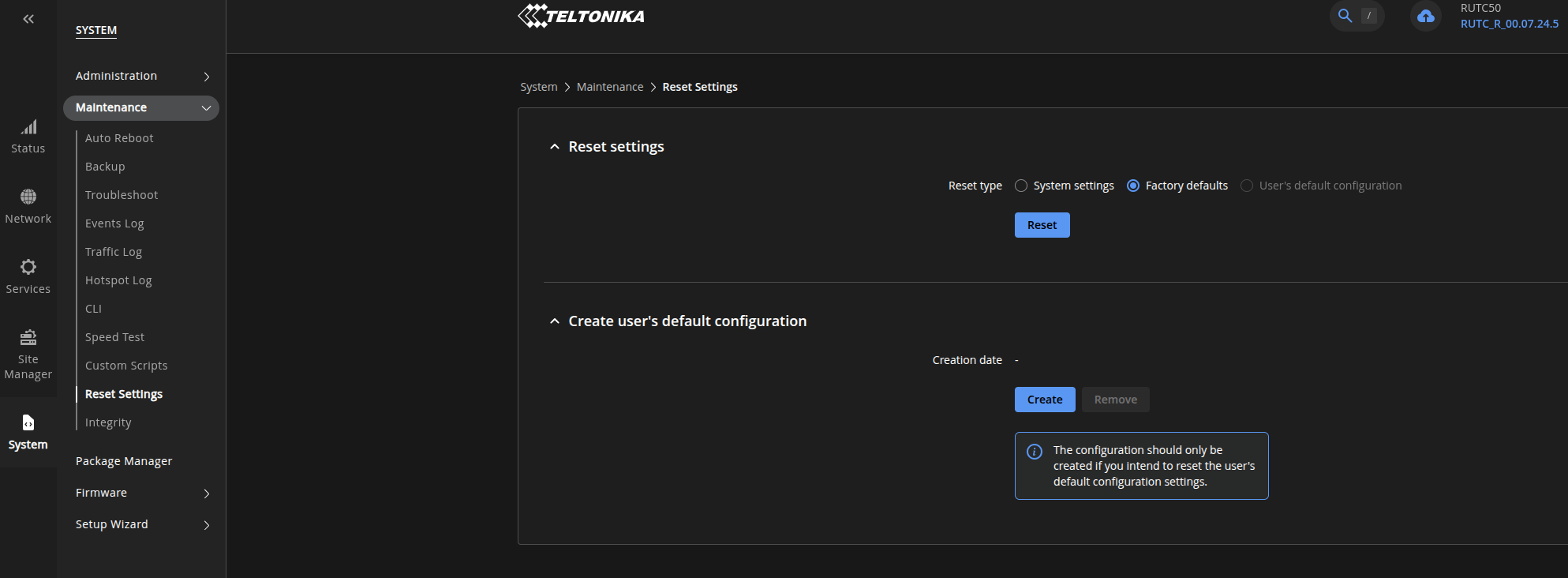
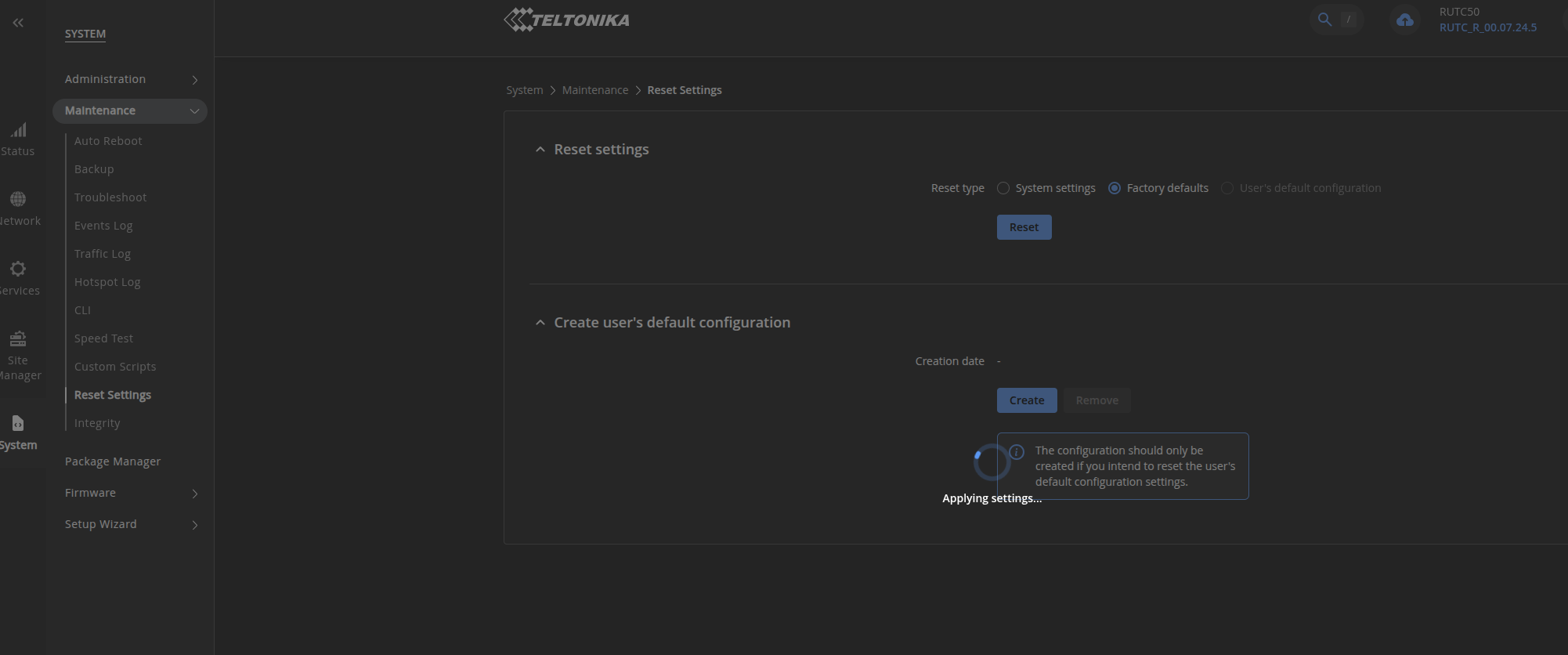
system - maintenance - reset settings → factory reset

This does not trigger a reboot. I can verify by checking the system uptime over ssh.

A reset in the shell works:

  • firstboot
  • reboot

Anyone else can confirm?

Thx

Greetings,

Thank you for reaching out!

I wasn’t able to reproduce this issue on my device. To help investigate further, could you send over the exact steps you followed, along with screenshots for context? This will help us troubleshoot and resolve the issue.

Best regards,
Martyna

hi martyna,
thank you for your feedback.
i just did the same test with the same result.

procedure:

Teltonika Reset Factory Defaults RUTC50

  • screenshots attached: reset at Do 24 Sep 2026 07:12
  • waited for 15 min
  • access to shell over ssh at Do 24 Sep 2026 07:27:

BusyBox v1.34.1 (2026-09-14 05:17:55 UTC) built-in shell (ash)

          ____        _    ___  ____
         |  _ \ _   _| |_ / _ \/ ___|
         | |_) | | | | __| | | \___ \
         |  _ <| |_| | |_| |_| |___) |
         |_| \_\\__,_|\__|\___/|____/

           Teltonika RUTC series 2026

Device: RUTC50

Kernel: 6.6.126
Firmware: RUTC_R_00.07.24.5
Build: ac8c6f2ae50
Build date: 2026-09-14 06:00:11

            ~ INTERNAL API USAGE ~

/sbin/api GET /system/device/status
/sbin/api POST /interfaces/config {…}

Docs: https://developers.teltonika-networks.com

root@host# uptime
05:27:17 up 1 day, 19:59, load average: 0.46, 0.15, 0.05
root@host:~#

kind regards

Hello @mpf,

Thank you for providing the detailed information and screenshots!

Please try flashing the latest firmware version via the bootloader menu, then try resetting the router to factory defaults through the WebUI again. For detailed instructions on how to place the device into the bootloader menu state, please refer to our official Teltonika Networks wiki page: RUTC50 Device Recovery Options - Teltonika Networks Wiki

Please let us know if the issue persists.

Best regards,
Martyna

hi martyna,

thank you for your feedback.

i don’t understand fully why this procedure would be needed. the device has already the latest stable firmware: RUTC_R_00.07.24.5
what would resetting and re-flashing this firmware change on the device?
kind regards

Hi @mpf,

The bootloader flash does a clean install of the firmware, even when it’s the same version. That rules out a corrupted installation from the upgrade on your unit, since we weren’t able to reproduce the issue on ours.

Please let us know if the bootloader procedure fixed the issue!

Best regards,
Martyna

Hi Martyna,

Sorry, I didn’t get any chance to test before now.

I did the complete reset as described (by bootloader) and now the reset works when issued from the WebUI. The device reboots immediately after the reset and all values are set to default.
So this “problem” is resolved.

Thank you for your support!

Hello @mpf,

I’m glad this resolved your issue! If you have any further questions, please don’t hesitate to reach out.

Best regards,
Martyna