can someone tell me if the following is possible with a teltonik router?
outline:
We have a remote research location with only solar + battery power (so rather intermittend) and 4G coverage. We cannot reach the 4G sim from outside due to provider NAT so port forwarding is not an option. The research equipment is Linux based (rPI’s, also on solar) and linked to the 4G router via cables on 192.168.0.0/24. The management interface of the rPis run on https or normal SSH commandline access
What we want:
upon power restore and boot:
let the router connect to the internet via the 4G provider
let the router automatically contact the lab’s VPN (openvpn or wireguard)
allow connecting to any host on the router’s lan through the lab’s VPN gateway
This way should be able to connect to the LAN on the router side from the lab to do maintenance on the research equipment (i.e. pushing new code, or change settings)
Is this possible with one of the Teltonik routers? Which one should we get?
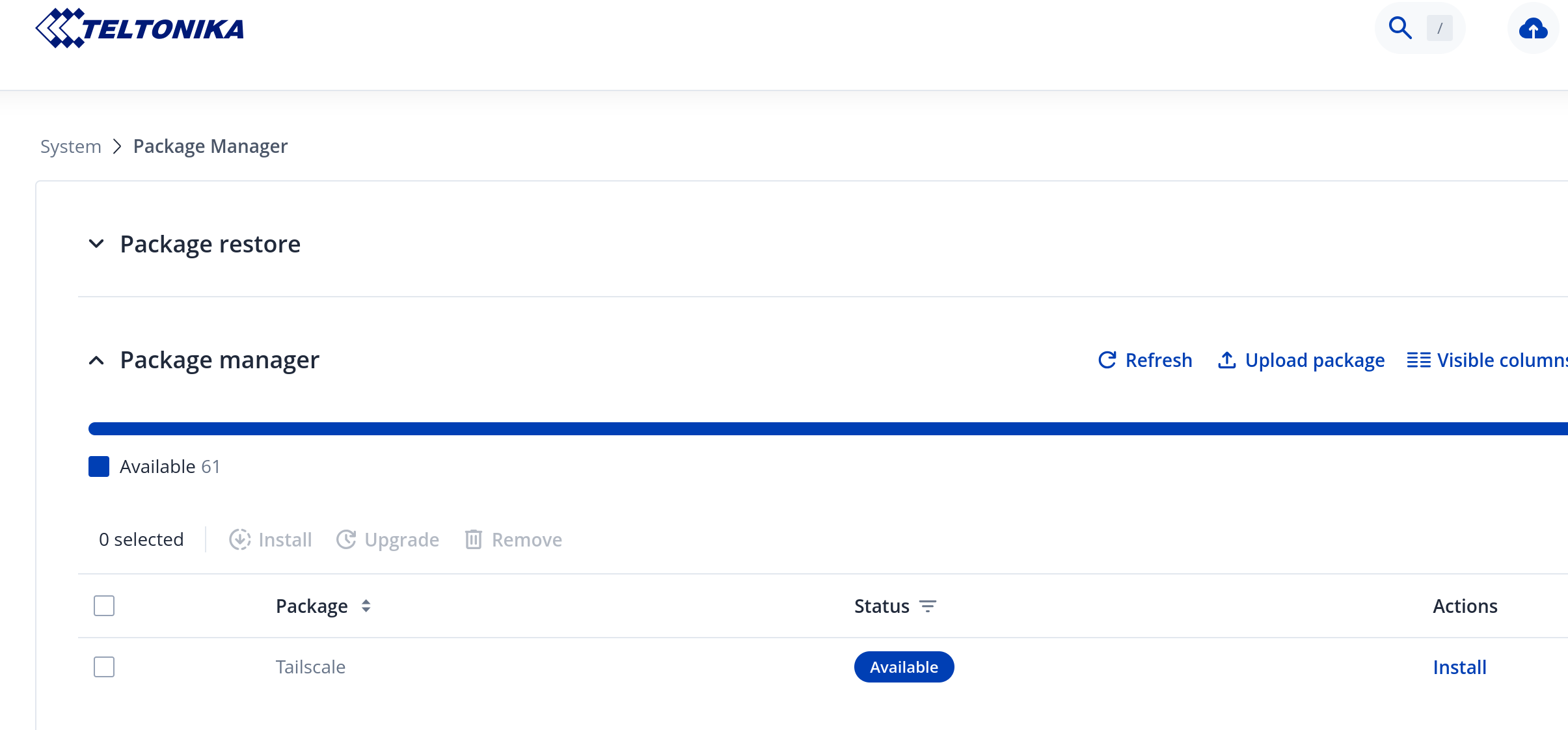
It is possible. I would recommend Teltonika RUTX50 as thats what i have and it works super stable. I have several VPN tunnels configured and accessing my internal network. Since your provider is using CGNAT, that means, as you said, port forwarding is not possible. In this case, you need to use overlay VPN like Tailscale. This is available on Teltonika devices as additional package that can be installed using their software repository.
Once you create your account on Tailscale website, and configure Tailscale client on your Teltonika router, you would be able to achieve what you described. Hope this helps.
If the Lab has a routable Public IP AND the Teltonika device is always the initiator, then you don’t need a VPN Relay such as Tailscale - WireGuard will function on it’s own.
To make the tunnel a bit more robust and assist in restarting the tunnel remotely should things go awry (if required), then I also confige the following:
WireGuard Watchdog enabled - you must have configured the peer seetings on the Teltonika to have a) a persistent keep alive set AND b) an FQDN (e.g. a ddns URL) set as the endpoint. If you use an IP as the endpoint, then Watchdog doesn’t kick-in.
two SMS rules to stop and start the tunnel remotely
If you need any detail on the above, let me know.
This assumes that the Tunnel is permantly enabled. If it’s not, there may be things to explore using Event Juggler.
I can also attest to the robustness of the RUTX50.