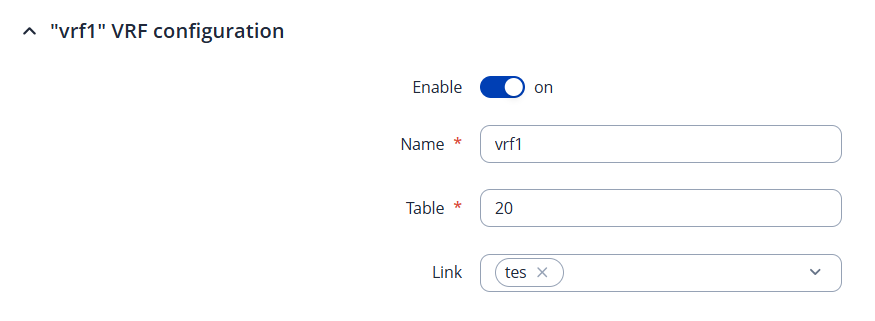
I have a RUTM51 device and have configured two GRE tunnels along with two VRF instances—each tunnel is associated with a separate VRF. However, I was unable to add the GRE tunnel to the VRF link option via the Web GUI.
I managed to do it through the CLI using the command :ip link set gre4-T100 vrf TEST1
Unfortunately, I couldn’t execute this command in UCI mode.
Could you let us know which firmware version your RUTM51 is currently running? The option to add VPN interfaces to a VRF instance was introduced not long ago, from firmware 7.17, so with that or a newer release, you should be able to assign GRE tunnel interfaces directly via the Network → Routing → VRF configuration tab:
Thank you for your response and it worked. One more thing.
I have a RUTM51, and I’ve configured two VRFs: one for MGMT and one for DATA. My question is: can I access the Teltonika web interface via the MGMT VLAN interface (SVI)? Currently, I’m managing the device through 192.168.1.1, but whenever I try to access it via the MGMT VLAN interface, I can’t connect using HTTP, HTTPS, or SSH.
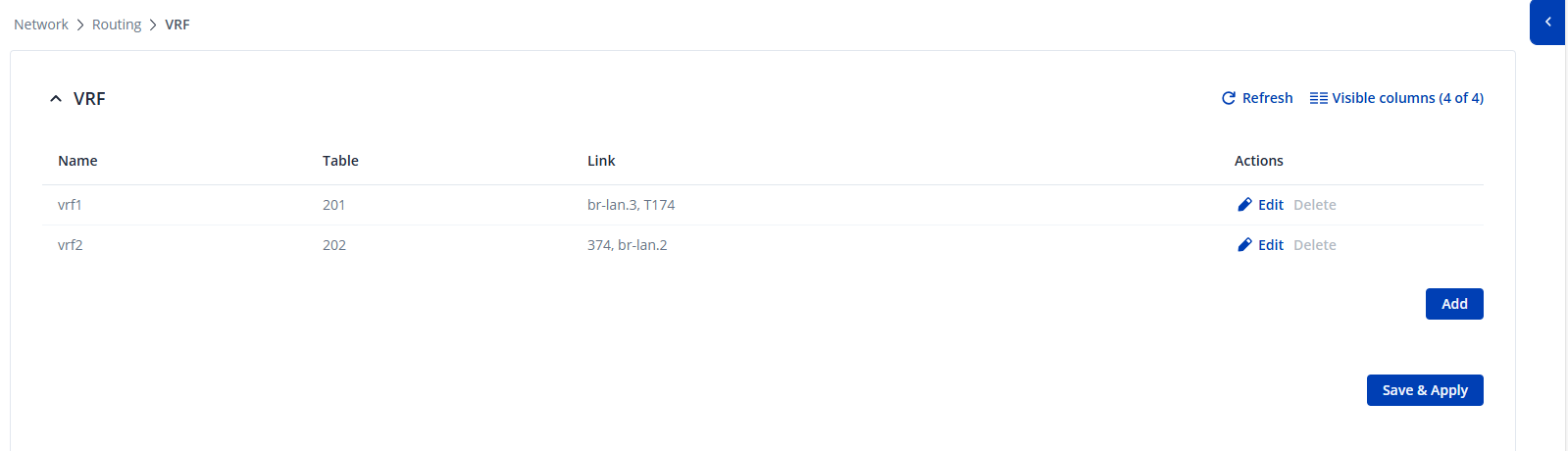
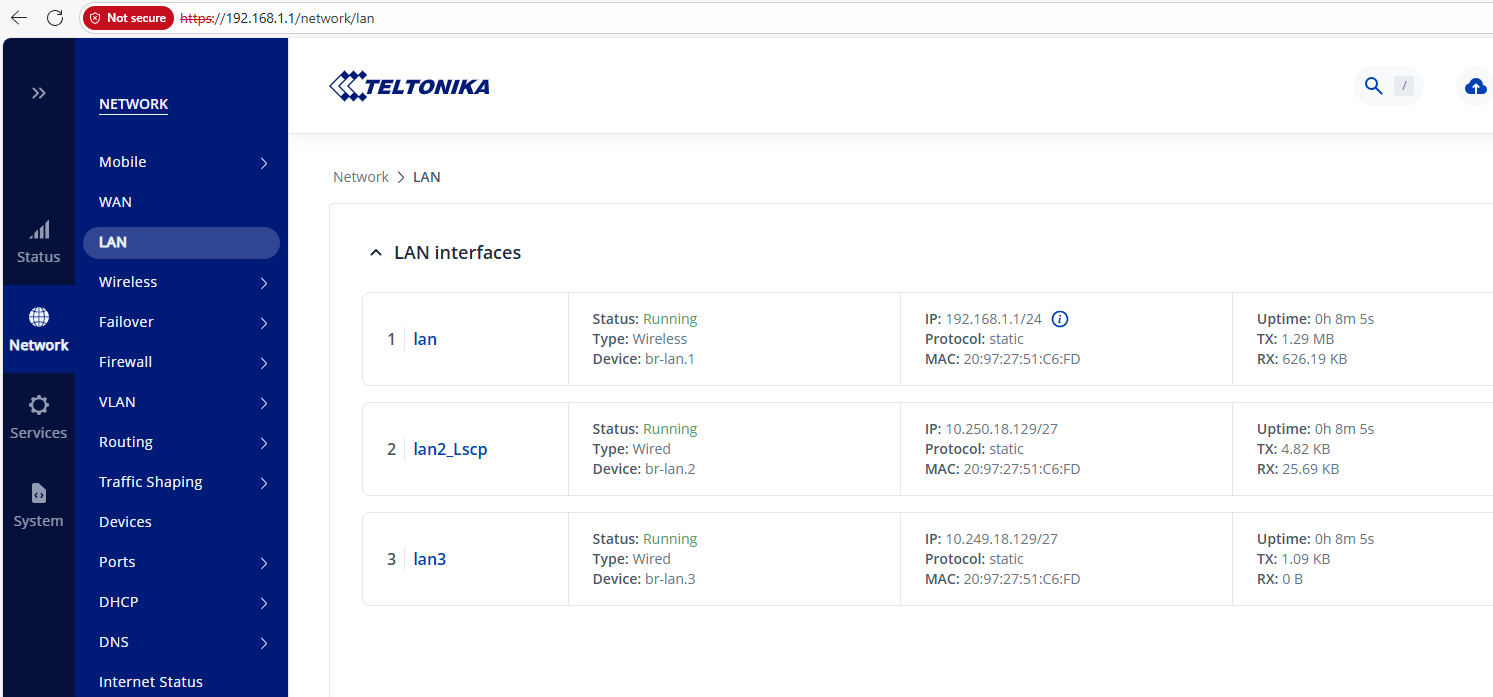
To better understand your setup, could you please provide screenshots of your current VRF and VLAN configurations?
If possible, please also share a simple network topology sketch showing how the device is connected, including the IP addresses and VLANs in use. Thank you.
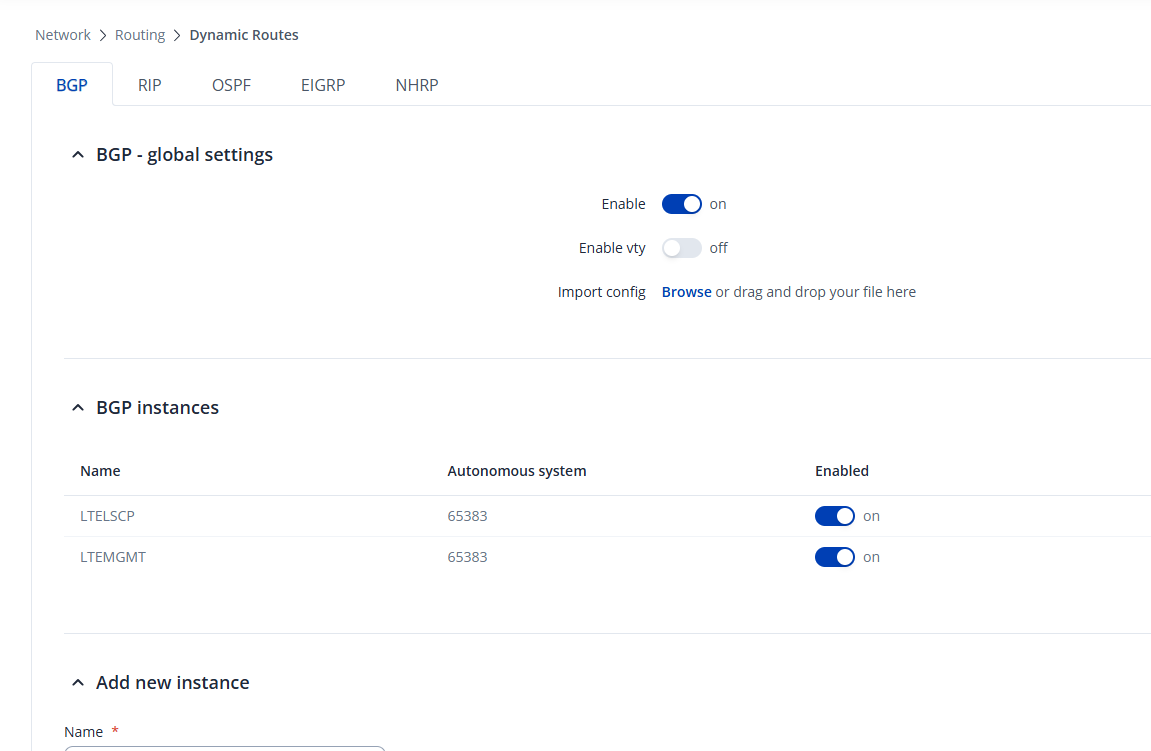
Teltonika device has a 4G APN sim card and its connecting to cisco headend router via Telstra 4G APN.
2 GRE tunnels terminating to the Headend cisco router
T174 -for management and it is using vrf 1 - vlan 900 - 10.249.18.128/27
T374 - for DATA and it is using vrf 2 - vlan 910 - 10.250.18.128/27
I want access the teltonika via 10.249.18.129 (SVI interface) from my head office. I can able to ping 10.249.18.129 but ssh, http or https is not working.
Hope this cover everything. Please let me know if you need further information.
I’m also looking into this and currently have a ticket open with Teltonika. It appears that the interface is placed in a VRF with its own routing table; however, there doesn’t seem to be any way to configure the WebUI (and related services) to listen within that VRF. There also doesn’t seem to be an option in the WebUI for VRF route leaking, as the interface does not show up under static routes.
I’ve also noticed that, after a reboot, the interface is sometimes not placed back into the VRF and I have to re-enable it manually. Have you experienced this as well?