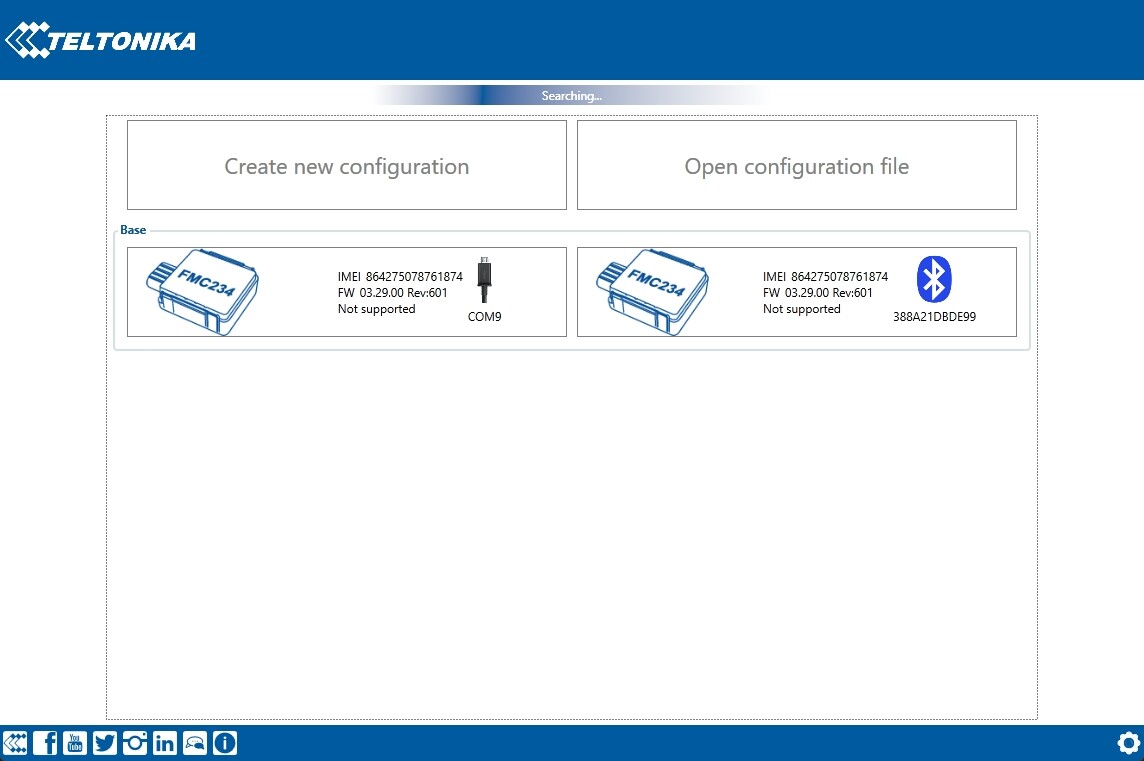
Hi,
I’m having issues with my Teltonika FMC234 device.
I am using Windows 11 and I am unable to connect to the device using both:
-
USB connection
-
Bluetooth connection
Details:
-
Device: FMC234
-
OS: Windows 11
-
Configurator: (latest FMB series version)
-
Connection type tested: USB and Bluetooth
-
Drivers: Installed (COM port drivers)
Issues:
-
Device is not detected in Configurator via USB
-
Bluetooth connection does not work either
-
Unable to read device data
-
Unable to upgrade firmware
What I already tried:
-
Installed latest drivers
-
Tried different USB cables
-
Tried different USB ports
-
Restarted PC
-
Reinstalled Configurator
-
Checked Bluetooth pairing
Still no success.
Has anyone experienced this issue or knows what could be causing it?
Thanks in advance.