Hello everyone,
I am currently working on integrating a Teltonika FMC150 with a BYD Dolphin Mini (Electric Vehicle) and I am looking for technical guidance regarding CAN telemetry access.
Vehicle & Device
-
Vehicle: BYD Dolphin Mini (EV)
-
GPS device: Teltonika FMC150
-
Objective: Retrieve vehicle and EV telemetry via CAN / OBD
-
Vehicle speed
-
Vehicle status
-
EV data (SOC, battery-related parameters)
-
Odometer or any available mileage data
-
Current Status
-
GNSS, ignition, and standard events are working correctly.
-
Hardware installation has been validated.
-
I have confirmed that telemetry access on this vehicle model should be technically possible.
Actions Already Taken
-
The FMC150 firmware has been updated to the latest available version.
-
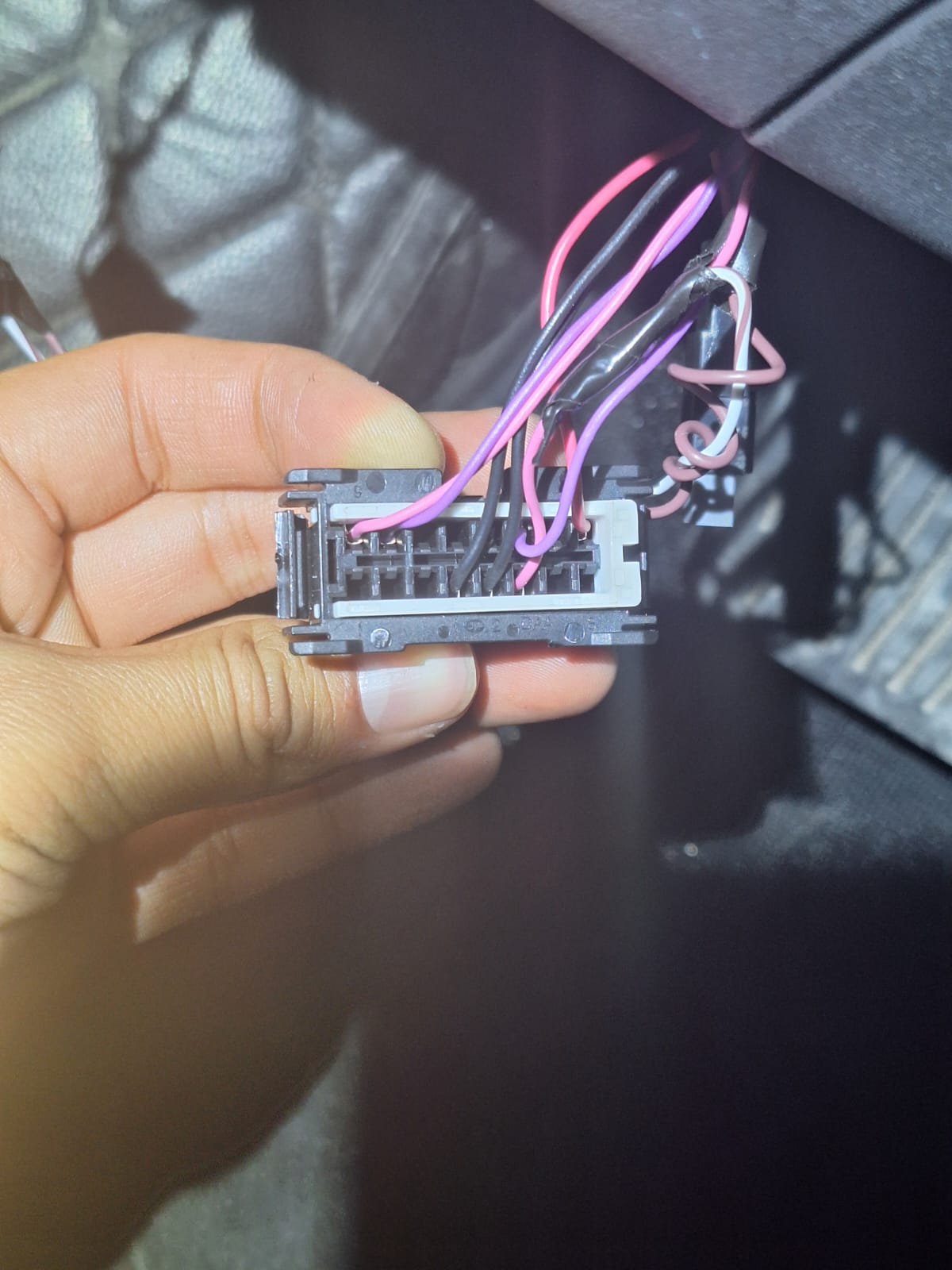
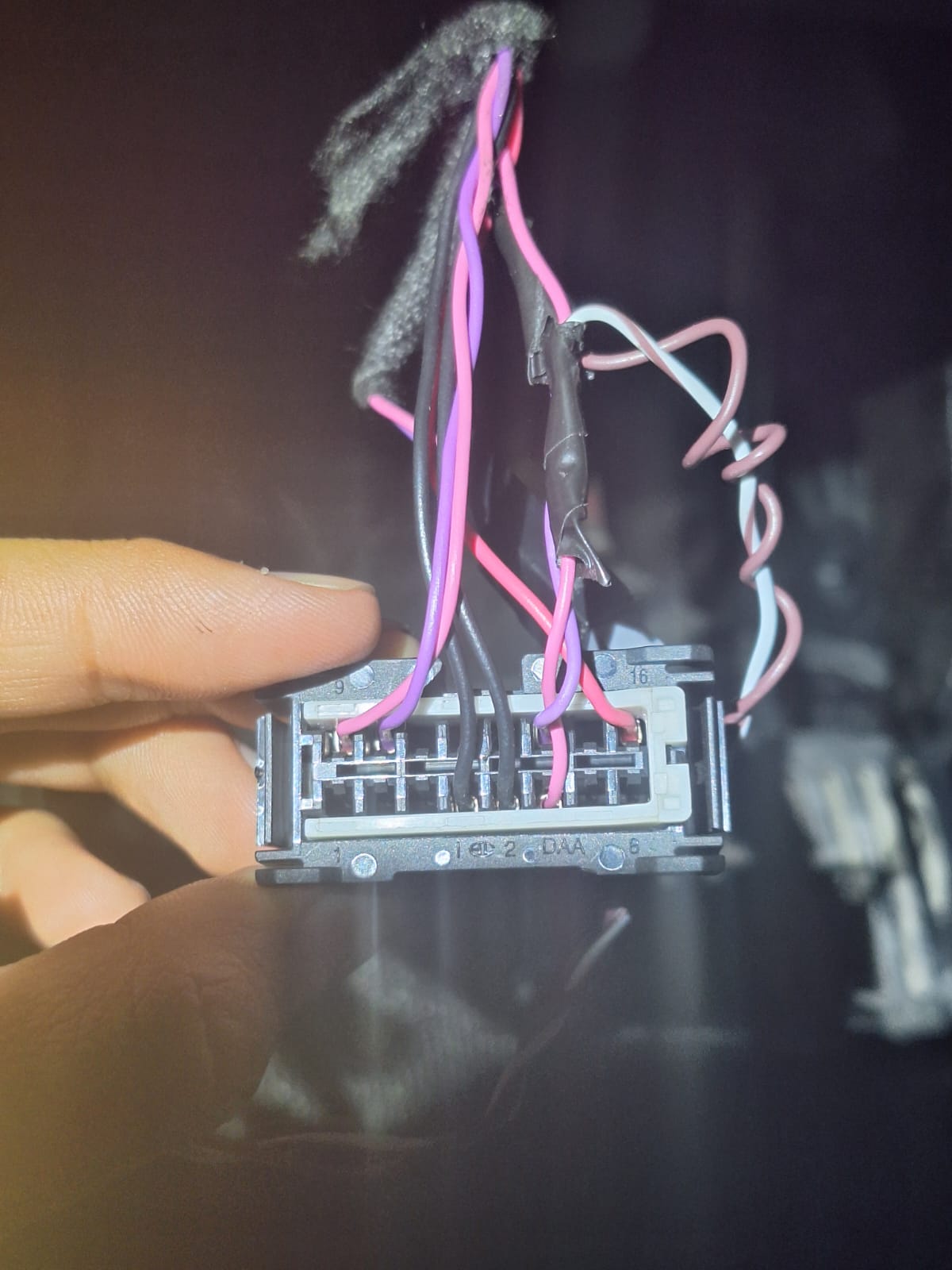
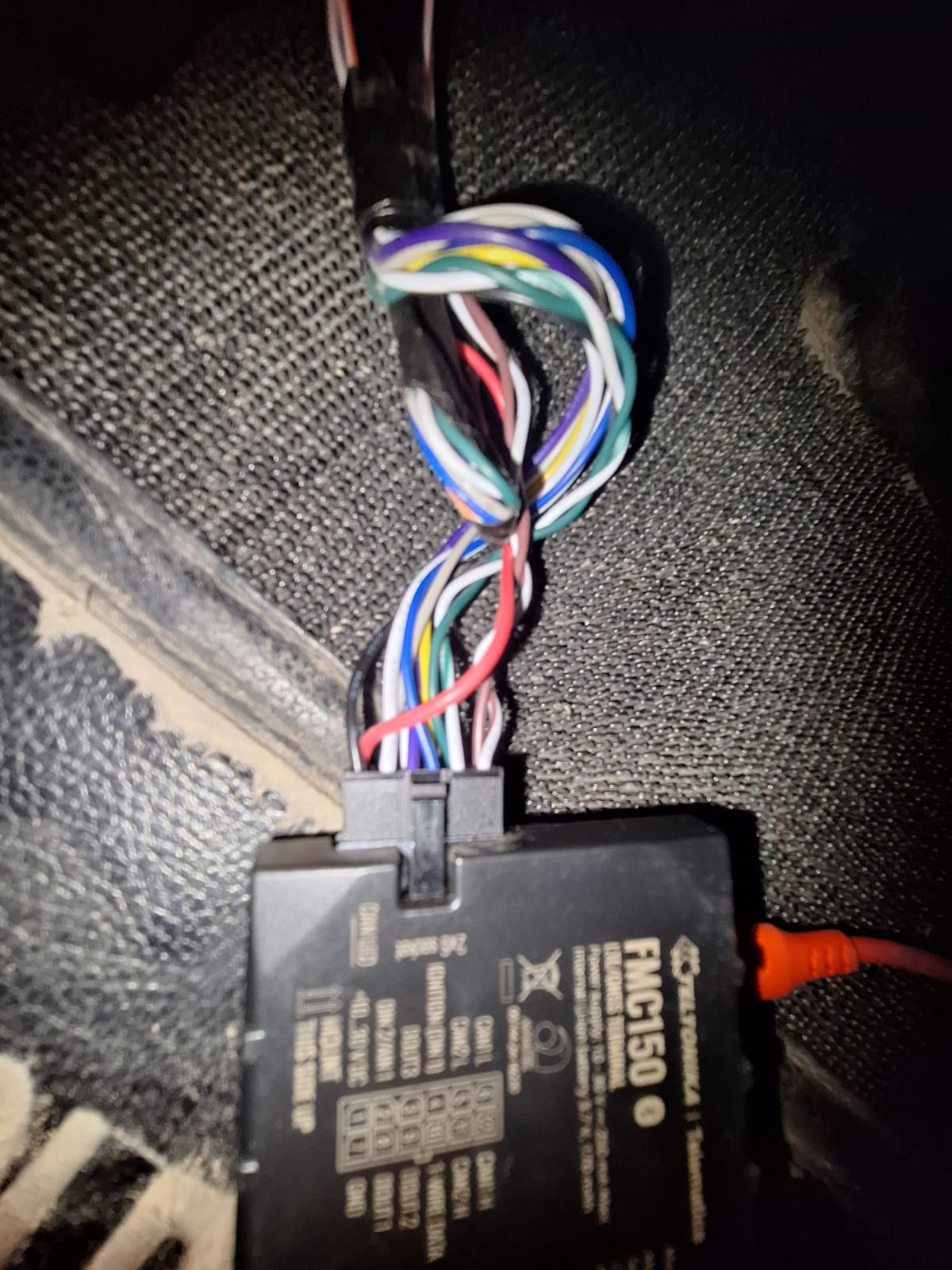
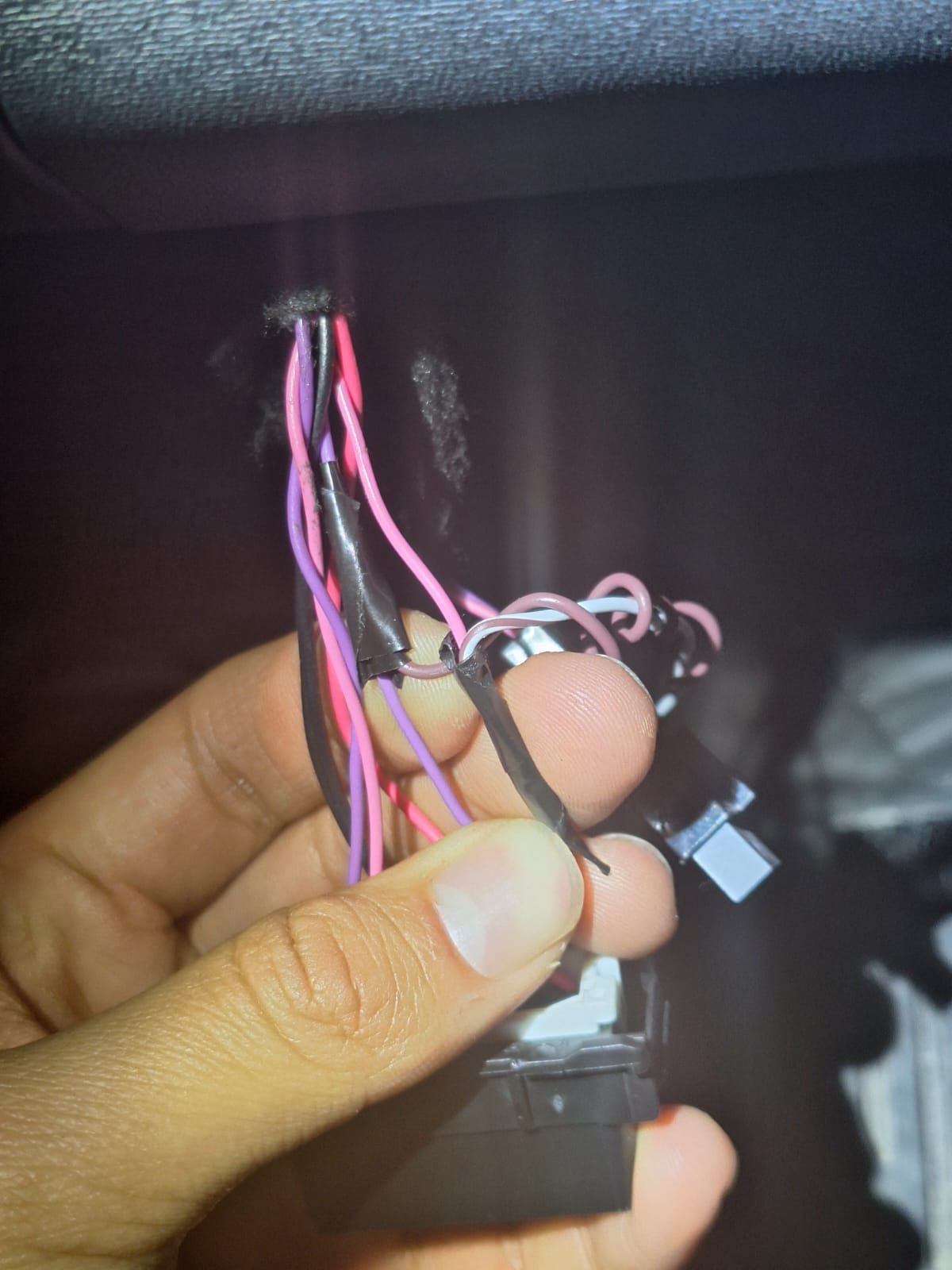
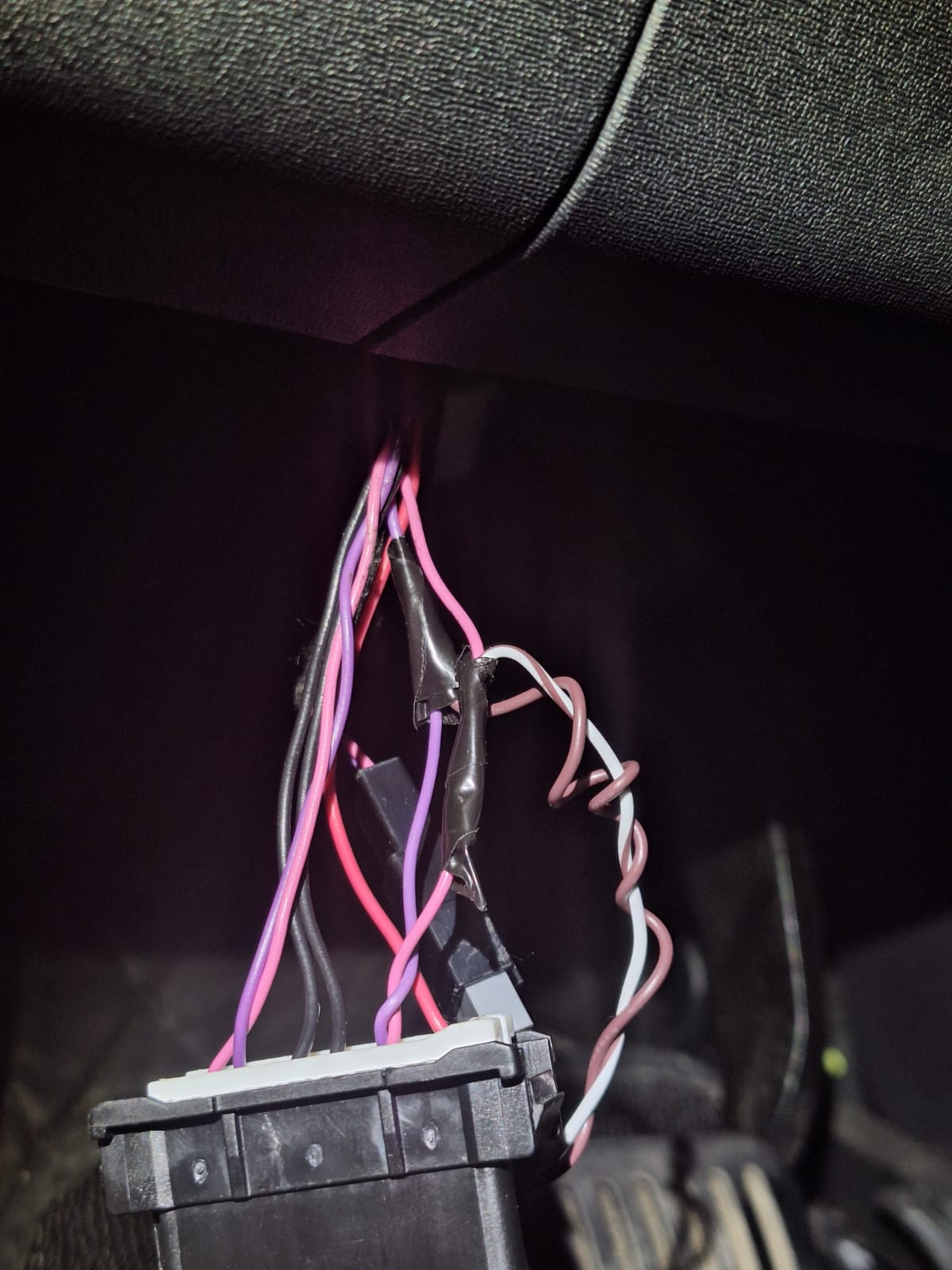
CAN wiring has been connected according to Teltonika’s official wiring diagram.
-
Multiple CAN connection points were tested.
-
CAN Auto Scan does not work; it stays loading indefinitely and does not return any detected CAN profiles or parameters.
-
No CAN telemetry values are being received or decoded.
-
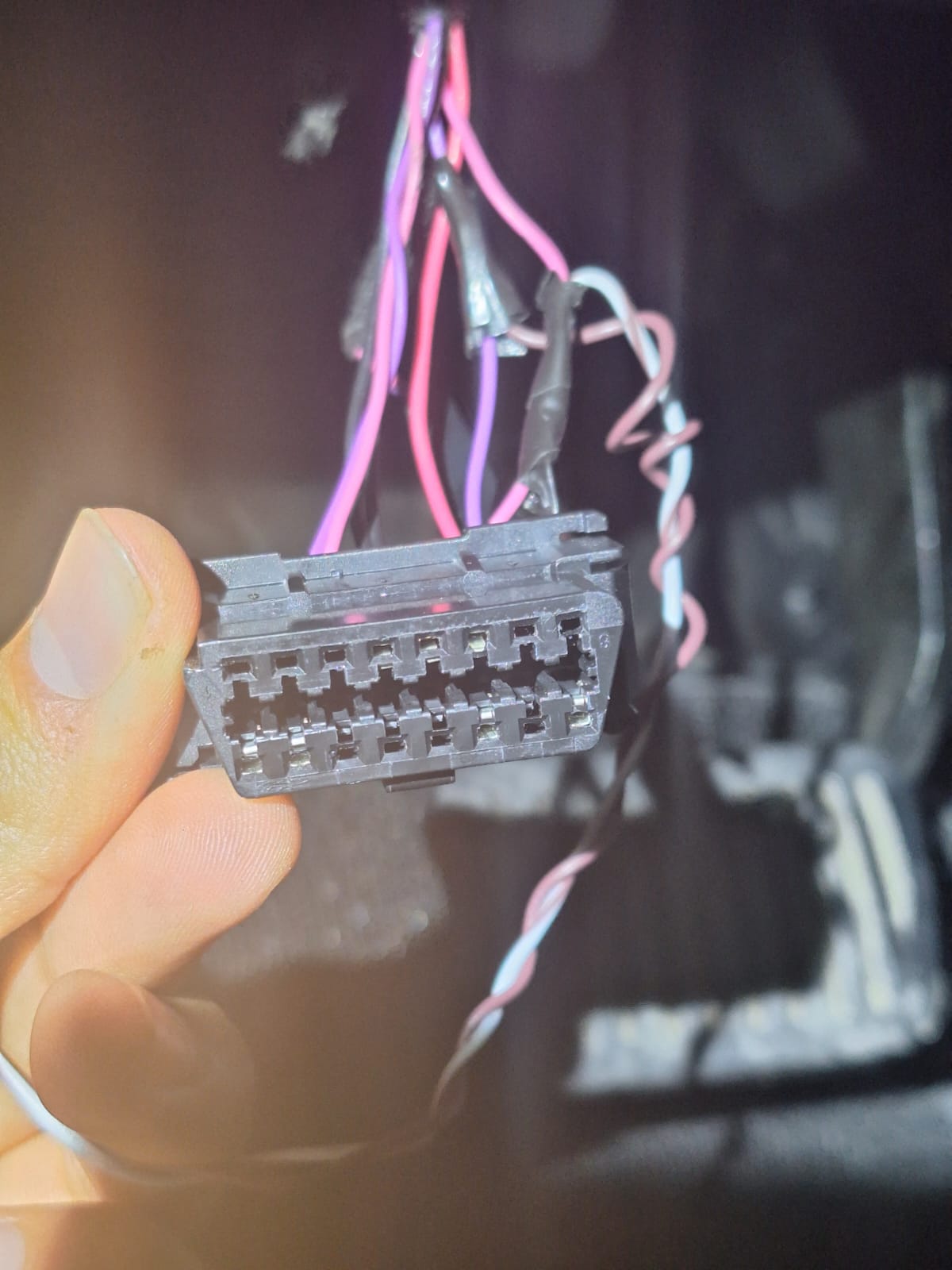
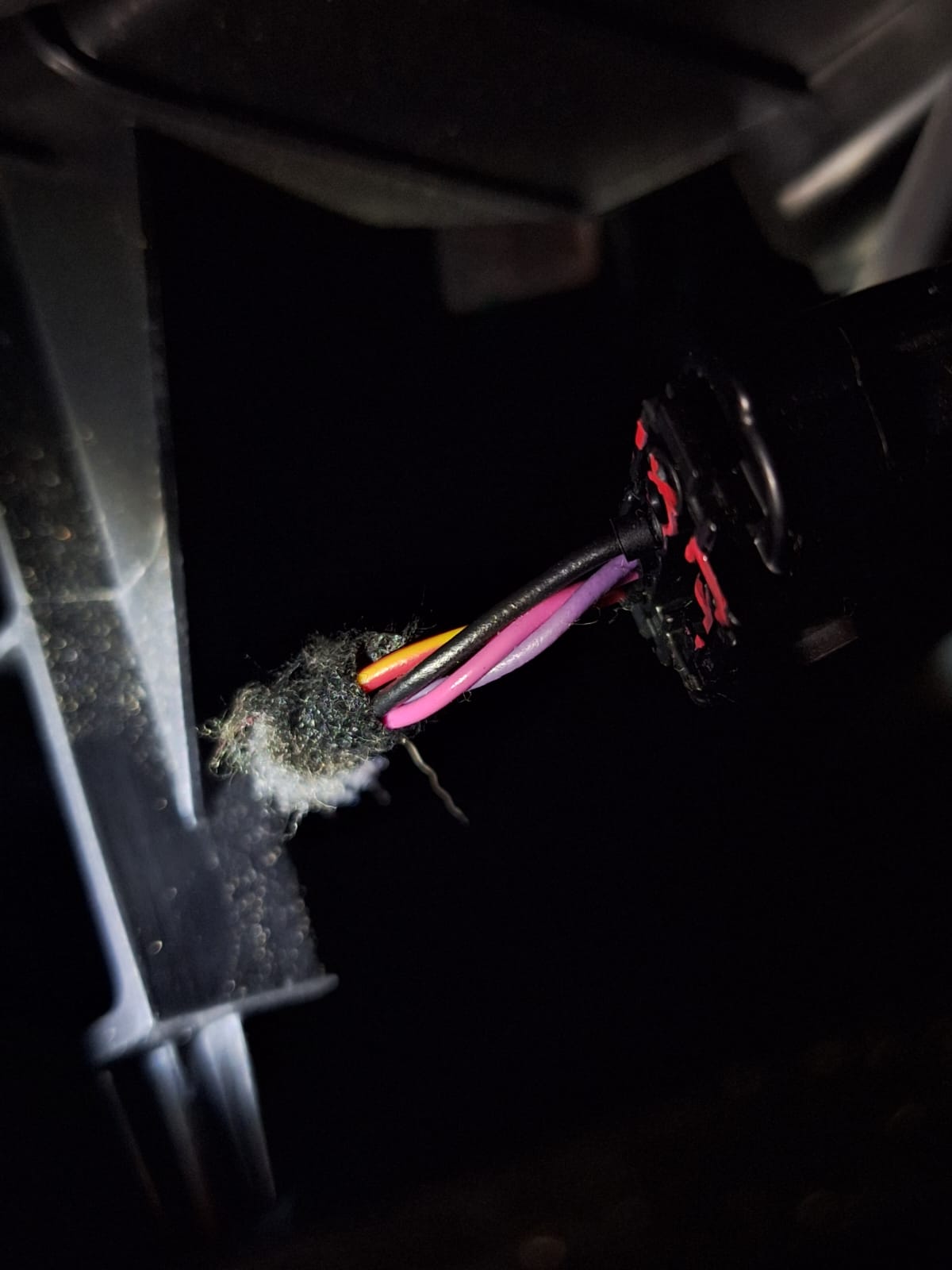
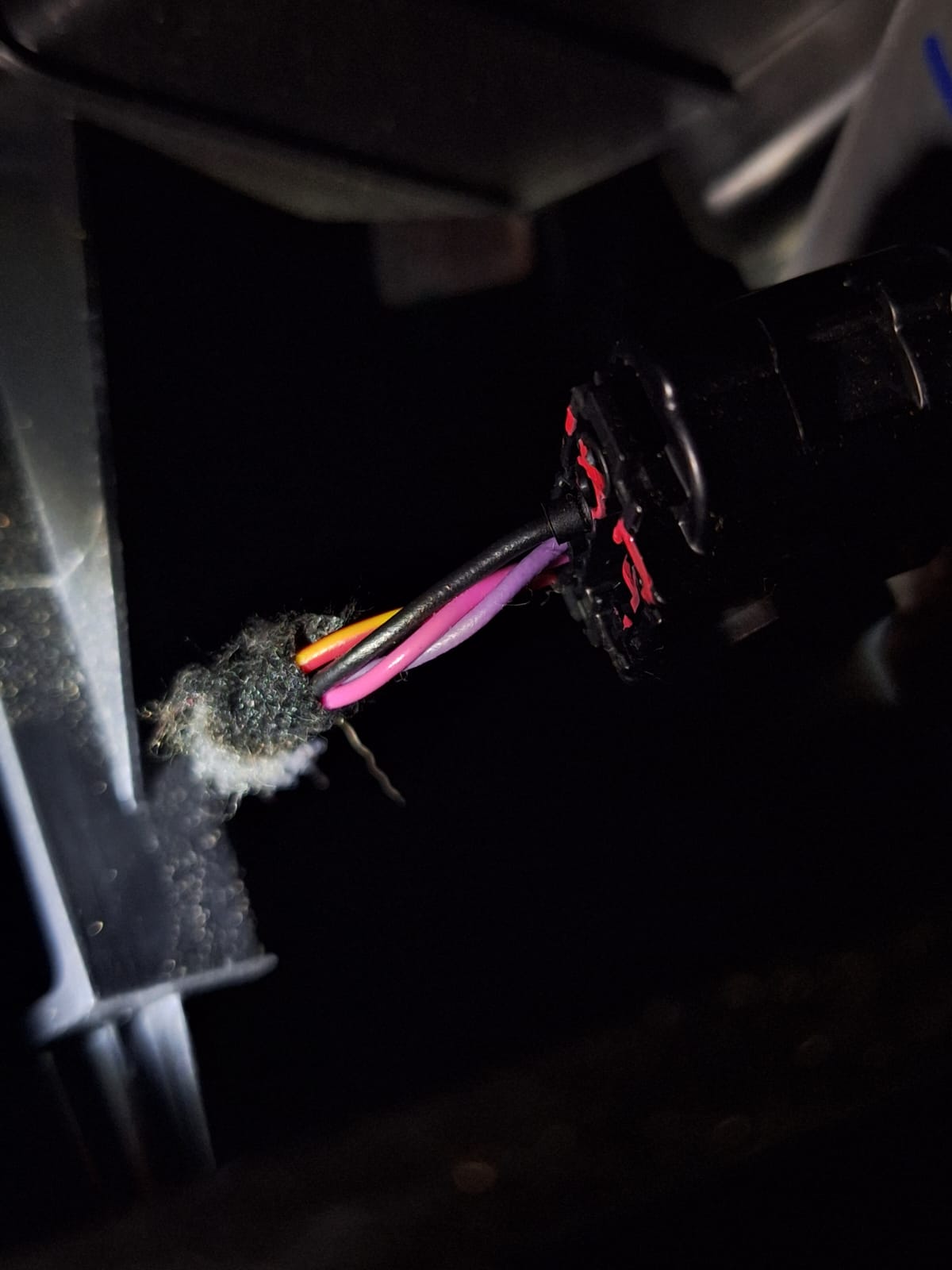
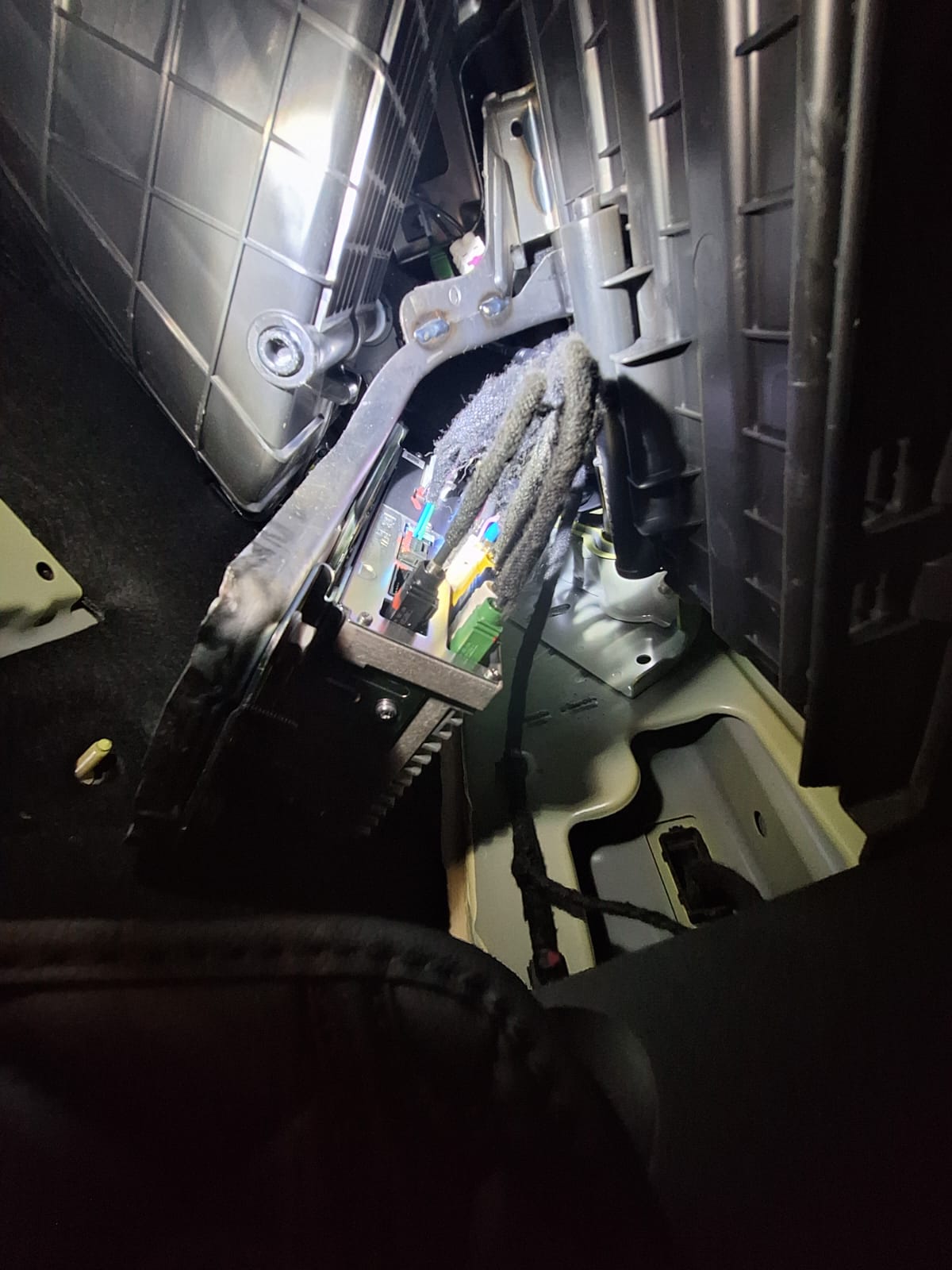
I am attaching photographic evidence of the installation, as well as photos of the vehicle’s ECU / control module, which I believe could be a possible CAN telemetry source.
-
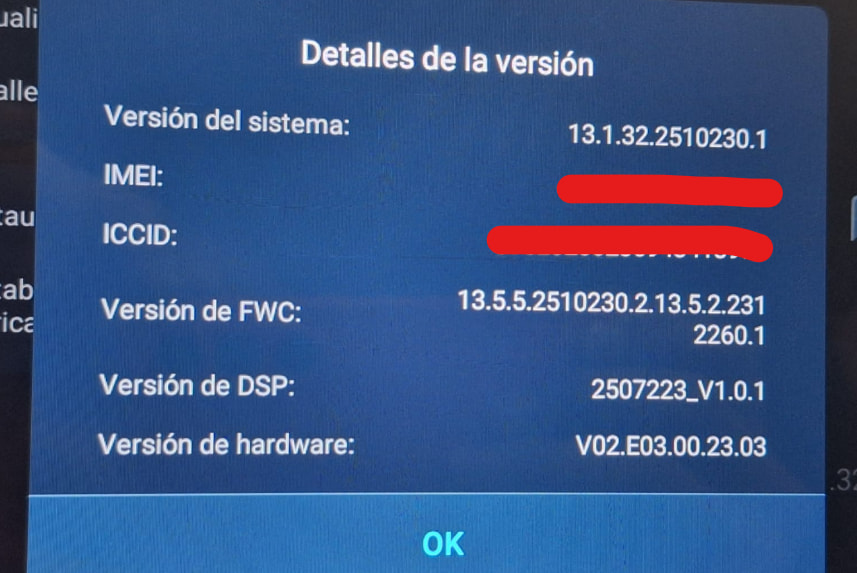
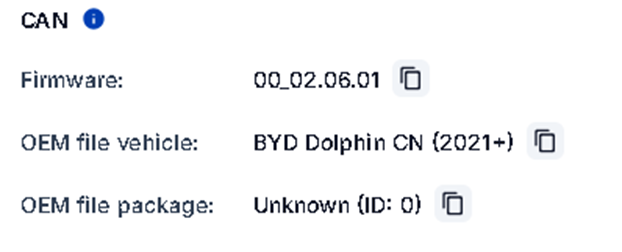
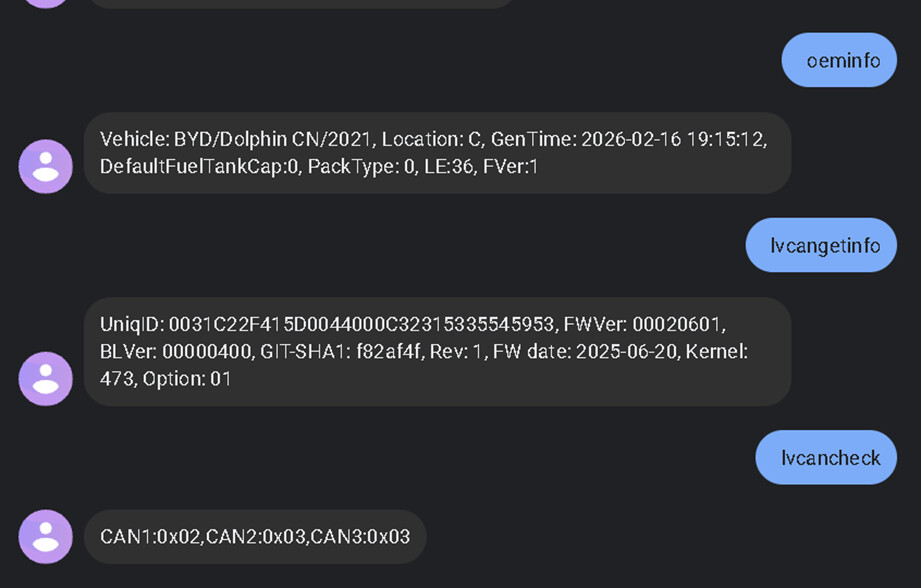
I am also attaching screenshots of the firmware and configurator version details.
Current Issue
Despite all of the above:
-
CAN data is not being received consistently or at all.
-
It is unclear whether:
-
A specific CAN profile is required,
-
Telemetry must be accessed via direct CAN or OBD,
-
A custom baud rate or manual CAN ID configuration is necessary,
-
Or if BYD uses a CAN gateway or bus isolation on this model that prevents direct access.
-
What I’m Looking to Clarify
-
Is CAN telemetry on the BYD Dolphin Mini accessible using the FMC150 directly?
-
Which CAN profile or baud rate should be used, if any?
-
Is an external CAN gateway or decoder required?
-
Are there known firmware, model-year, or regional limitations?
-
Any real-world experience with BYD EVs + Teltonika FMC150 would be very helpful.
Any technical guidance, documentation, or practical examples would be greatly appreciated.
Thank you in advance for your support.
BYD Software Version