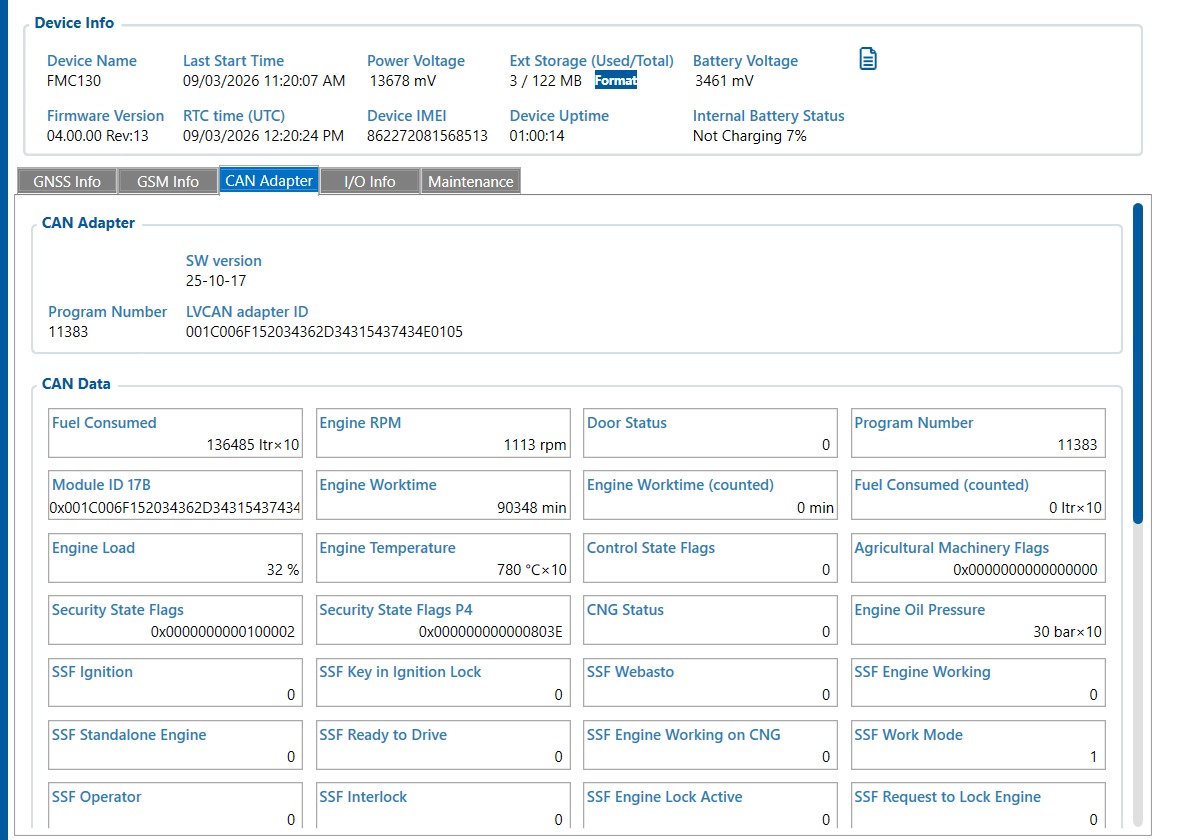
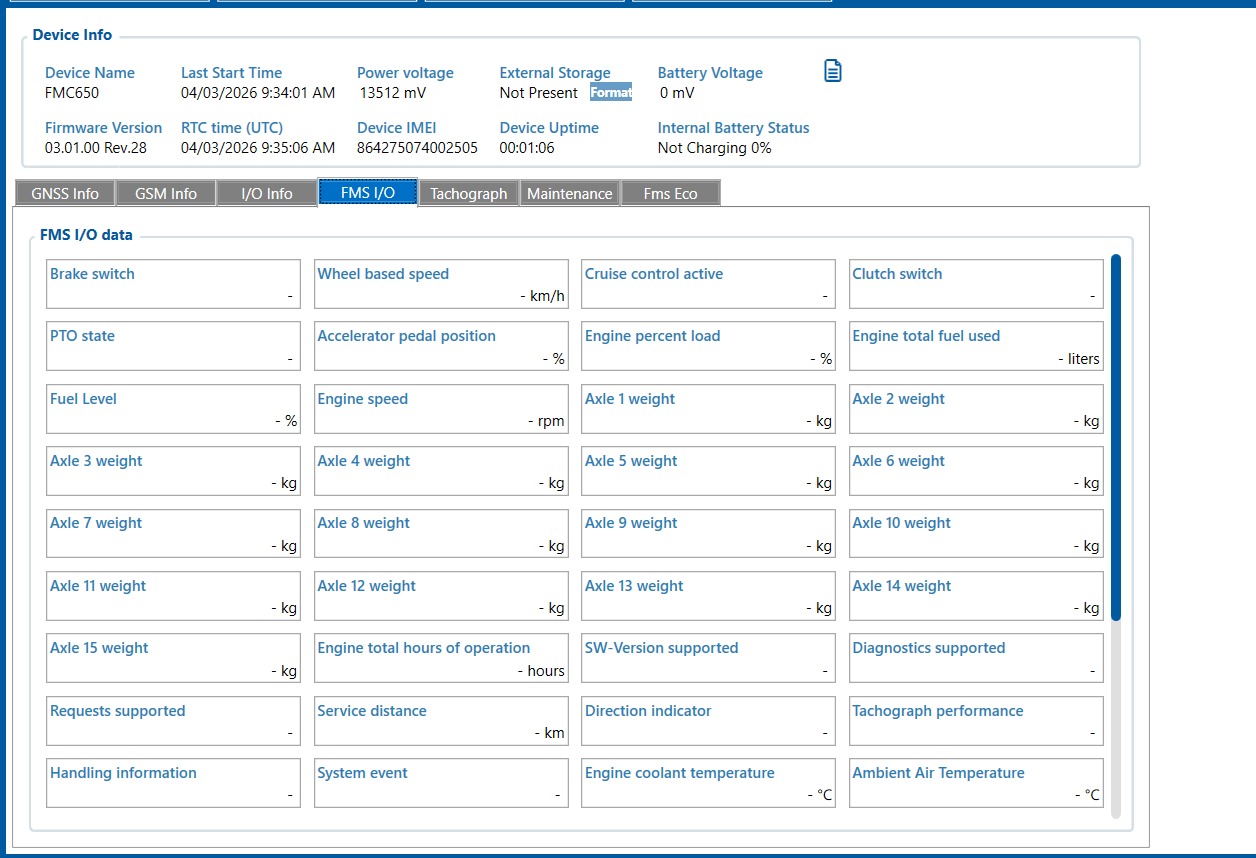
We are working with two Teltonika tracker models: FMC130 with LV-CAN adaptor and FMC650.
In FMC650 configurator, the CAN data appears under a tab called “FMS I/O”, while for FMC130 with LV-CAN, the data appears under “CAN Adaptor.”
Our understanding is that physically both devices connect to the same vehicle CAN-H and CAN-L wires.
Please clarify:
What is the functional difference between “FMS I/O” and “CAN Adaptor” in Teltonika devices?
Is the difference only in software naming, or does it reflect different data sources or decoding methods?
We have also noticed that in some vehicles the FMC130 + LV-CAN setup successfully reads parameters (such as RPM, mileage, etc.), while FMC650 connected to the same CAN lines does not show any data. What could be the reason.
I hope you are doing well. Please find below short descriptions related to your clarifications.
What is the functional difference between “FMS I/O” and “CAN Adaptor” in Teltonika devices? - FMS I/O and CAN Adapter Tabs could only be found on FMX650. Data transmitted on its Built-in CAN would appear on FMS I/O while data retrieve using external CAN Adapter such as LVCAN200 and ALLCAN300 would appear on CAN Adapter. FMC130 which does not have a Built-in CAN would receive CAN parameters using the CAN Adapter tab.
Is the difference only in software naming, or does it reflect different data sources or decoding methods? - FMS I/O supports J1939/J1708 protocols which can be found on Heavy Vehicles thus this CAN does not support light vehicles. On such cases, you can use the External CAN adapter LVCAN200/ALLCAN300.
We have also noticed that in some vehicles the FMC130 + LV-CAN setup successfully reads parameters (such as RPM, mileage, etc.), while FMC650 connected to the same CAN lines does not show any data. What could be the reason. - You might be testing a Light Vehicle, please test the FMC650 on heavy vehicles and you should be able to get parameters.