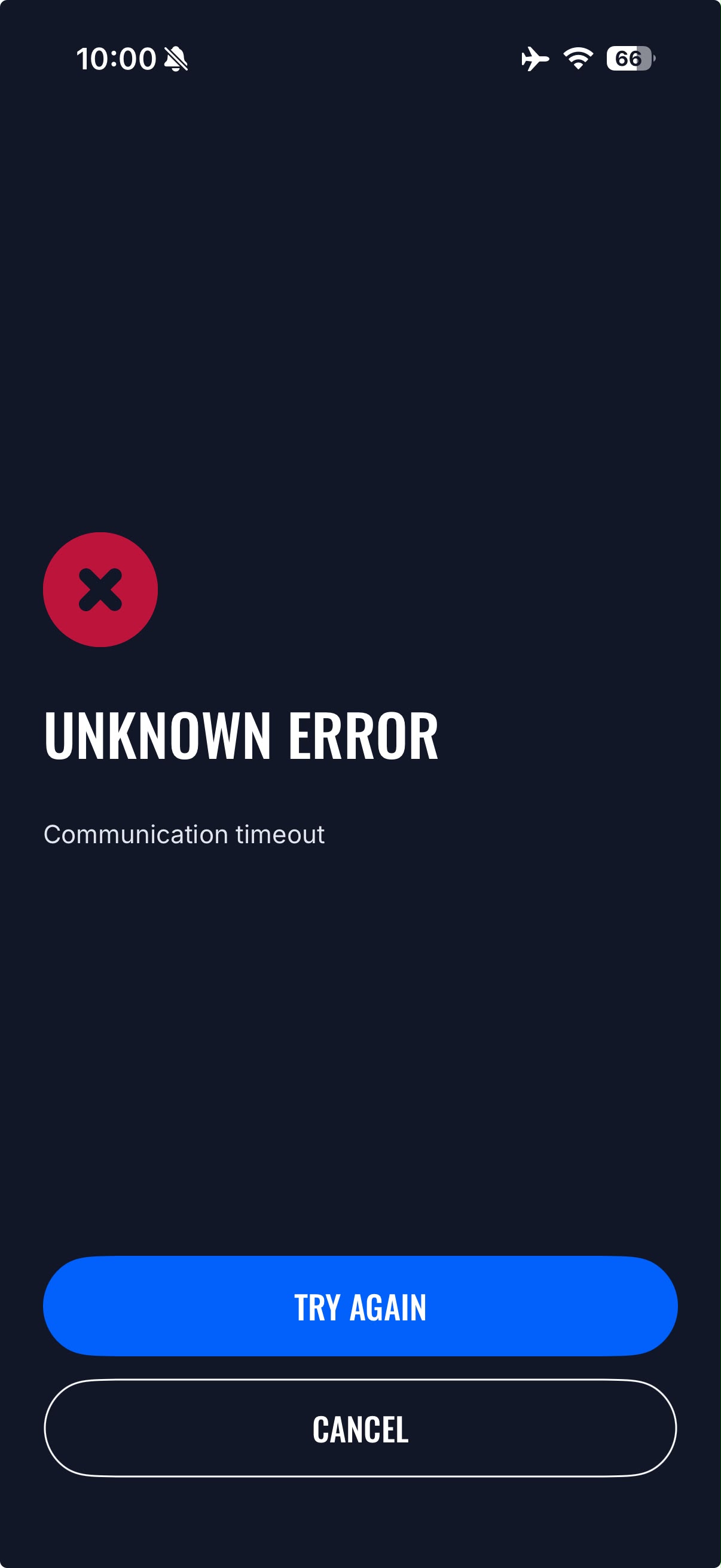
Hello Support,
I am configuring a Teltonika TeltoCharge EVC1310P1202 using the Teltonika Energy iPhone app.
The charger is discovered via Bluetooth, but after entering the Installer PIN, the app displays:
“Unknown error: Communication timeout.”
Because of this, I cannot access the installer menu to configure Wi-Fi and OCPP.
Could you please advise on the cause of this issue and the recommended solution?
Thank you.
Hello,
Thank you for contacting Teltonika Energy Support.
The “Unknown error: Communication timeout” message typically indicates that the charger and mobile application are unable to complete the Bluetooth communication process after the Installer PIN has been entered.
We recommend trying the following steps:
- Ensure you are standing close to the charger during the setup process (within a few meters).
- Force-close the Teltonika Energy app and reopen it.
- Disable and re-enable Bluetooth on the iPhone.
- Power-cycle the charger by disconnecting and reconnecting its power supply.
- Verify that you are using the latest version of the Teltonika Energy app available in the App Store.
- If possible, try connecting with a different mobile device to determine whether the issue is specific to the iPhone or the charger itself.
If the issue persists, please provide the following information:
- Charger serial number
- Current LED status of the charger
- iPhone model and iOS version
- Teltonika Energy app version
- A screenshot or screen recording of the error message
With this information, we will be able to investigate the issue further and provide more specific guidance.
Best regards,
Džiugas Teltonika