I have tried root and admin as usernames:
However, this continues to fail:
beedell.roke_julian_lockhart@beedell:~$ ssh admin@192.168.1.2
The authenticity of host '192.168.1.2 (192.168.1.2)' can't be established.
ED25519 key fingerprint is: SHA256:YXvZoX4ayv/wqfImdKocLcjOZK6ci6ZC8fXpCKHOQew
This key is not known by any other names.
Are you sure you want to continue connecting (yes/no/[fingerprint])? yes
Warning: Permanently added '192.168.1.2' (ED25519) to the list of known hosts.
admin@192.168.1.2's password:
Permission denied, please try again.
admin@192.168.1.2's password:
Permission denied, please try again.
admin@192.168.1.2's password:

beedell.roke_julian_lockhart@beedell:~$ ssh root@192.168.1.2
root@192.168.1.2's password:
Permission denied, please try again.
root@192.168.1.2's password:
Permission denied, please try again.
root@192.168.1.2's password:

beedell.roke_julian_lockhart@beedell:~$
…despite the password being accepted at https://192.168.1.2/login.
RUTX_R_00.07.07.1
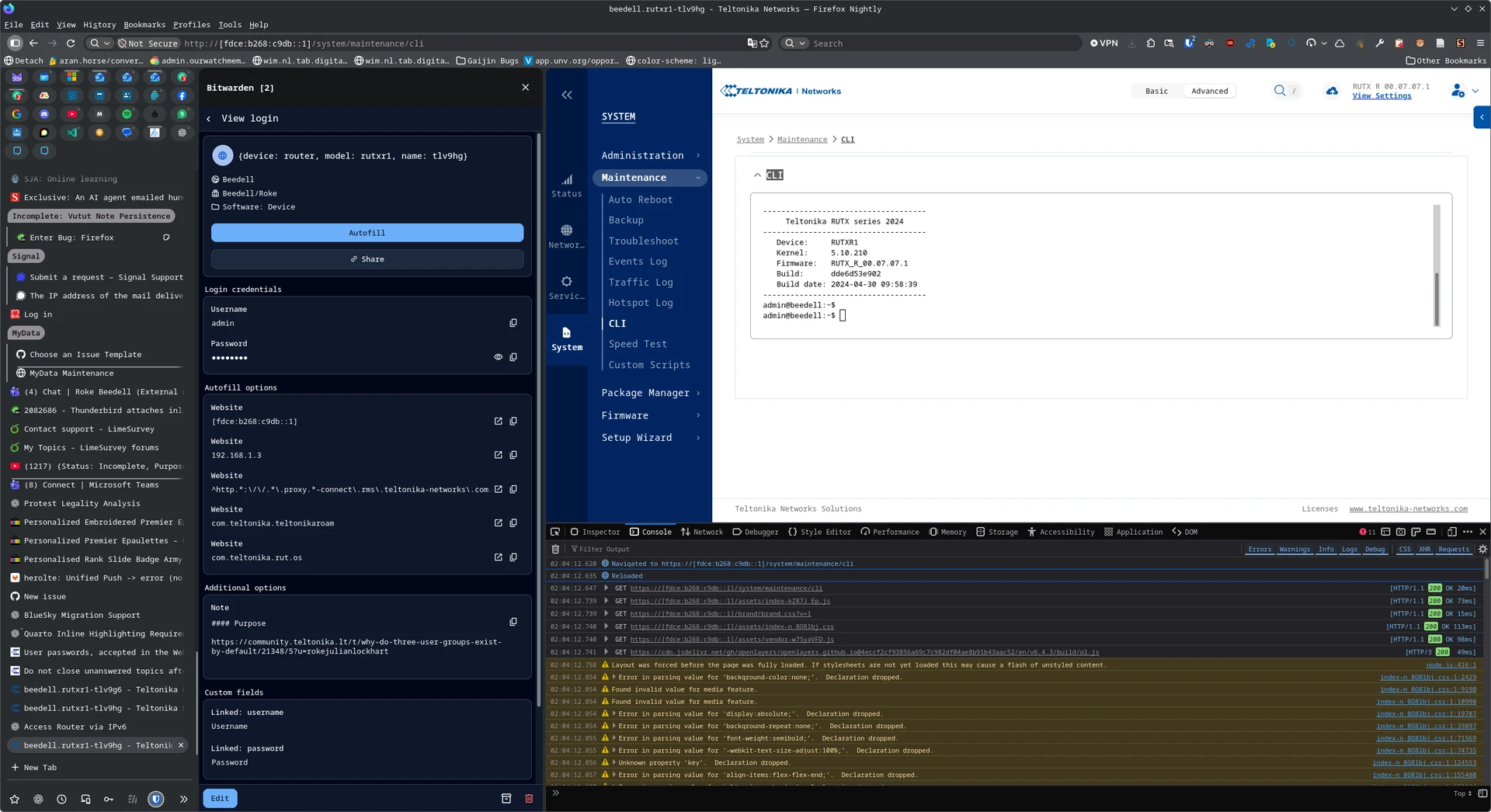
I have, since, resolved the problem of accessing the WebUI’s CLI, via:
opened 06:52PM - 20 Oct 26 UTC
<img width="828" height="532" alt="Image" src="https://github.com/user-attachmen… ts/assets/e2fe8690-9fab-466a-8be9-d1a6efd37c6c" />
#### My Environment
1. <p></p><details><p></p>
~~~python
#!/usr/bin/env python3
import rpm, yaml
from datetime import datetime, timezone
from shutil import which
package = which("firefox-nightly")
header = next(
rpm.TransactionSet().dbMatch(
"basenames",
package
)
)
tags = (
"NAME",
"VERSION",
"RELEASE",
"ARCH",
"INSTALLTIME",
"SIZE",
"SIGPGP",
"SOURCERPM",
"BUILDTIME",
"BUILDHOST",
"PACKAGER",
"VENDOR",
)
properties = {}
for name in tags:
value = header[
getattr(
rpm,
f"RPMTAG_{name}"
)
]
if name in (
"INSTALLTIME",
"BUILDTIME"
):
value = (
datetime.fromtimestamp(
value,
timezone.utc
)
.isoformat(timespec="seconds")
.replace(
"+00:00",
"Z"
)
)
properties[name] = value
print(
yaml.safe_dump(
properties,
sort_keys=False,
default_flow_style=False,
)
)
~~~
<p></p></details><p></p>
1. <blockquote>
~~~YAML
NAME: firefox-nightly
VERSION: 160.0a1
RELEASE: '20261020095929'
ARCH: x86_64
INSTALLTIME: '2026-10-20T16:52:53Z'
SIZE: 412788177
SIGPGP: null
SOURCERPM: firefox-nightly-160.0a1-20261020095929.src.rpm
BUILDTIME: '2026-10-20T12:09:09Z'
BUILDHOST: 4d0c7647d21f
PACKAGER: null
VENDOR: Mozilla
~~~
</blockquote>
…and utilising its IPV6 address:
…although this solely works via HTTP, rather than HTTPS (disable “Redirect to HTTPS”). Consequently, I am able to confirm that the password works via http://[fdce:b268:c9db::1]/system/maintenance/cli
…but still not via SSH:
beedell.roke_julian_lockhart@beedell:~$ ssh admin@fdce:b268:c9db::1
The authenticity of host 'fdce:b268:c9db::1 (fdce:b268:c9db::1)' can't be established.
ED25519 key fingerprint is: SHA256:3K++lHxr7g7OzOLfJguWbZ+49n7FMbM+bQZYIji8zuU
This key is not known by any other names.
Are you sure you want to continue connecting (yes/no/[fingerprint])? yes
Warning: Permanently added 'fdce:b268:c9db::1' (ED25519) to the list of known hosts.
admin@fdce:b268:c9db::1's password:
Permission denied, please try again.
Consequently, it appears to solely affect SSH.
vogon
November 2, 2026, 2:17am
3
ssh -6 root@fdce:b268:c9db::1
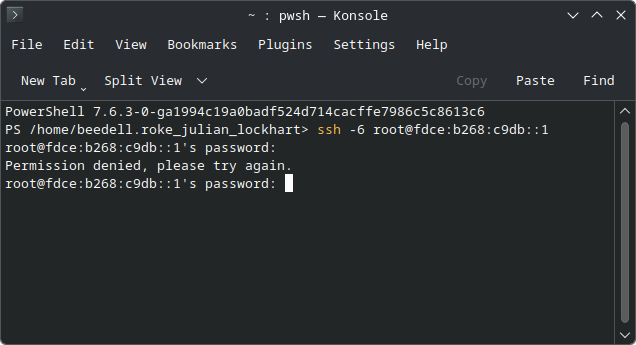
@vogon , that appears no different:
PowerShell 7.6.3-0-ga1994c19a0badf524d714cacffe7986c5c8613c6
PS /home/beedell.roke_julian_lockhart> ssh -6 root@fdce:b268:c9db::1
root@fdce:b268:c9db::1's password:
Permission denied, please try again.
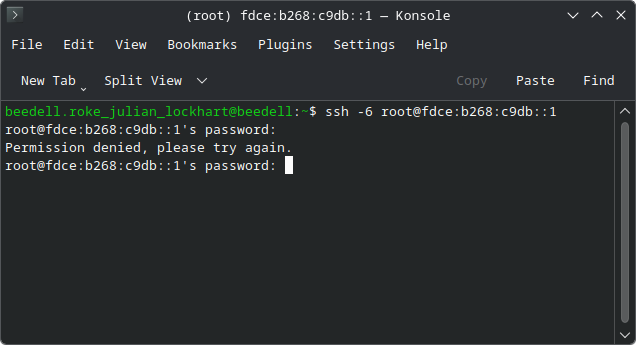
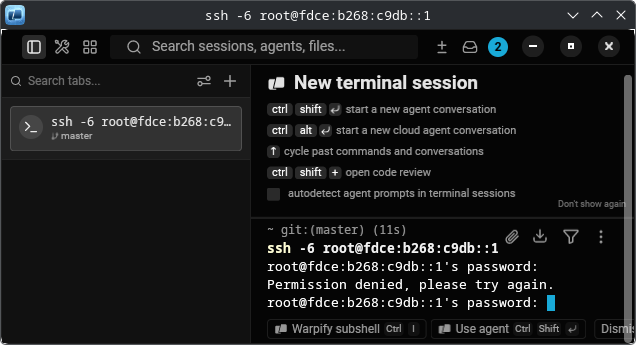
I’ve tried Control + Control + Control , and “Copy” → “Paste”, to no avail. It persists across shells and terminal emulators:
opened 07:05PM - 18 Aug 26 UTC
closed 09:37PM - 23 Aug 26 UTC
new
### Name of the software
Warp Terminal Preview
### Describe the Package
Obser… ve what [`pull/15270#issuecomment-5332594348`](https://github.com/terrapkg/packages/pull/15270#issuecomment-5332594348) describes.
### Upstream
- #### Its Website
[`warp.dev`](https://www.warp.dev/)
- #### Its Source
[`warpDotDev/warp`](https://github.com/warpdotdev/warp)
Why that flag, and the superuser username, instead?
vogon
November 2, 2026, 2:54am
5
Sorry but I have no idea I use Linux / bash.
ssh -6 tells ssh to use a numeric IPv6 address not some malformed name.
And by default the account in use by sshd is root, so you have to specify it if your username is not root on the remote system.
@vogon , now that I’ve tried SSH keys:
…which I did to narrow the problem to solely pasting passwords, I have noticed that it doesn’t appear to require that flag:
PS /home/beedell.roke_julian_lockhart> $Env:SSH_AUTH_SOCK = Join-Path $HOME '.var/app/com.bitwarden.desktop/data/.bitwarden-ssh-agent.sock'
PS /home/beedell.roke_julian_lockhart> Test-Path -LiteralPath $Env:SSH_AUTH_SOCK
True
PS /home/beedell.roke_julian_lockhart>
PS /home/beedell.roke_julian_lockhart> ssh-add -L
ssh-ed25519 AAAAC3NzaC1lZDI1NTE5AAAAIBjyrE3SKDrUuZfJw67H/owkf1+i2rnV6RAL/6zRXHQ0 http://192.168.1.2/system/admin/access_control/general#dropbear;firewall;uhttpd;cli;telnetd;rpcd.dropbear.general.general_ssh_keys:~:text=on-,Public%20keys,-WebUI
ssh-ed25519 AAAAC3NzaC1lZDI1NTE5AAAAIGVTGMg+4oIUg1vsFz6sqIRb0QEHPANp1pXMsNUNuokt http://[fdce:b268:c9db::1]/system/admin/access_control/general#dropbear;firewall;uhttpd;cli;telnetd;rpcd.dropbear.general.general_ssh_keys:~:text=on-,Public%20keys,-WebUI
PS /home/beedell.roke_julian_lockhart> ssh root@fdce:b268:c9db::1


BusyBox v1.34.1 (2024-04-29 07:31:19 UTC) built-in shell (ash)

    ____        _    ___  ____
   |  _ \ _   _| |_ / _ \/ ___|
   | |_) | | | | __| | | \___ \
   |  _ <| |_| | |_| |_| |___) |
   |_| \_\\__,_|\__|\___/|____/
------------------------------------
     Teltonika RUTX series 2024
------------------------------------
   Device:     RUTXR1
   Kernel:     5.10.210
   Firmware:   RUTX_R_00.07.07.1
   Build:      dde6d53e902
   Build date: 2024-04-30 09:58:39
------------------------------------
root@beedell:~#
…so it may have been a temporary compatibility shim.
Oh, well. I’m still a little annoyed that I’ve not resolved this:
…but SSH key-files work much better, anyway, so I suppose that this was positive, in the end! Thanks for the assistance.