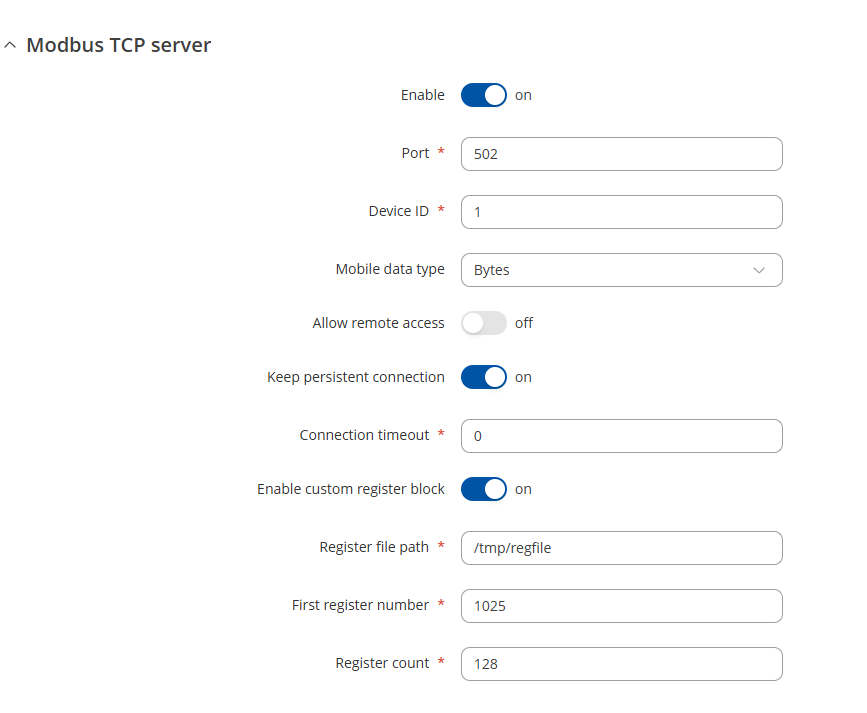
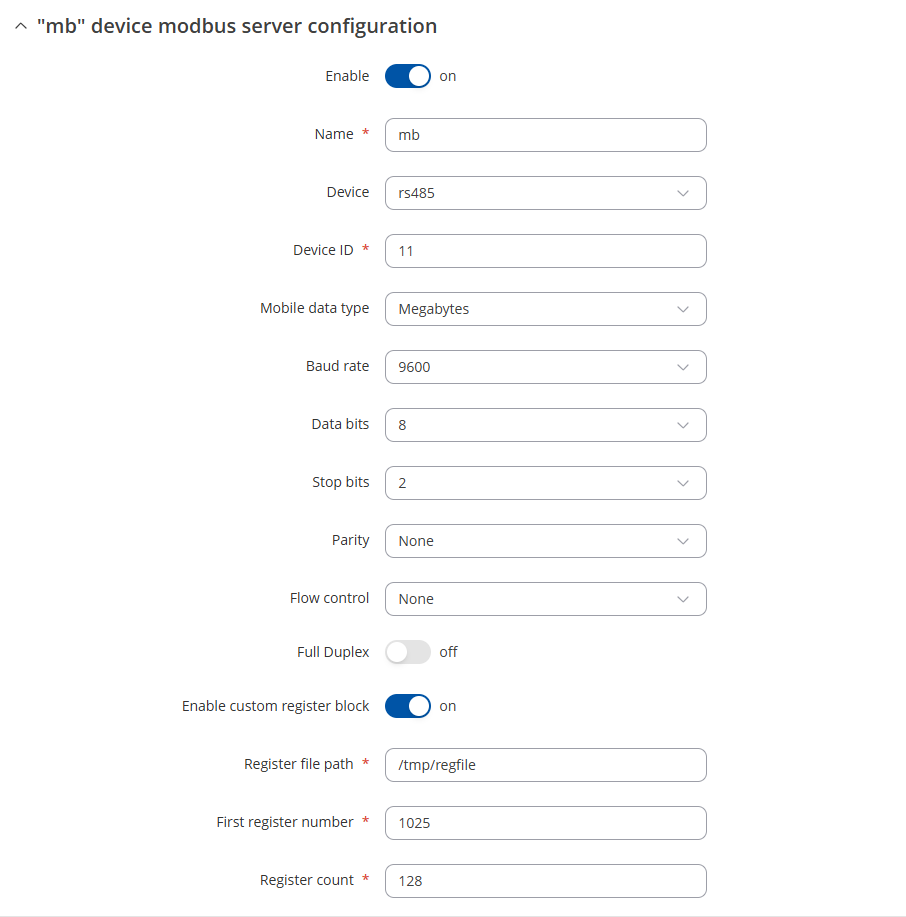
I share /tmp/regfile, because I have external serial client which feeds data to TRB, then i have TCP client on TRB which reads data from TCP server. This data are used for data to server MQTT.
Data flow
PLC >>> modbus serial >>> TRB Serial server >>> TRB TCP server >>> TRB TCP client >>> Data to server via MQTT
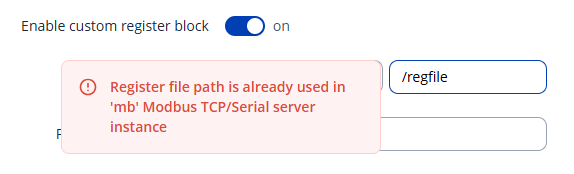
I have now new TRB246 with fw v7.17.1. It is different and is not allowing me to use /tmp/regfile on both servers.
Coming back to you with a response from our R&D. There was a decision made to go from 1 Global custom block to separate ones, which is why you’re unable to set the same regfile on a few different services. If this is necessary for your setup, you can access your device SSH by following this guide: Command Line Interfaces - Teltonika Networks Wiki
Afterwards, you can enter the command vi /etc/config/modbus_server and press the i button on your keyboard to begin editing the file. You can then manually enter the regfile location into each one of your servers and save by pressing ESC key on your keyboard, and entering :wq to save.
Additionally, I’d like to inquire - wouldn’t Modbus Serial → MQTT work with your setup as well?