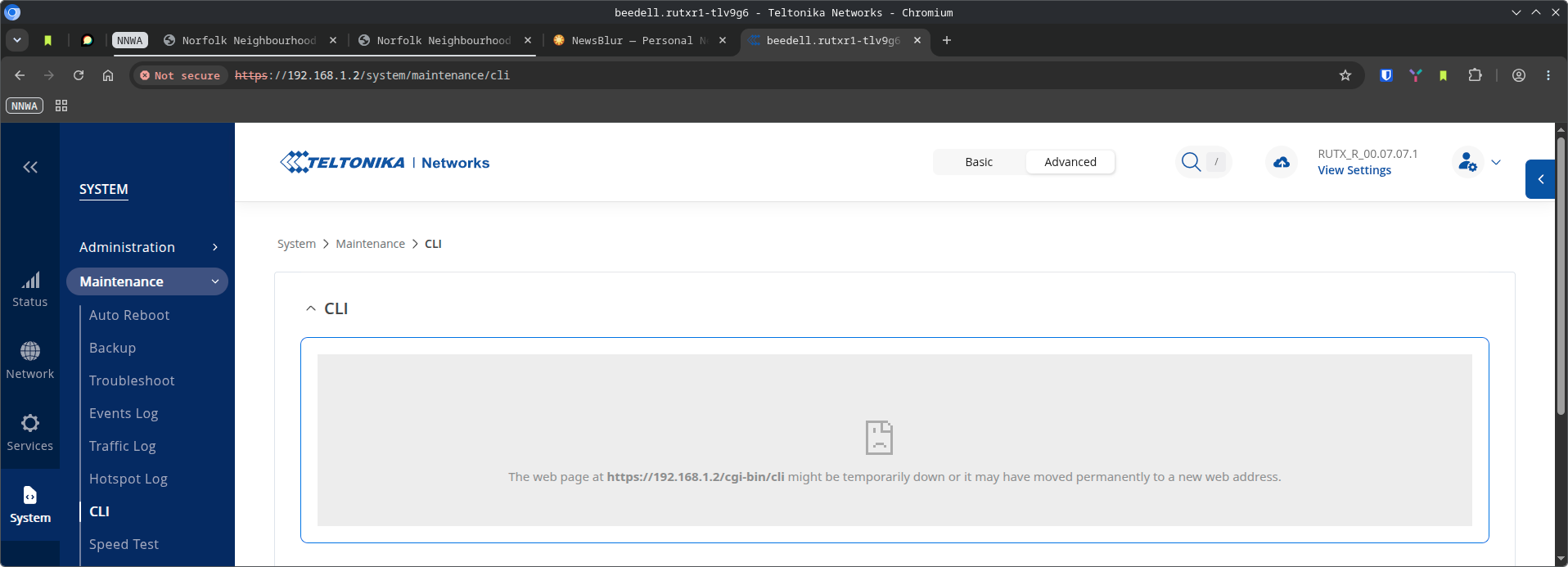
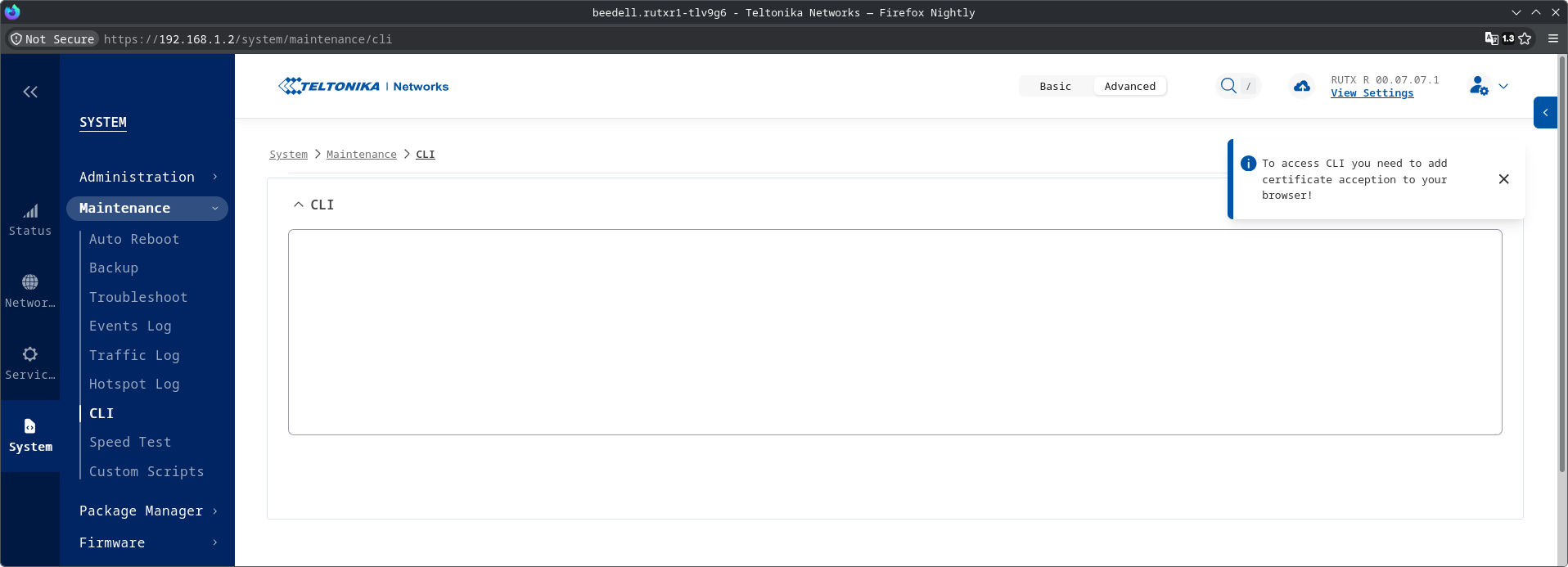
I still need an answer to this, and I’m disincentivised from posting here if it becomes impossible to answer after what appears to be an arbitrary timespan having elapsed. I can’t fathom why this might be desirable.
Similarly, no solution to the undermentioned works for me:
@vogon, indeed; it’s been a slog. However, I thank my lucky stars for GPTs, because I’ve had an LLM save me from having to research this for the next week, by taking me through the empirical diagnostic process. It’s been incredible:
You were very much on the right track, but you hadn’t considered that someone would be so stupid as to accidentally disable the DHCPv6 server on their AP…
At least that gets this thread back on track! I can utilise SSH via keys, and access my APs via IPv6, now. I’m very satisfied with that.
First of all, apologies for any inconvenience this may have caused. We have disabled the automatic closing of topics after a few weeks of inactivity, so you should no longer encounter this issue.
Regarding your question about accessing Teltonika devices using an IPv6 address, there are a few ways to find the device’s IPv6 address.
1. Using Windows CMD
If your for example Windows PC is connected to a Teltonika device, open Command Prompt (CMD) and execute:
ipconfig
Look for the Default Gateway address. Depending on your network configuration, both IPv4 and IPv6 addresses may be displayed. In some cases, however, only the IPv4 gateway address will be listed.
2. Using the device CLI
If the IPv6 address is not displayed in CMD, you can access the device CLI either through the WebUI or via SSH and execute the following command:
ip -6 a show dev br-lan
This will display the IPv6 addresses assigned to the LAN interface. The address should look something like this:
fd9e:52fa:bf85::1/60
3. Accessing the WebUI using IPv6
To access the device’s WebUI, enter the IPv6 address in your browser’s address bar using the following format:
http://[fd9e:52fa:bf85::1]
Please note that the /60 prefix length should be omitted when entering the address in your browser.
I hope this helps! If you have any further questions or run into any issues, please don’t hesitate to let us know.